Web app

Save ChatGPT history to Evernote
Save ChatGPT conversations to Evernote with a browser extension. It allows one-click saving and batch saving of chat history.
- Platform
- Web app
- Categories
- AI Notes Assistant, AI Documents Assistant
- Indexed
- 2024-02-19
About Save ChatGPT history to Evernote
What is Save ChatGPT to Evernote
Save ChatGPT to Evernote is a browser extension that simplifies saving your ChatGPT conversations to Evernote. With just one click, you can store your chats and access them later in Evernote. The tool is designed for users who want to keep a record of their AI interactions without manual copy-pasting.
Key features
The extension offers a simple save interface: click the plugin icon, optionally customize the title and tags, then click 'Save' to store the conversation. It also includes a batch save feature that allows you to save your entire ChatGPT history to Evernote at once. After saving, you can view your conversations directly in Evernote.
Use cases
This tool is useful for researchers, writers, and professionals who regularly use ChatGPT and want to organize their conversations for future reference. It is also helpful for anyone who wants to back up their chat history or share it with others via Evernote.
Pricing
The extension offers several pricing plans. The Basic Package costs $3.9 per month and includes up to 200 saves per month with support response within 36 hours. A $4.9 per month plan offers unlimited saves and support within 24 hours. There are also yearly plans: $5.9 per year for unlimited saves and 24-hour support, $39.9 per year for unlimited saves and 24-hour support, and $43.9 per year for unlimited saves, batch save, and 24-hour support.
Questions
Save ChatGPT history to Evernote FAQ
- What is Save ChatGPT history to Evernote?
- Save ChatGPT history to Evernote is an AI tool available as a web app in the AI Notes Assistant, AI Documents Assistant categories. Save ChatGPT conversations to Evernote with a browser extension. It allows one-click saving and batch saving of chat history.
- What is Save ChatGPT history to Evernote used for?
- Save ChatGPT history to Evernote is filed under AI Notes Assistant, AI Documents Assistant in the AITOOLIST index. Save ChatGPT conversations to Evernote with a browser extension. It allows one-click saving and batch saving of chat history.
- Is Save ChatGPT history to Evernote a web app, an extension or a native app?
- Save ChatGPT history to Evernote is a web app.
Listed in the AITOOLIST index since 2024-02-19.
Related
Tools similar to Save ChatGPT history to Evernote

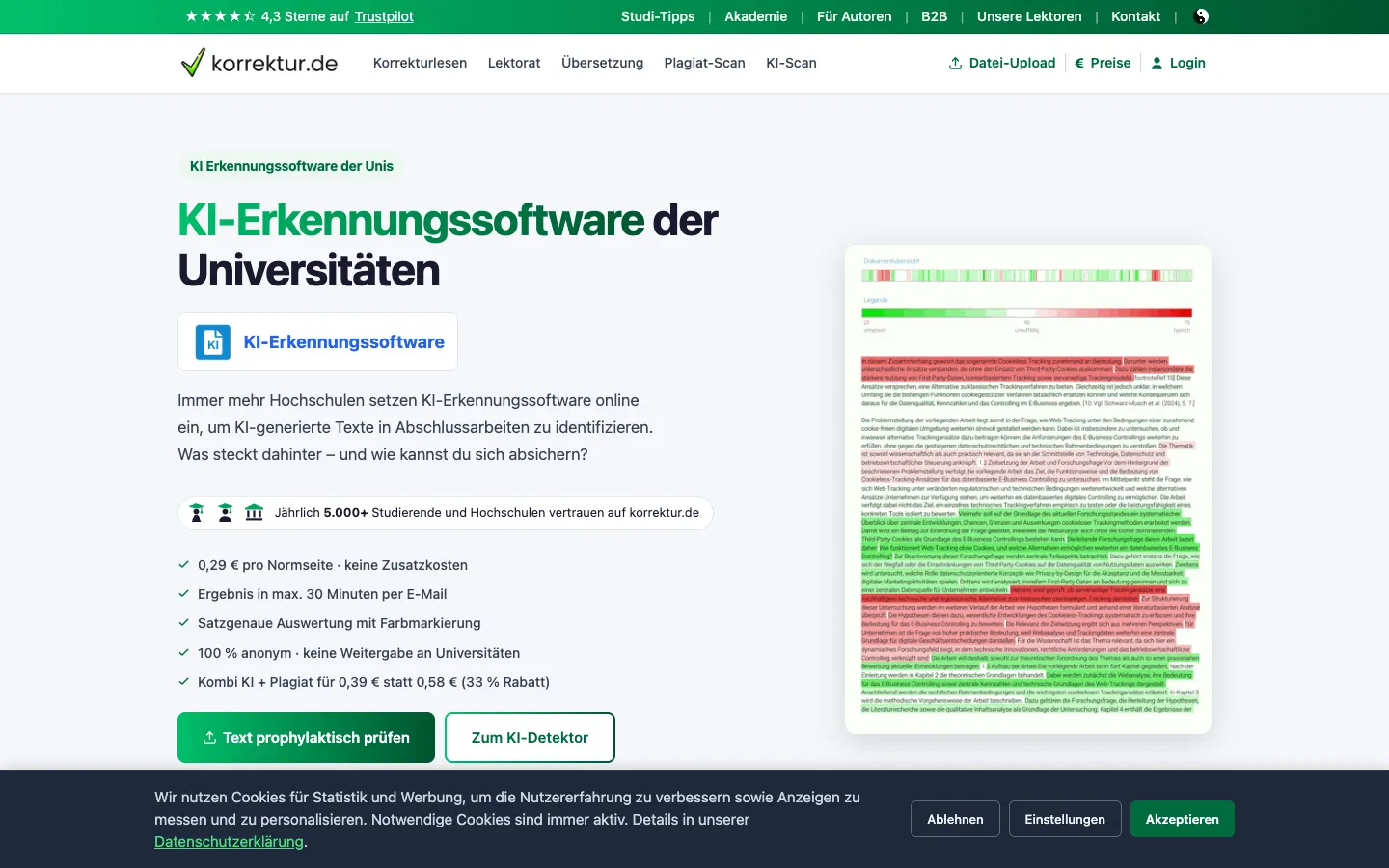
Studyshift is a German-language AI detection tool that checks texts for AI-generated content. It is aimed at students who want to verify their work before submission.
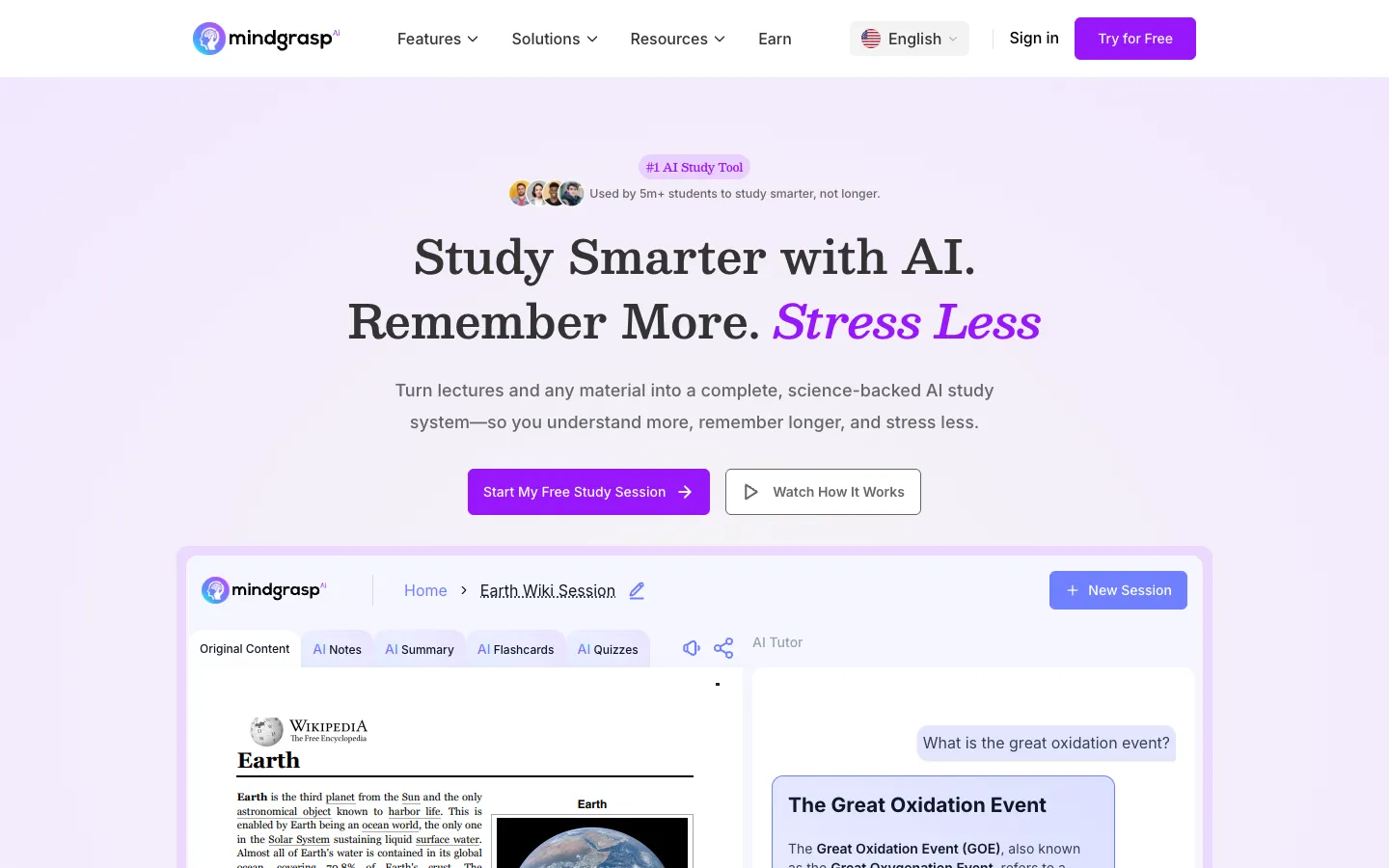
Mindgrasp is an AI study tool that turns lectures, PDFs, videos, and other materials into notes, summaries, flashcards, quizzes, and an AI tutor. It is designed for students, self-learners, educators, and professionals to enhance learning efficiency.

MindPal lets experts turn their knowledge into AI agents and multi-agent workflows. It is for coaches, consultants, course creators, and community operators who want to scale their services.


Physician UX is an AI medical scribe platform that helps clinicians document patient visits faster and reduce administrative burden. It is designed for healthcare providers, clinics, and medical organizations.

Chunk is an AI research assistant that lets users chat with AI models like GPT, Claude, and Gemini using their own notes, PDFs, and videos. It is designed for students, researchers, professionals, and writers who need cited answers and document analysis.


ContextClue is an AI-driven knowledge management platform for industrial engineering teams. It transforms CAD files, ERP data, and planning exports into structured knowledge graphs for smarter spare parts planning, maintenance, and digital twin operations.