Web app

Expense Sorted
Expense Sorted Local is a desktop app that categorizes bank CSV exports using local AI and connects to AI agents like Claude, ChatGPT, and Cursor. It is designed for individuals who want private, offline expense management and financial insights.
- Platform
- Web app
- Categories
- AI Accounting Assistant, AI Image Recognition
- Indexed
- 2024-02-19
About Expense Sorted
What is Expense Sorted Local
Expense Sorted Local is a desktop application for macOS and Windows that lets you import bank CSV files and automatically categorize every transaction. It uses a small machine-learning model on your machine to learn your merchants and categorize consistently. The tool is designed to work with AI agents such as Claude, ChatGPT, and Cursor, allowing you to ask questions about your spending and build dashboards. All data stays on your computer, ensuring privacy and offline access.
Key features
The app offers automatic transaction categorization using smart rules and local AI. It includes a local database for storing transactions, which you can back up or move. It connects to AI agents like Claude, ChatGPT, and Cursor, enabling them to import, categorize, and answer questions about your spending. With Local Pro, you get advanced features like semantic search and MCP tools for your AI agent. The app is available as a desktop application for macOS and Windows.
Use cases
Expense Sorted Local is useful for individuals who want to understand their spending habits without uploading financial data to the cloud. It can help you calculate your emergency fund runway by analyzing your savings and monthly expenses. The tool also supports investment tracking by importing broker statements. By connecting to AI agents, you can ask questions like "where did my money go?" and get answers based on a complete, categorized database.
Pricing
Expense Sorted Local offers a 14-day free trial of Local Pro, which requires no credit card. After the trial, Local Pro costs a one-time payment of $49 for a lifetime license. This includes local AI categorization, semantic search, and Pro tools for your AI agent. There is also a free alternative: a Google Sheets template with customizable formulas, which requires a 3-minute setup and no installation.
Questions
Expense Sorted FAQ
- What is Expense Sorted?
- Expense Sorted is an AI tool available as a web app in the AI Accounting Assistant, AI Image Recognition categories. Expense Sorted Local is a desktop app that categorizes bank CSV exports using local AI and connects to AI agents like Claude, ChatGPT, and Cursor. It is designed for individuals who want private, offline expense management and financial insights.
- What is Expense Sorted used for?
- Expense Sorted is filed under AI Accounting Assistant, AI Image Recognition in the AITOOLIST index. Expense Sorted Local is a desktop app that categorizes bank CSV exports using local AI and connects to AI agents like Claude, ChatGPT, and Cursor. It is designed for individuals who want private, offline expense management and financial insights.
- Is Expense Sorted a web app, an extension or a native app?
- Expense Sorted is a web app.
Listed in the AITOOLIST index since 2024-02-19.
Related
Tools similar to Expense Sorted

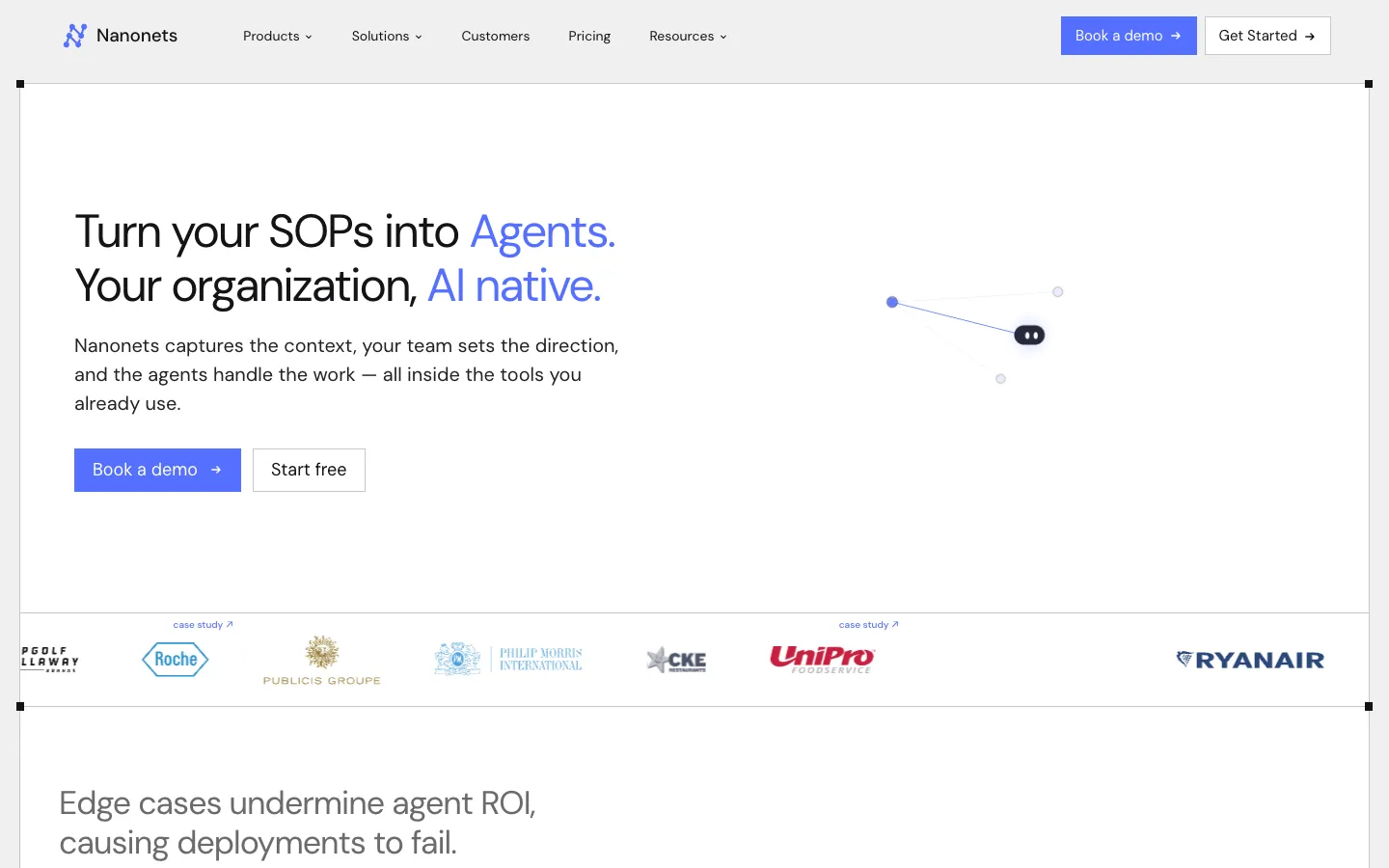
Nanonets is an AI agent platform that automates document-heavy processes like invoice processing, order management, and claims processing. It is designed for large enterprises and integrates with systems like SAP and Salesforce.

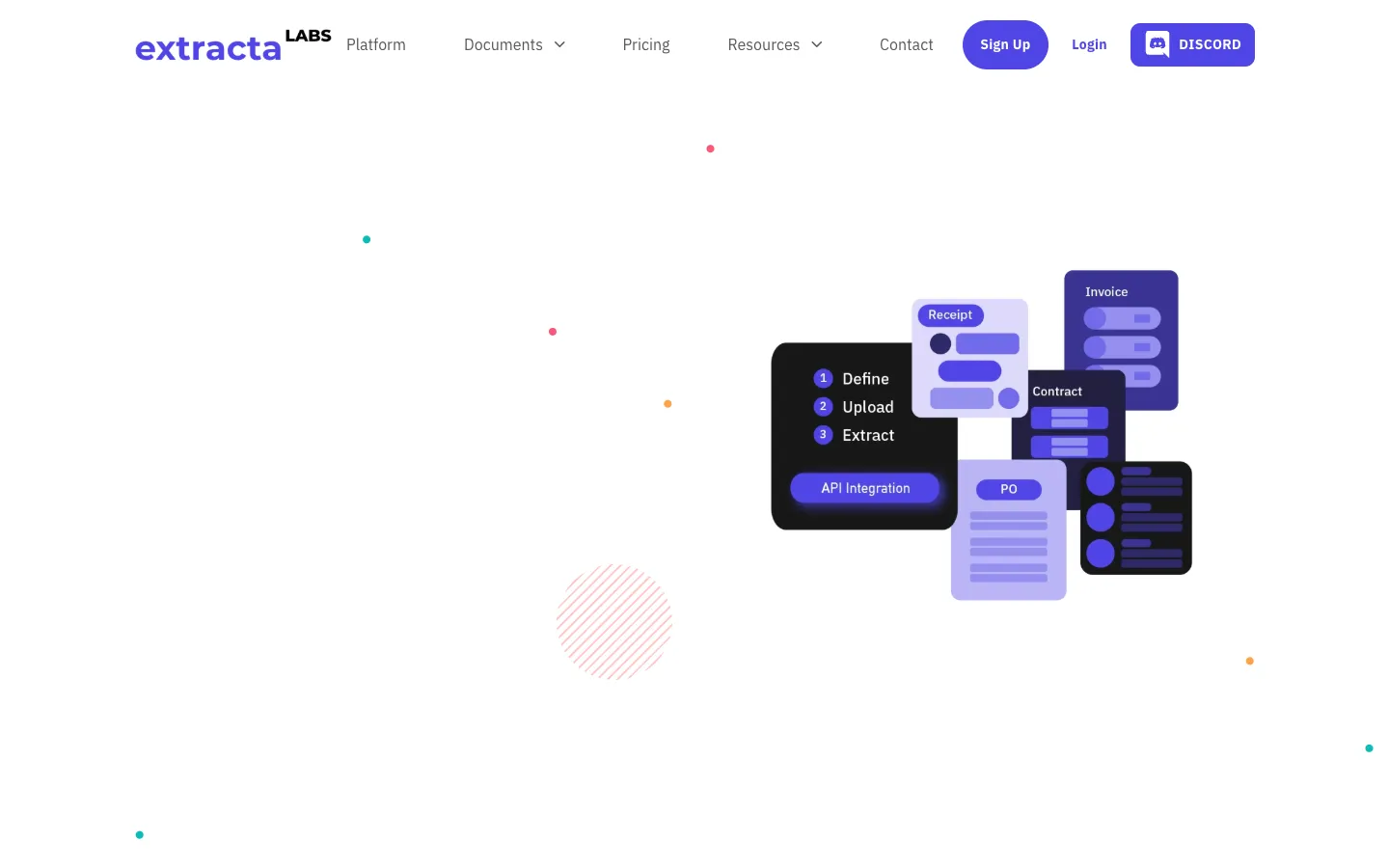
Extracta.ai is an AI-powered tool that extracts structured data from documents, images, and scans. It is designed for businesses and individuals who need to automate data extraction from invoices, resumes, legal documents, and more.

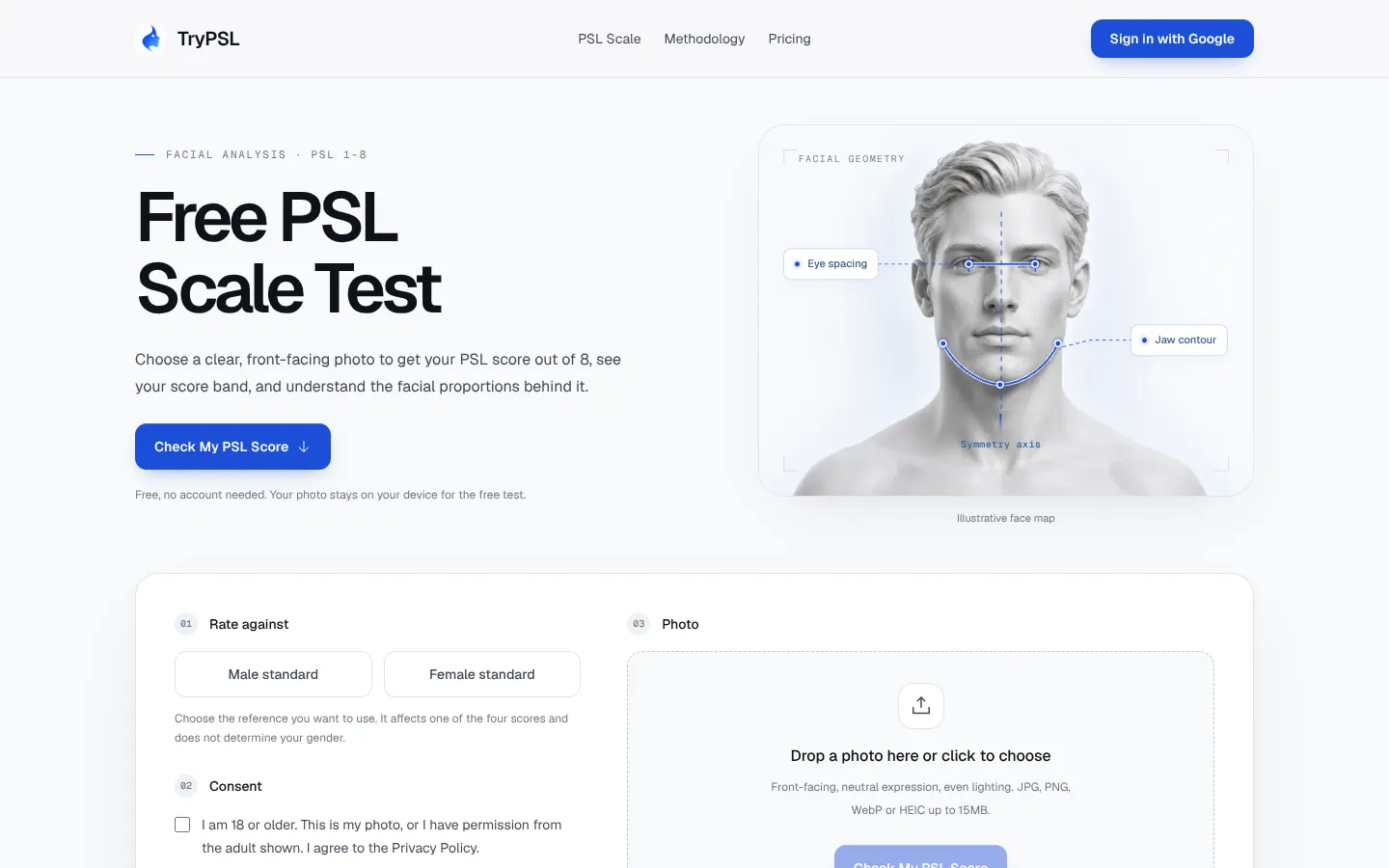
TryPSL is a free web tool that estimates a PSL score out of 8 from a front-facing photo. It is aimed at people curious about the informal PSL rating scale and the facial proportions behind their score.
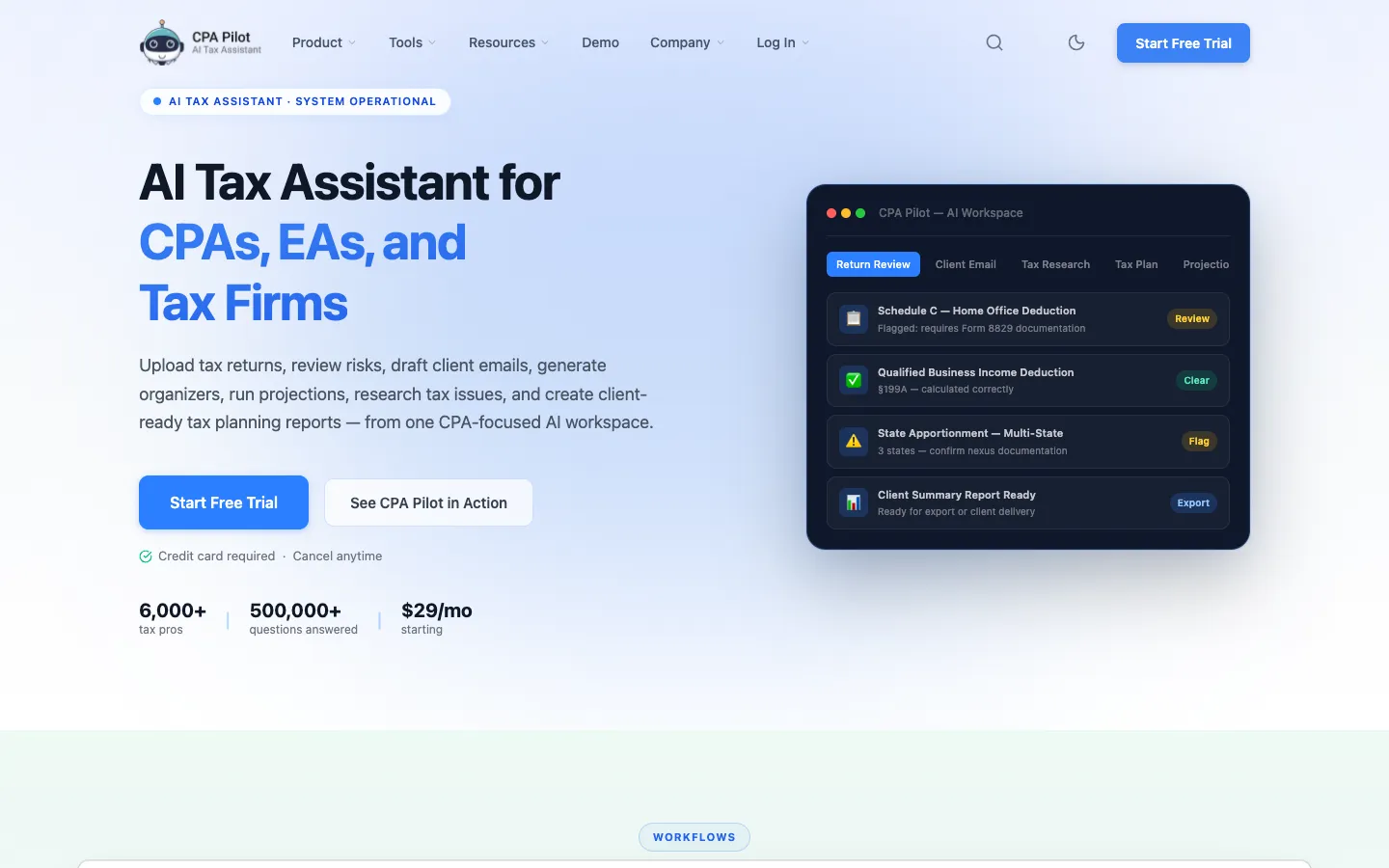
CPA Pilot is an AI-powered tax assistant designed for CPAs, EAs, and tax firms in the U.S. It automates tax planning, research, return review, and client communication tasks.
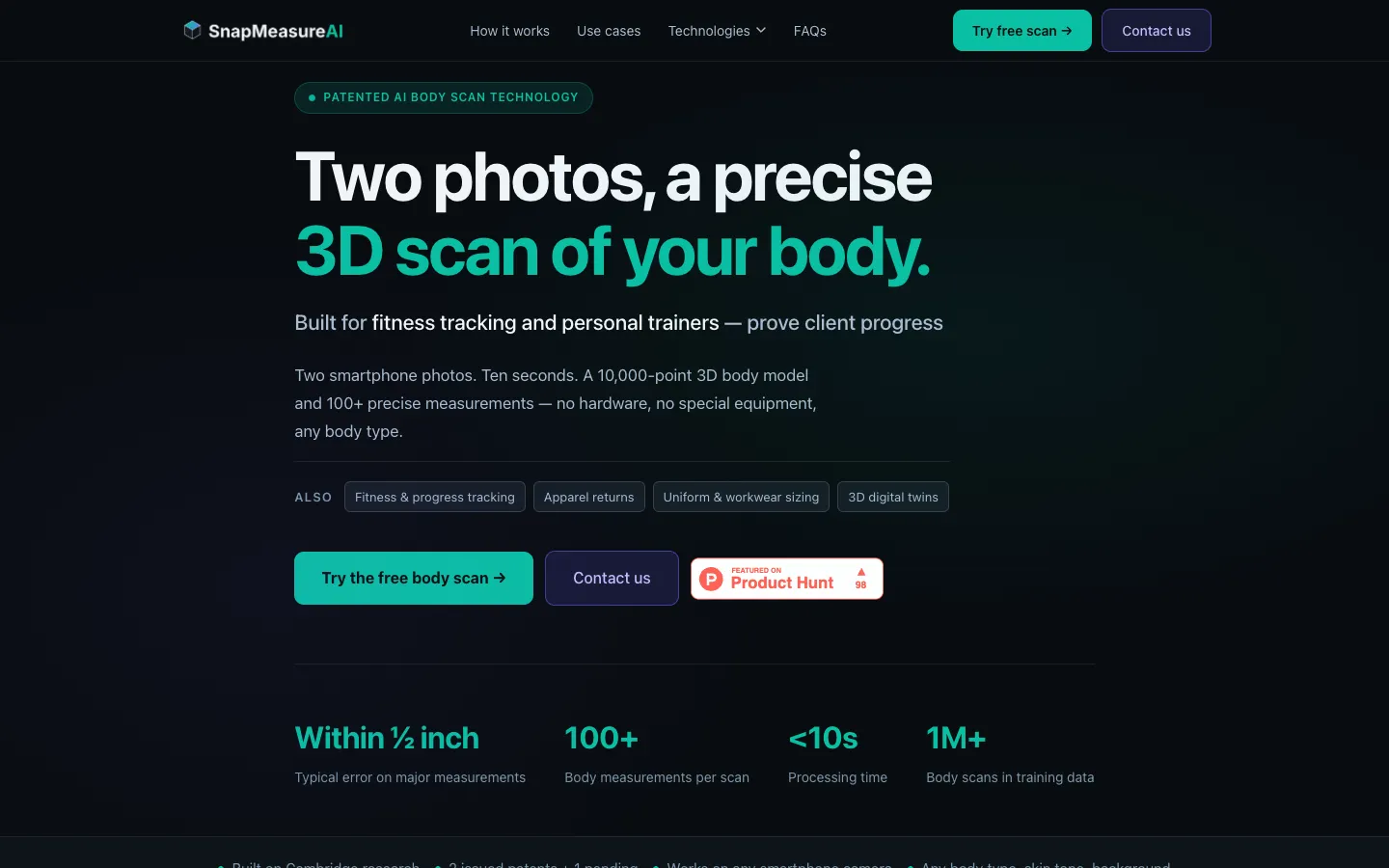
SnapMeasureAI creates a 3D body model from two smartphone photos, providing over 100 measurements in 10 seconds. It is used for GLP-1 weight loss tracking, fitness progress, apparel sizing, and digital twins.

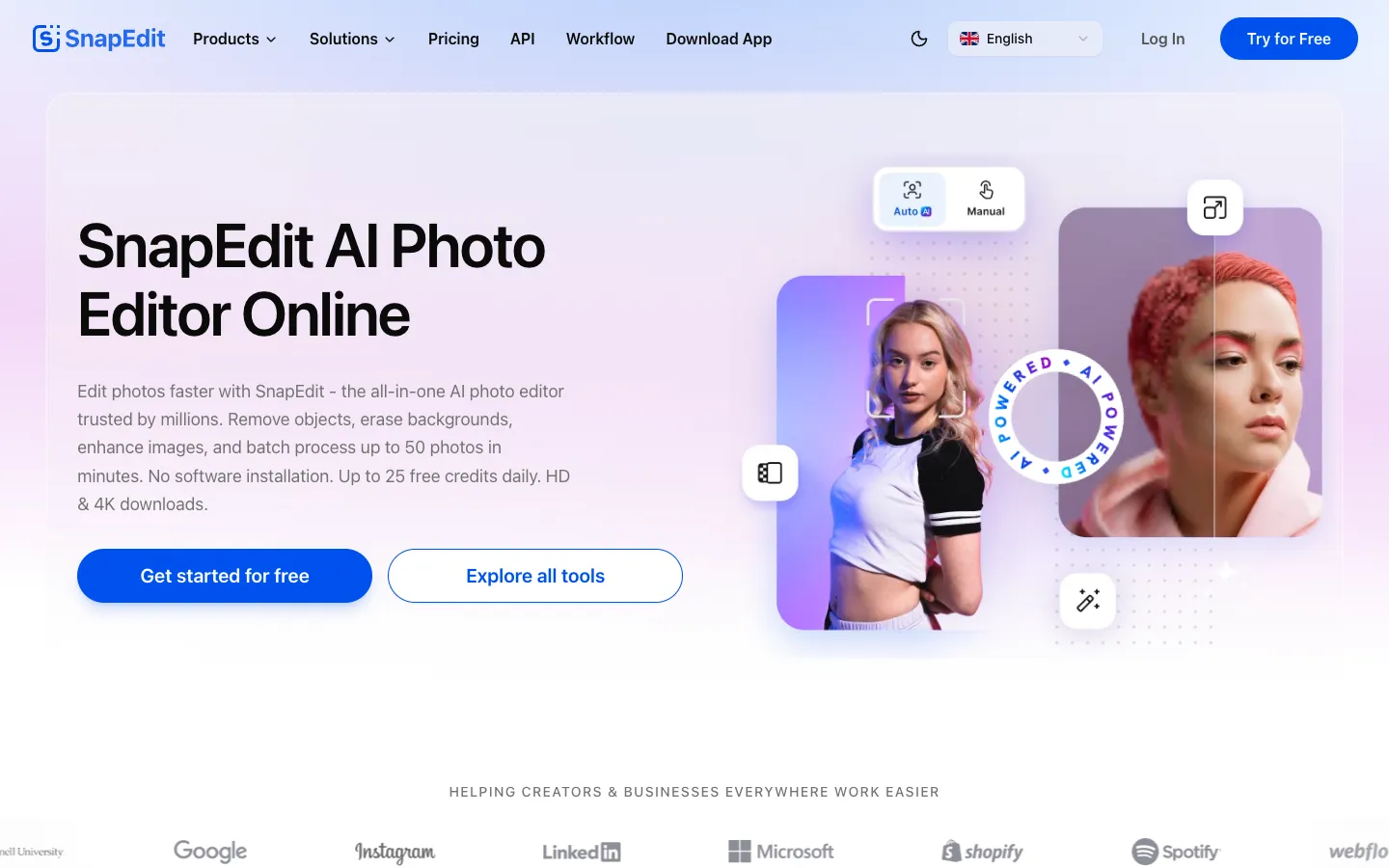
SnapEdit is an AI-powered photo editor that offers over 25 tools for removing objects, backgrounds, text, and wires, enhancing images to HD/4K, and retouching skin. It is designed for creators, businesses, and everyday users who want to edit photos quickly without needing professional skills.