Web app

VoiceBar
VoiceBar is a macOS utility that lets users dictate, ask, and save information by holding a key. It works across all apps and provides a searchable library of saved content.
- Platform
- Web app
- Categories
- Text-to-Speech
- Indexed
- 2024-04-04
About VoiceBar
What is VoiceBar
VoiceBar is a voice layer for macOS that allows users to hold one key to dictate, ask, save, and find information. It is not just a dictation app but a system-wide tool that integrates with any application. Users can dictate into any app, ask questions about content on their screen, and save important information. Everything said is stored in a Library, which can be queried later with answers cited from saved sources and read aloud.
Key features
VoiceBar offers context-aware dictation that adapts to the field where the cursor is, writing in the appropriate style for the app. It works everywhere without requiring integrations or plugins, as it sits above the desktop. For developers, it can generate exact terminal commands and help brief AI agents like Claude Code, Cursor, and Codex. Users can also select text and hold the Option key to ask questions about it.
Use cases
VoiceBar is useful for dictating messages in Slack, composing emails in Mail, or entering commands in a terminal. It can save important information and allow users to ask questions about their own library. For developers, it helps in writing commands and providing context to AI agents. It is designed for anyone who wants to interact with their Mac more efficiently using voice.
Pricing
VoiceBar offers a free plan with 2,000 words per week, 50 commands per week, and includes dictation in every app, history, and Library on your Mac. The Pro plan is available for $15 per month with annual billing, offering unlimited words, asks, saves, custom vocabulary, snippets, and full history. A 20% discount is available with annual billing, and users can cancel anytime.
Questions
VoiceBar FAQ
- What is VoiceBar?
- VoiceBar is an AI tool available as a web app in the Text-to-Speech category. VoiceBar is a macOS utility that lets users dictate, ask, and save information by holding a key. It works across all apps and provides a searchable library of saved content.
- What is VoiceBar used for?
- VoiceBar is filed under Text-to-Speech in the AITOOLIST index. VoiceBar is a macOS utility that lets users dictate, ask, and save information by holding a key. It works across all apps and provides a searchable library of saved content.
- Is VoiceBar a web app, an extension or a native app?
- VoiceBar is a web app.
Listed in the AITOOLIST index since 2024-04-04.
Related
Tools similar to VoiceBar

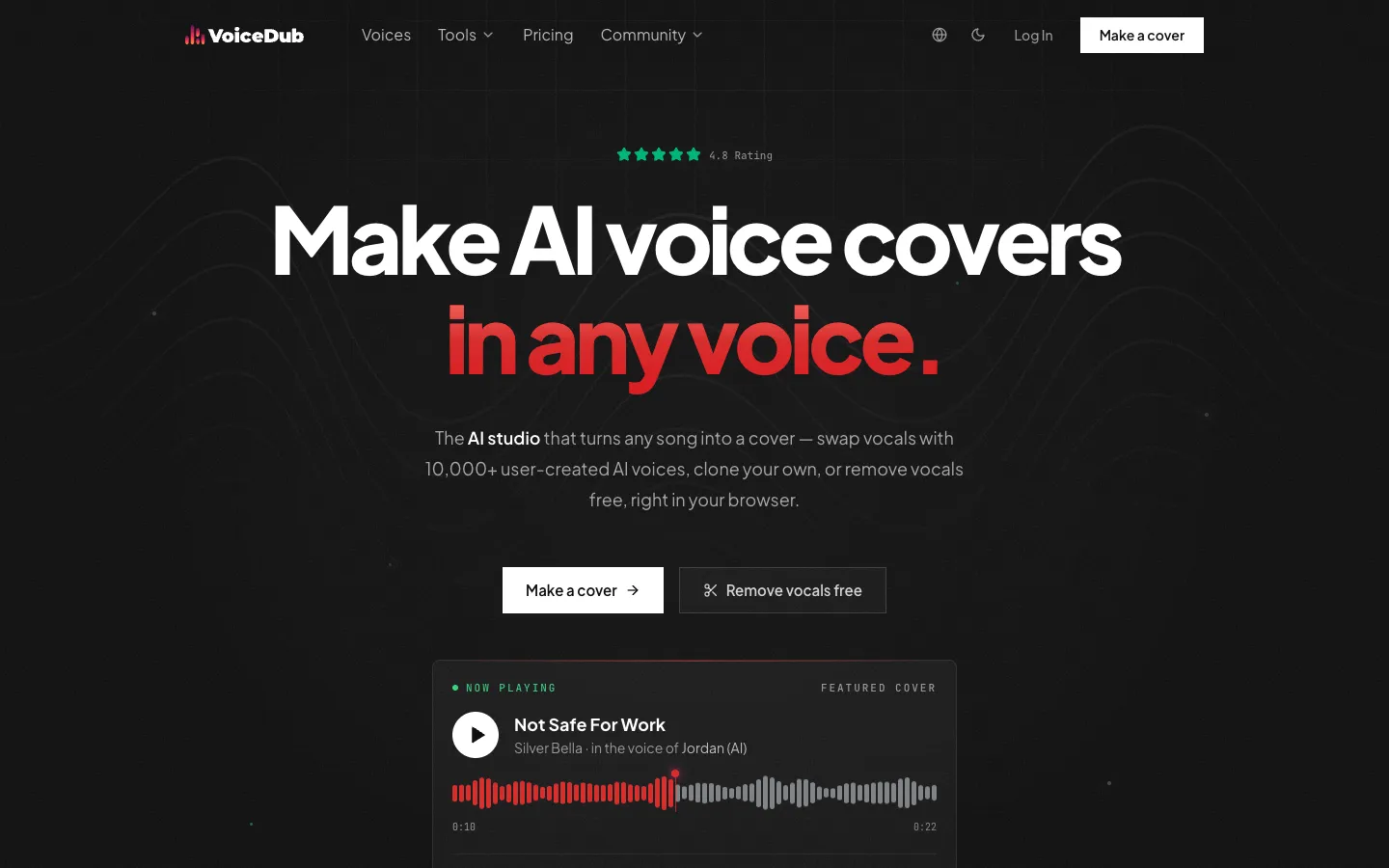
VoiceDub is a browser-based AI studio that lets users create AI voice covers by swapping vocals in any song with one of 10,000+ user-created voices, or by cloning their own voice. It also offers tools like AI duets, free vocal removal, text-to-speech, and a vocoder.

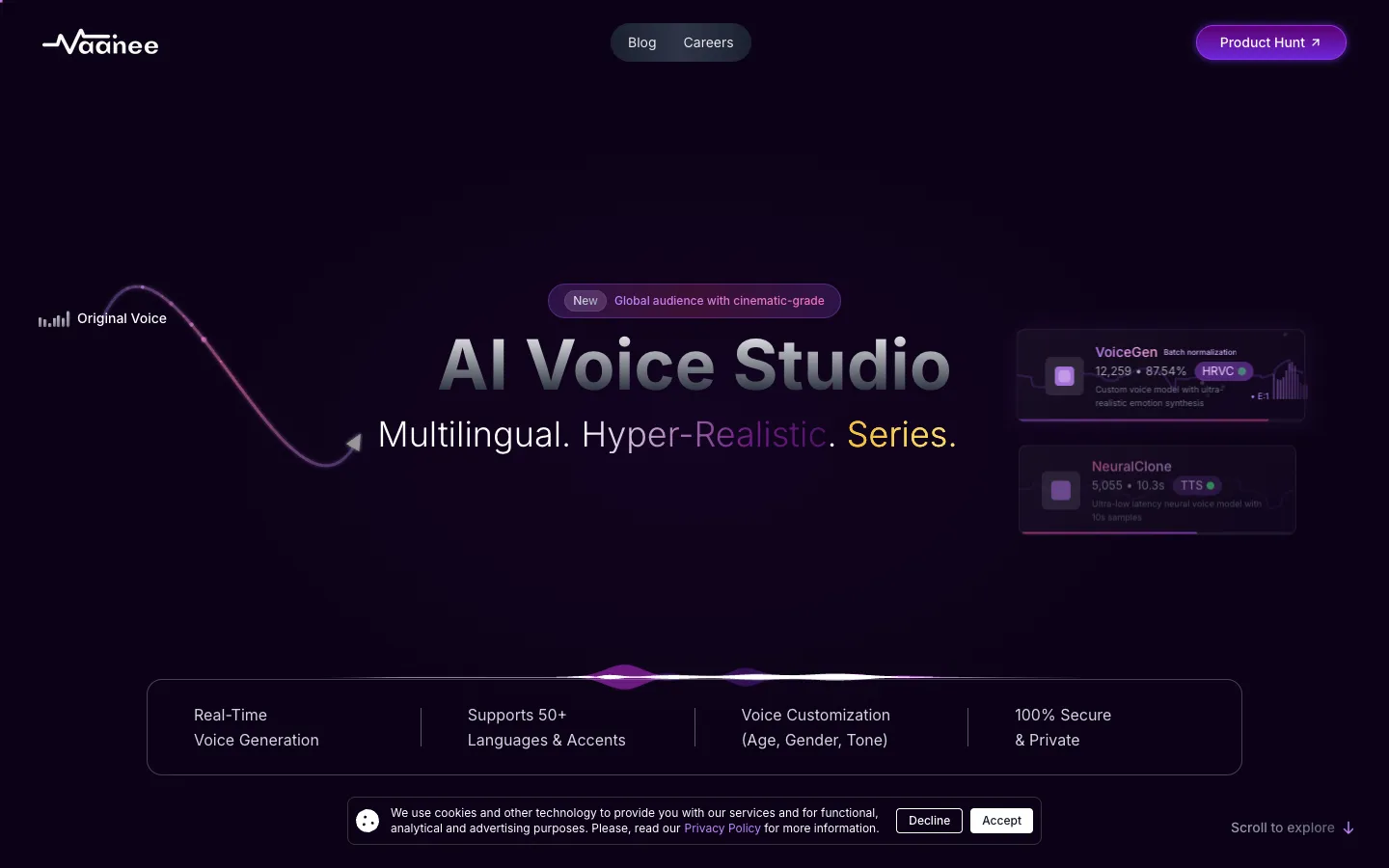
Vaanee AI Engine is a generative AI voice platform that offers text-to-speech, voice cloning, speech-to-speech translation, and AI video dubbing. It is designed for content creators, filmmakers, and media professionals who need realistic, multilingual voiceovers.


Vocode is a GitHub organization with 11 repositories. It appears to be a collection of code projects, but the page provides no details about what the tools do or who they are for.

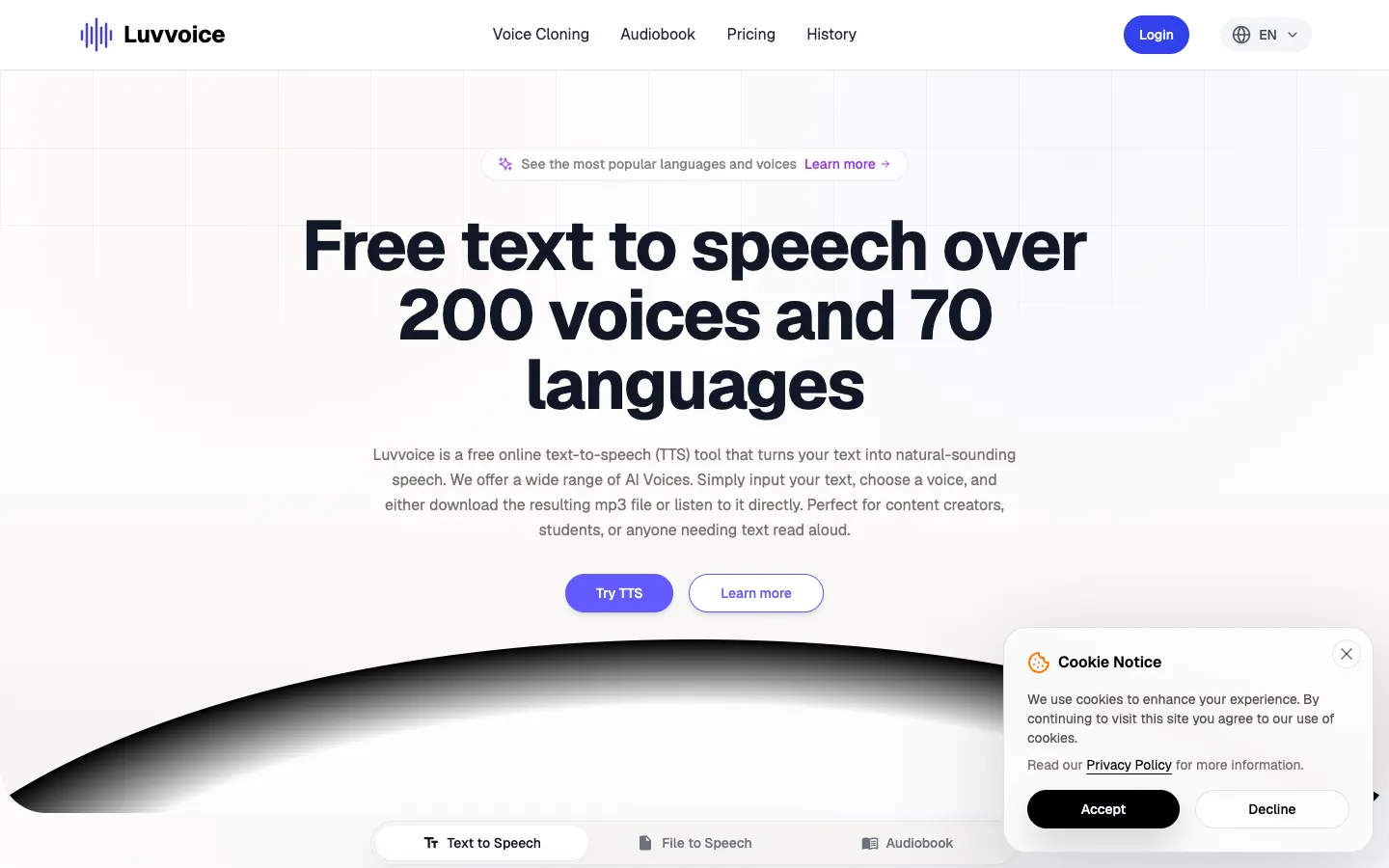
Luvvoice is a free online text-to-speech tool that converts text into natural-sounding speech. It offers over 200 AI voices in more than 70 languages, and users can listen online or download audio as MP3 files.
Blakify is a text-to-speech software that converts text into natural-sounding speech in over 60 languages with 500+ voices. It is designed for content creators, authors, educators, and businesses looking for an affordable TTS solution.


Listnr is an AI voice generator that offers over 1000 voices in 142+ languages, including voice cloning. It is used for creating voiceovers for videos, podcasts, audiobooks, and more.