Browser extension

Typee Browser Extension
Typee is a browser extension that provides a command line interface inside the browser, allowing users to control the browser by typing commands instead of using menus and shortcuts. It is designed for users who prefer a keyboard-driven workflow and want to minimize mouse usage.
- Platform
- Browser extension
- Categories
- AI Developer Tools, AI Productivity Tools
- Indexed
- 2024-02-19
About Typee Browser Extension
What is Typee
Typee is a Chrome browser extension that introduces a command line interface within the browser. It aims to replace the traditional methods of navigation and control, such as clicking through menus or remembering keyboard shortcuts, with a simple typing interface. Users can start typing a command, press enter, and the action is executed. The extension is developed by EZ2 Dev and is available on the Chrome Web Store.
Key features
The primary feature of Typee is its command line interface that allows users to control the browser by typing commands. It emphasizes privacy by not requiring upfront permissions; users can grant permissions as needed. The extension is lightweight, with a size of 6.34 MiB, and is available in English. It was last updated on September 30, 2025, and has a version number of 2.1.4.
Use cases
Typee is suitable for users who want to speed up their browsing experience by avoiding mouse clicks and complex shortcut combinations. It can be used for common browser actions such as navigating, managing tabs, and accessing browser features. The extension is particularly useful for power users who are comfortable with typing and prefer a keyboard-centric approach. It also offers a quick start documentation at https://typee.ez2.dev/ for new users.
Pricing
The page does not provide specific pricing information for Typee. It is listed as a free extension on the Chrome Web Store, but details about any premium features or subscription plans are not mentioned.
Questions
Typee Browser Extension FAQ
- What is Typee Browser Extension?
- Typee Browser Extension is an AI tool available as a browser extension in the AI Developer Tools, AI Productivity Tools categories. Typee is a browser extension that provides a command line interface inside the browser, allowing users to control the browser by typing commands instead of using menus and shortcuts. It is designed for users who prefer a keyboard-driven workflow and want to minimize mouse usage.
- What is Typee Browser Extension used for?
- Typee Browser Extension is filed under AI Developer Tools, AI Productivity Tools in the AITOOLIST index. Typee is a browser extension that provides a command line interface inside the browser, allowing users to control the browser by typing commands instead of using menus and shortcuts. It is designed for users who prefer a keyboard-driven workflow and want to minimize mouse usage.
- Is Typee Browser Extension a web app, an extension or a native app?
- Typee Browser Extension is a browser extension.
Listed in the AITOOLIST index since 2024-02-19.
Related
Tools similar to Typee Browser Extension

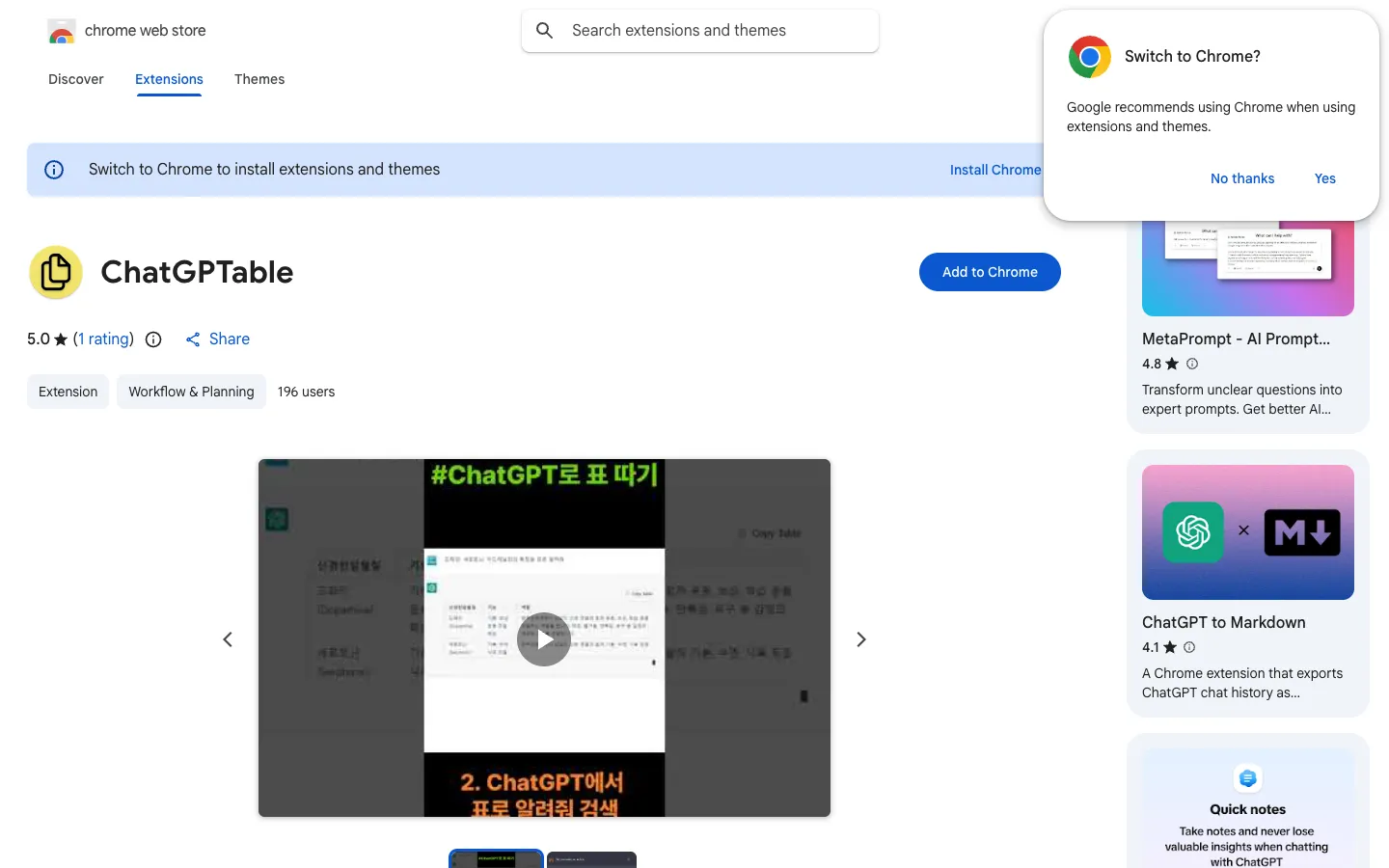
ChatGPTable is a Chrome extension that converts HTML tables in ChatGPT responses into markdown tables. It is designed for users who want to easily copy table data from ChatGPT into markdown format.

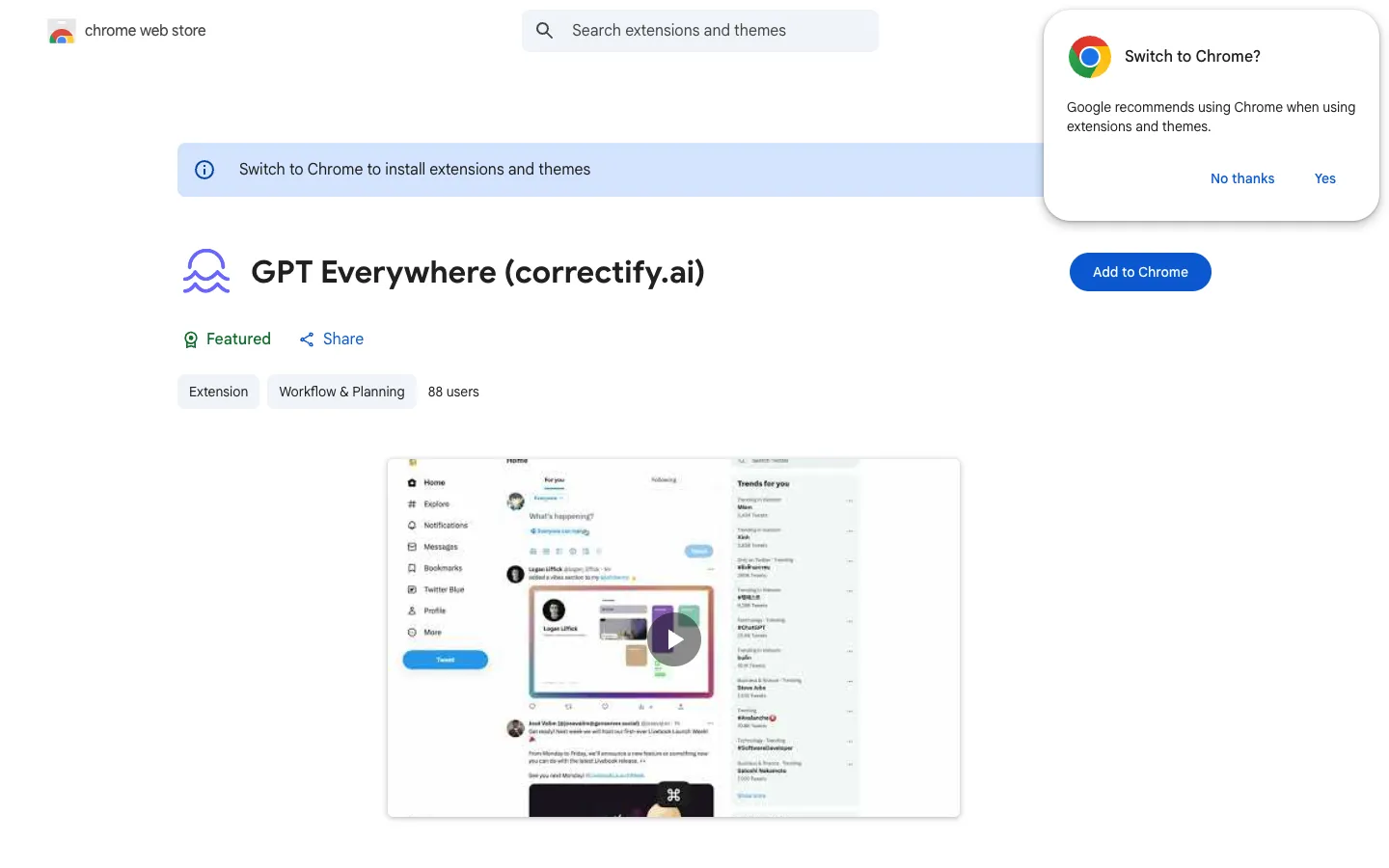
GPT Everywhere is a Chrome extension that lets you use ChatGPT in any textbox on the web. It is privacy-friendly and works on all sites, including Gmail and Google Sheets.

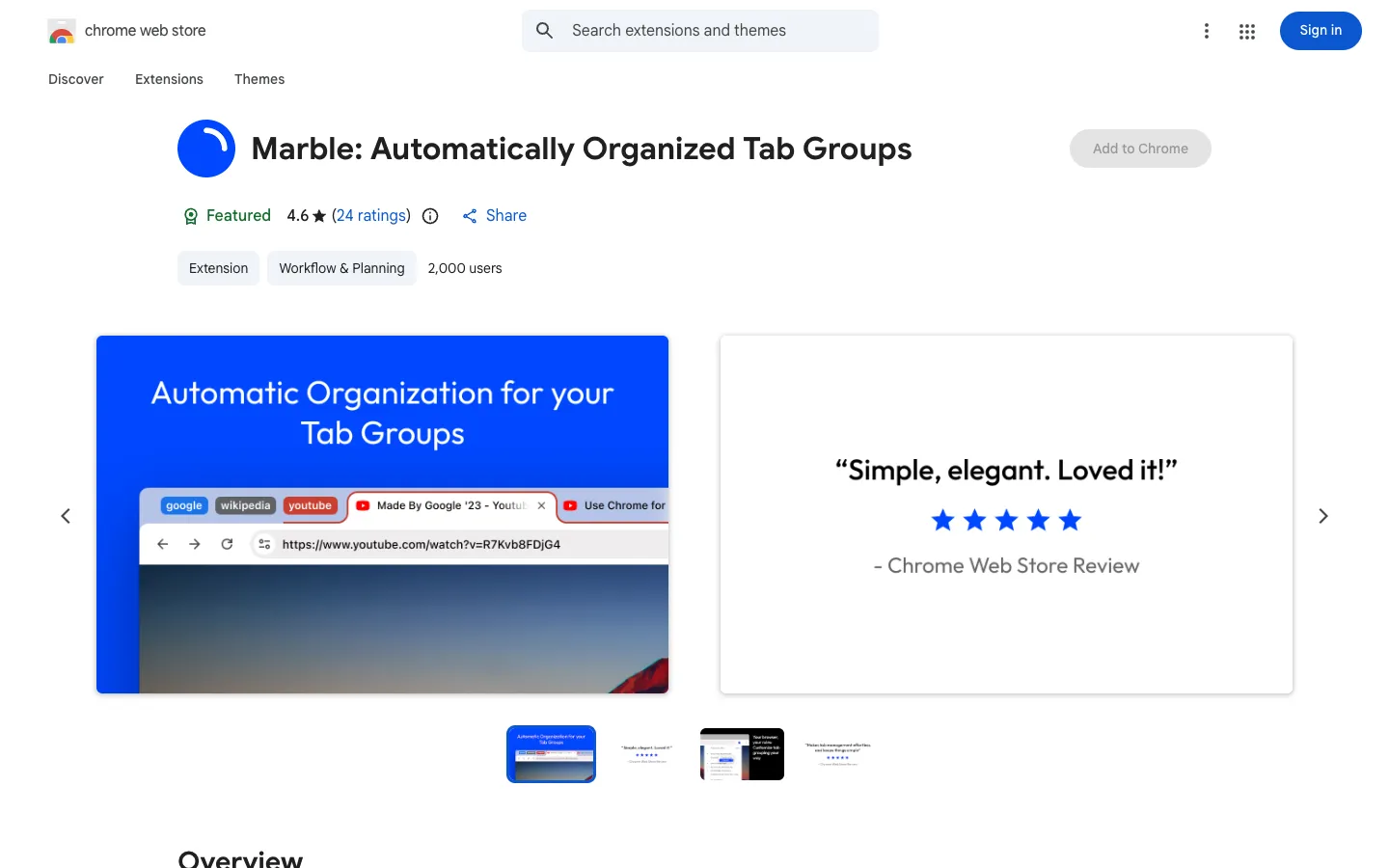
Marble is a Chrome extension that automatically groups tabs by domain and subdomain. It helps users keep their browser organized and find tabs quickly.
Pull Request Review Helper is a Chrome extension that assists developers in reviewing pull requests. It provides tools to streamline the review process.

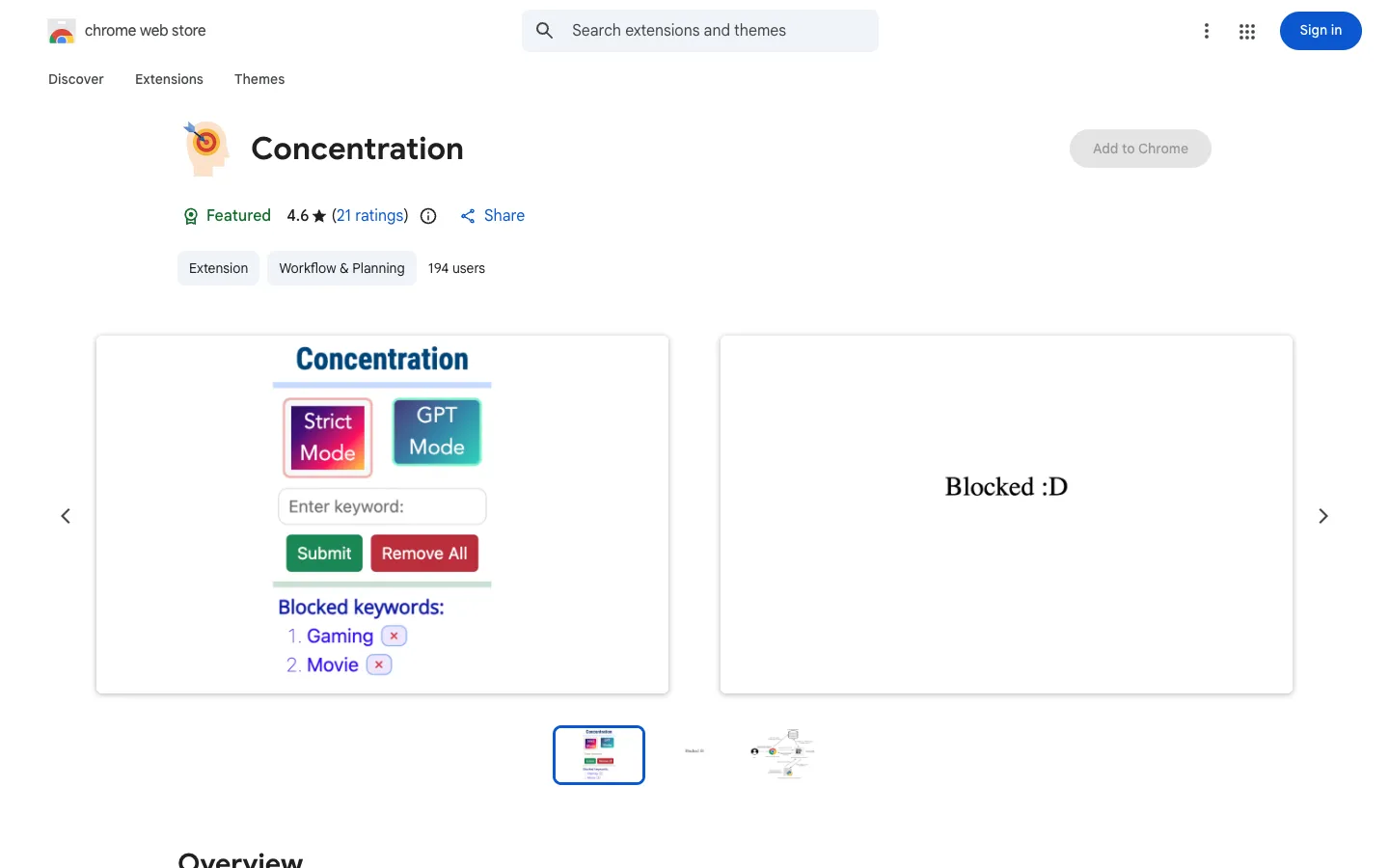
Concentration is a Chrome extension that uses ChatGPT and NLP to block distracting websites. It is designed for users who want to improve their focus during study or work.

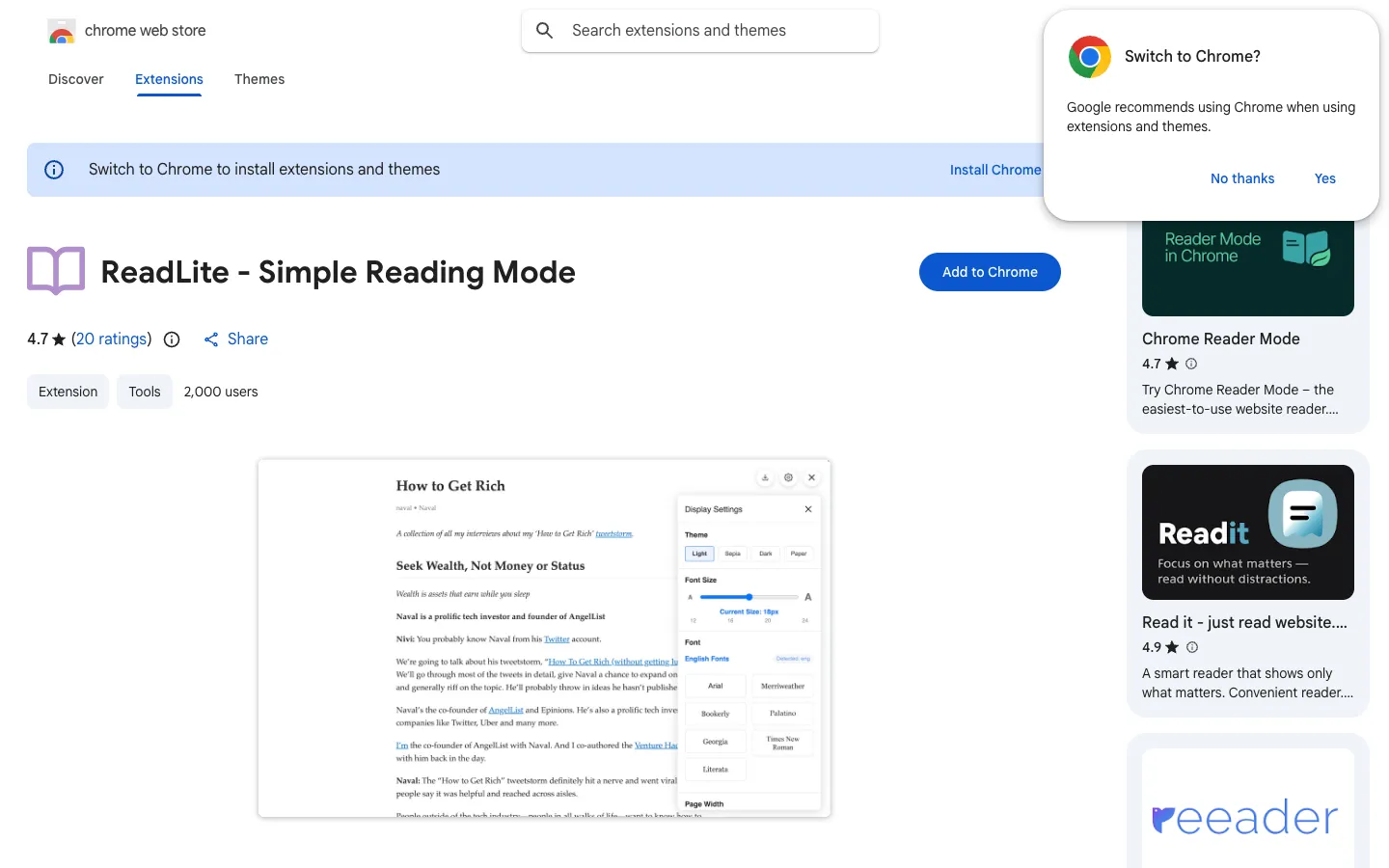
ReadLite is a browser extension that provides a clean, distraction-free reading experience for web articles. It offers intelligent content extraction, multiple themes, and customizable reading options for both Chinese and English content.