Web app

sshx
sshx is a secure web-based collaborative terminal that lets users share their terminal with others via a link. It is designed for real-time collaboration, with features like remote cursors and chat, and is suitable for teaching, debugging, or cloud access.
- Platform
- Web app
- Categories
- AI Developer Tools, AI Team Collaboration, AI Code Assistant, AI Developer Docs, AI Code Explanation, AI Productivity Tools
- Indexed
- 2024-02-19
About sshx
What is sshx
sshx is a secure web-based collaborative terminal that allows users to share their terminal with anyone via a unique browser link. It provides a multiplayer infinite canvas where multiple terminals can be moved and resized. The tool is end-to-end encrypted, ensuring that the server never sees the data being transmitted. It is cross-platform, with command-line tools available for macOS, Linux, and Windows. sshx is designed for real-time collaboration, making it ideal for teaching, debugging, or cloud access.
Key features
sshx offers several key features:
- Collaborative: Invite people by sharing a secure, unique browser link.
- End-to-end encrypted: Data is sent securely; the server never sees what you're typing.
- Cross-platform: Use the command-line tool on macOS, Linux, and Windows.
- Infinite canvas: Move and resize multiple terminals at once, in any arrangement.
- Live presence: See other people's names and cursors within the app.
- Ultra-fast mesh networking: Connect from anywhere to the nearest distributed peer in a global network.
Use cases
sshx can be used for various purposes:
- Teaching: Share your terminal with students for live demonstrations or collaborative coding sessions.
- Debugging: Collaborate with team members to debug issues in real-time, with the ability to see each other's cursors and chat.
- Cloud access: Access remote terminals securely from anywhere, with end-to-end encryption ensuring data privacy.
Installation
sshx can be installed easily:
- macOS / Linux: Run
curl -sSf https://sshx.io/get | shin your terminal, or download the binary for your platform. - Windows: Download the executable for your platform.
- Build from source: Ensure you have up-to-date versions of Rust and protoc, then run
cargo install sshx. - GitHub Actions: On CI providers, run
curl -sSf https://sshx.io/get | sh -s runto pause the workflow and start a collaborative session.
Questions
sshx FAQ
- What is sshx?
- sshx is an AI tool available as a web app in the AI Developer Tools, AI Team Collaboration, AI Code Assistant categories. sshx is a secure web-based collaborative terminal that lets users share their terminal with others via a link. It is designed for real-time collaboration, with features like remote cursors and chat, and is suitable for teaching, debugging, or cloud access.
- What is sshx used for?
- sshx is filed under AI Developer Tools, AI Team Collaboration, AI Code Assistant, AI Developer Docs, AI Code Explanation, AI Productivity Tools in the AITOOLIST index. sshx is a secure web-based collaborative terminal that lets users share their terminal with others via a link. It is designed for real-time collaboration, with features like remote cursors and chat, and is suitable for teaching, debugging, or cloud access.
- Is sshx a web app, an extension or a native app?
- sshx is a web app.
Listed in the AITOOLIST index since 2024-02-19.
Related
Tools similar to sshx

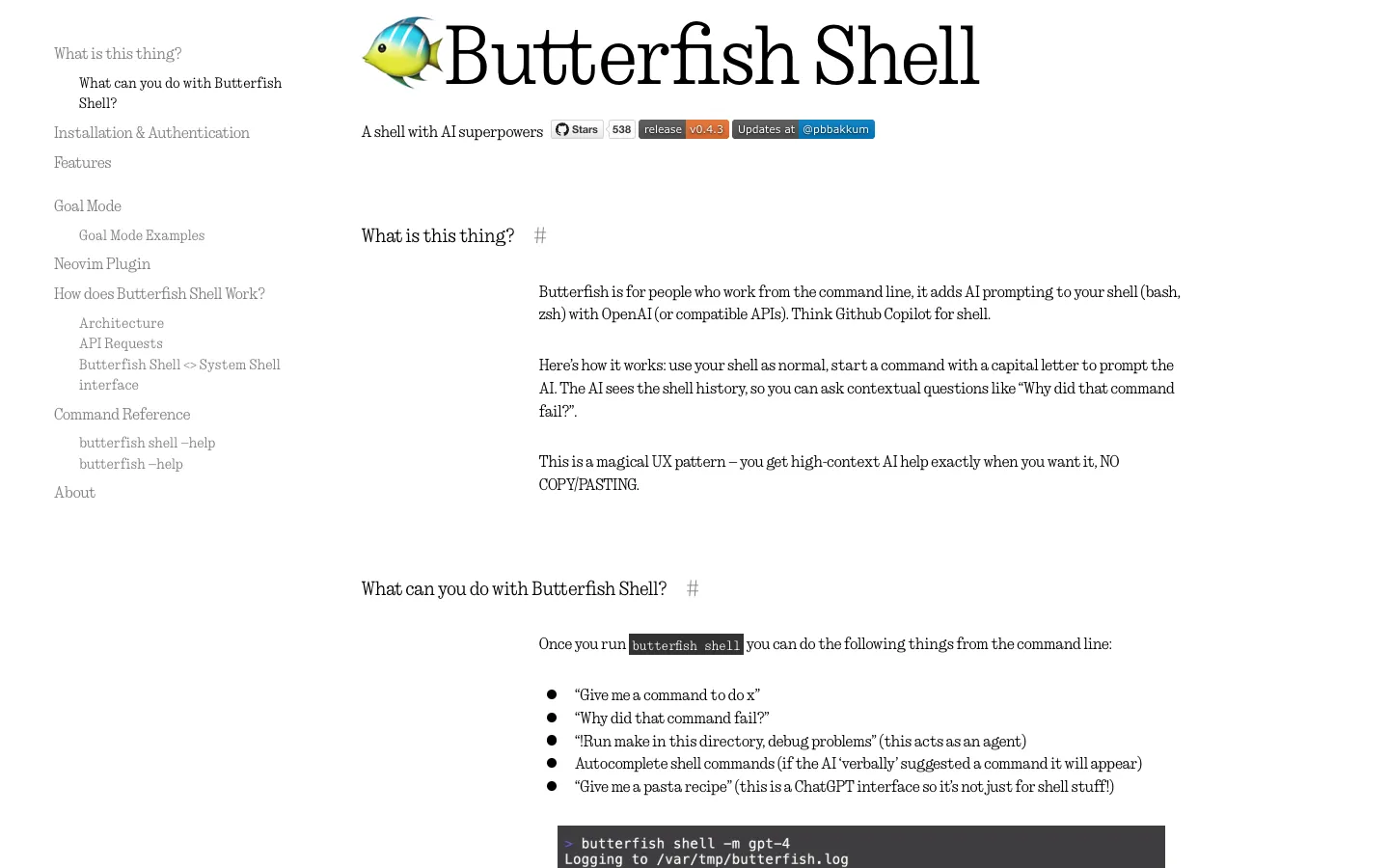
Butterfish Shell is a command-line tool that adds AI prompting to bash and zsh shells. It is designed for developers and command-line users who want to integrate AI assistance into their workflow.


Angular is a web development framework for building scalable applications. It provides tools for reactive state management, modular components, and AI-forward resources.

Stenography is a developer tool that automatically documents code. It provides explanations and documentation for codebases.

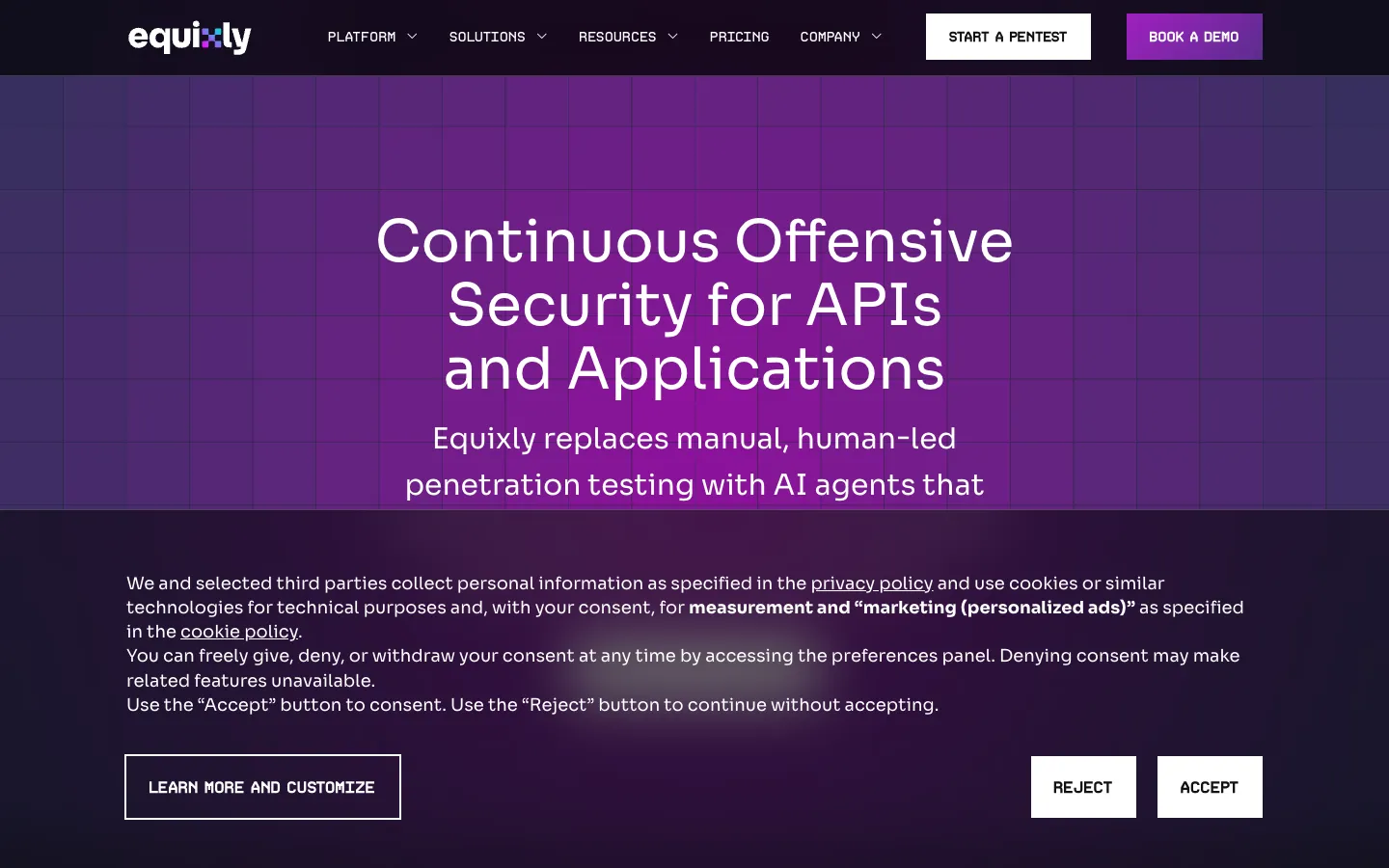
Equixly is an offensive security platform that uses an Agentic AI Hacker to continuously test APIs and applications for exploitable vulnerabilities. It is designed for security teams and developers who need real-time risk identification and remediation.


Devzery is an AI-powered API testing platform that automates functional regression testing. It is designed for development and QA teams to ensure reliable software releases.


BC.Game App is the official mobile client for the BC.Game crypto casino and sportsbook. It offers access to slots, live casino, sports betting, and wallet features on Android and iOS devices.