Web app

ScreenApp
ScreenApp is an AI-powered platform for recording, transcribing, and summarizing audio and video. It serves professionals, educators, and teams who need to capture and analyze meetings, lectures, and conversations.
- Platform
- Web app
- Categories
- —
- Indexed
- 2024-02-19
About ScreenApp
What is ScreenApp
ScreenApp is a comprehensive AI tool that provides screen recording, transcription, summarization, and video analysis. It allows users to record meetings, lectures, and conversations, and then automatically transcribe and summarize them. The platform is designed to help users absorb information quickly, turning scattered conversations into structured knowledge. It is trusted by over 7.9 million people and offers a range of features including AI notetaking, meeting minutes, and the ability to search and ask questions about recorded content.
Key features
ScreenApp offers a variety of features to enhance productivity:
- AI Notetaker: Automatically captures and transcribes conversations, providing structured notes with key points and action items.
- AI Summarizer: Extracts important insights from hours of content in seconds, offering executive summaries and key decisions.
- Transcription: Delivers up to 99% accuracy with clear audio.
- Search and Q&A: Search everything you've said and ask questions to get instant answers.
- Video Frame Analysis: Analyze video frames to find specific moments.
- Dictation: Convert audio or video into formatted documents, PDFs, or text files.
- Translation: Translate recordings in real time on Web and Android.
- Import from Anywhere: Upload recordings from any platform, import via URL, or use meeting bots for automatic capture.
- Multi-platform: Available as a web app, desktop apps for Mac and Windows, Chrome extension, and mobile apps for Android and iOS.
Use cases
ScreenApp is used by professionals, educators, and teams to:
- Capture and summarize meetings: Record client calls, team meetings, and presentations, and get AI-generated summaries and action items.
- Create training videos: Record screen and voice to produce step-by-step guides and tutorials.
- Take notes in lectures: Transcribe lectures and generate structured notes for study.
- Analyze video content: Search for specific moments in recordings and analyze video frames.
- Generate documents: Convert recordings into formatted documents, PDFs, or text files for reports and transcripts.
- Improve accessibility: Translate recordings and provide subtitles for broader reach.
Pricing
ScreenApp offers a free plan that includes limited transcription minutes, basic summaries, and core recording and upload features. For more advanced needs, users can upgrade to paid plans. The free plan provides 45 minutes of AI processing monthly, which is sufficient for many training videos. Users can cancel or downgrade anytime from their account settings. No credit card is required to start with the free plan.
Questions
ScreenApp FAQ
- What is ScreenApp?
- ScreenApp is an AI tool available as a web app. ScreenApp is an AI-powered platform for recording, transcribing, and summarizing audio and video. It serves professionals, educators, and teams who need to capture and analyze meetings, lectures, and conversations.
- Is ScreenApp a web app, an extension or a native app?
- ScreenApp is a web app.
Listed in the AITOOLIST index since 2024-02-19.
Related
Tools similar to ScreenApp

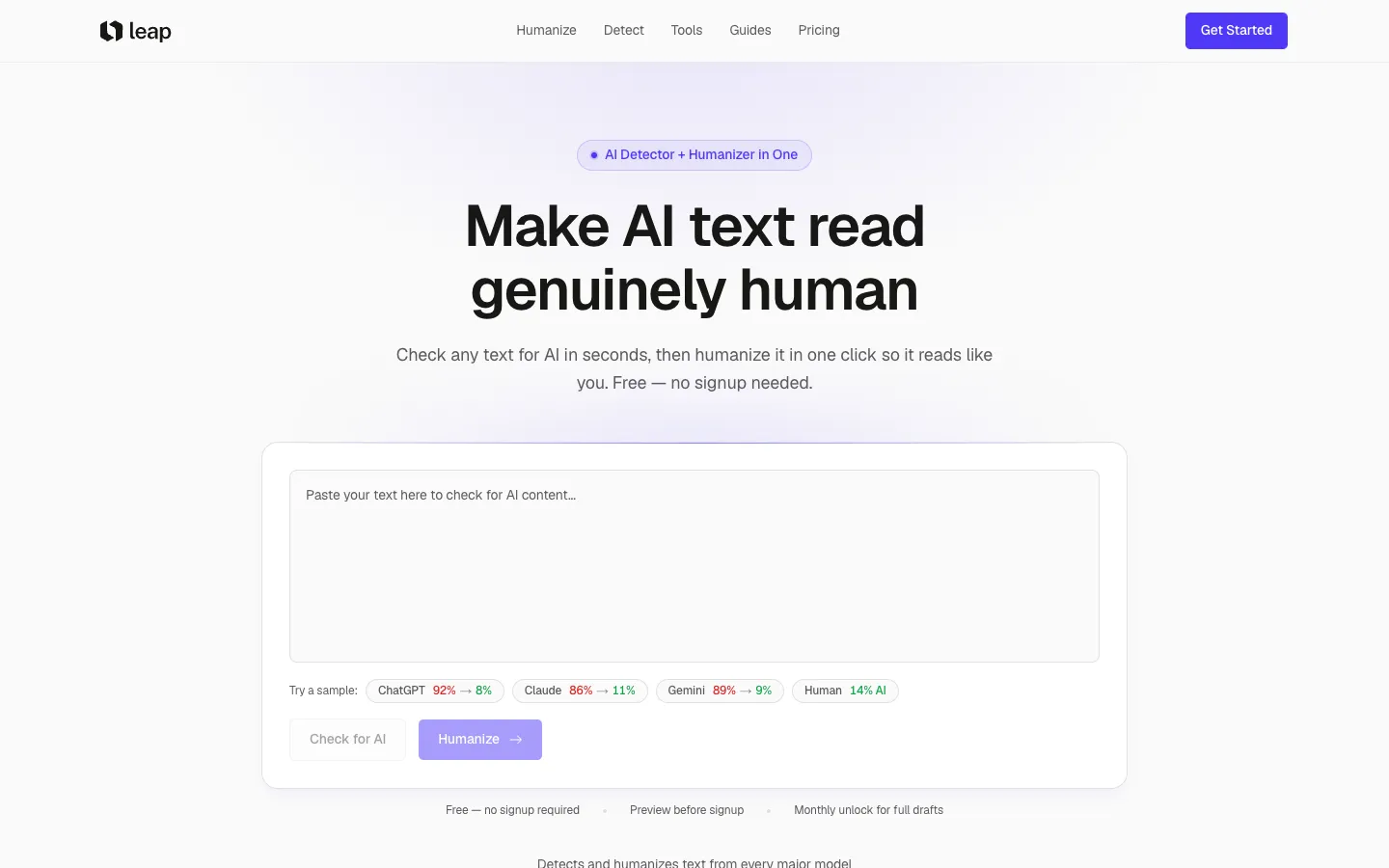
Leap AI detects AI-generated text and humanizes it to read naturally. It is for students, writers, and professionals who want to lower AI detection scores.

Share by ChatGPT is a browser extension that summarizes web pages using ChatGPT. It is designed for users who want to share content on social media with concise summaries.
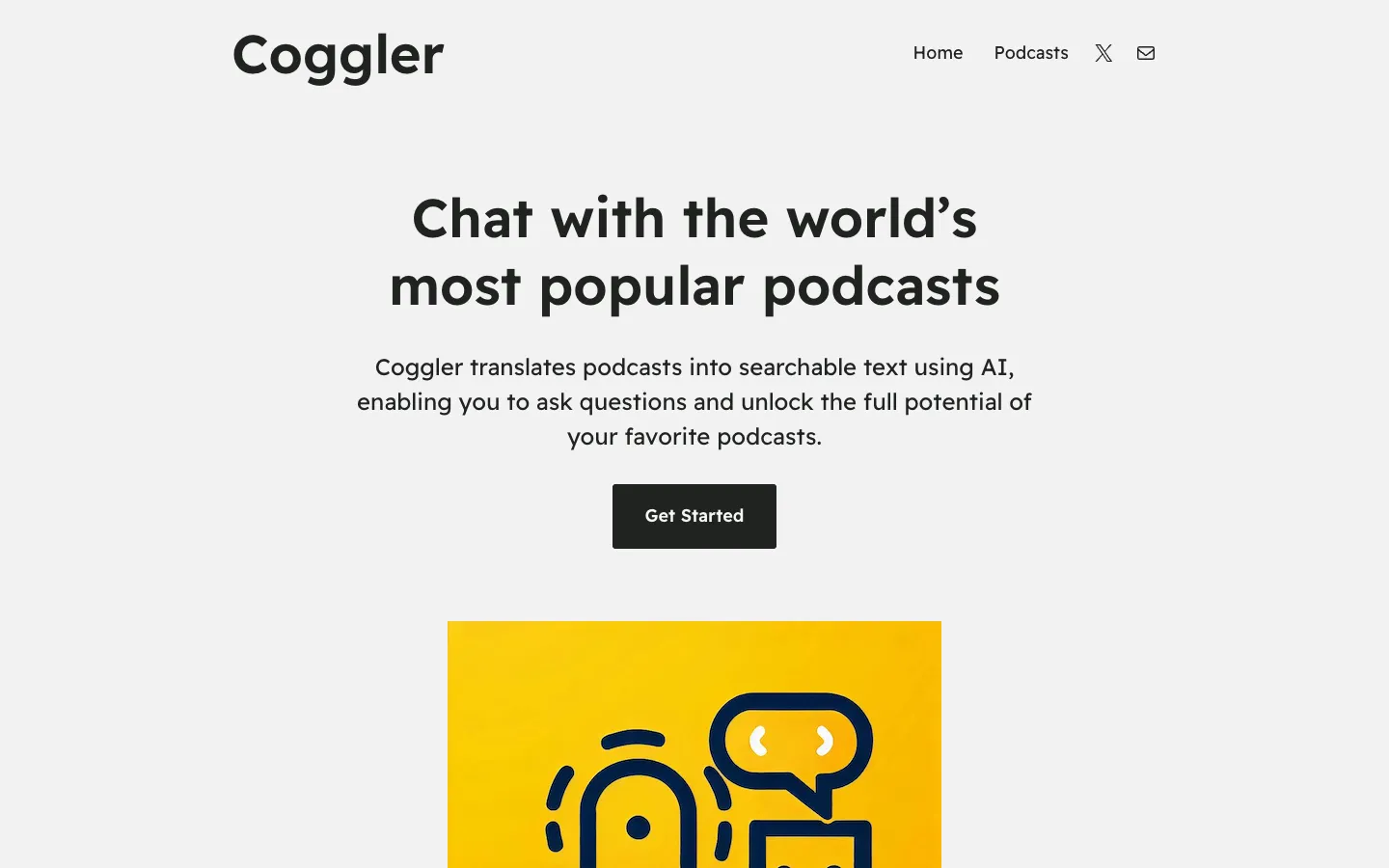
Coggler is an AI tool that converts podcasts into searchable text, allowing users to ask questions about podcast episodes. It is designed for podcast listeners who want to interact with podcast content.

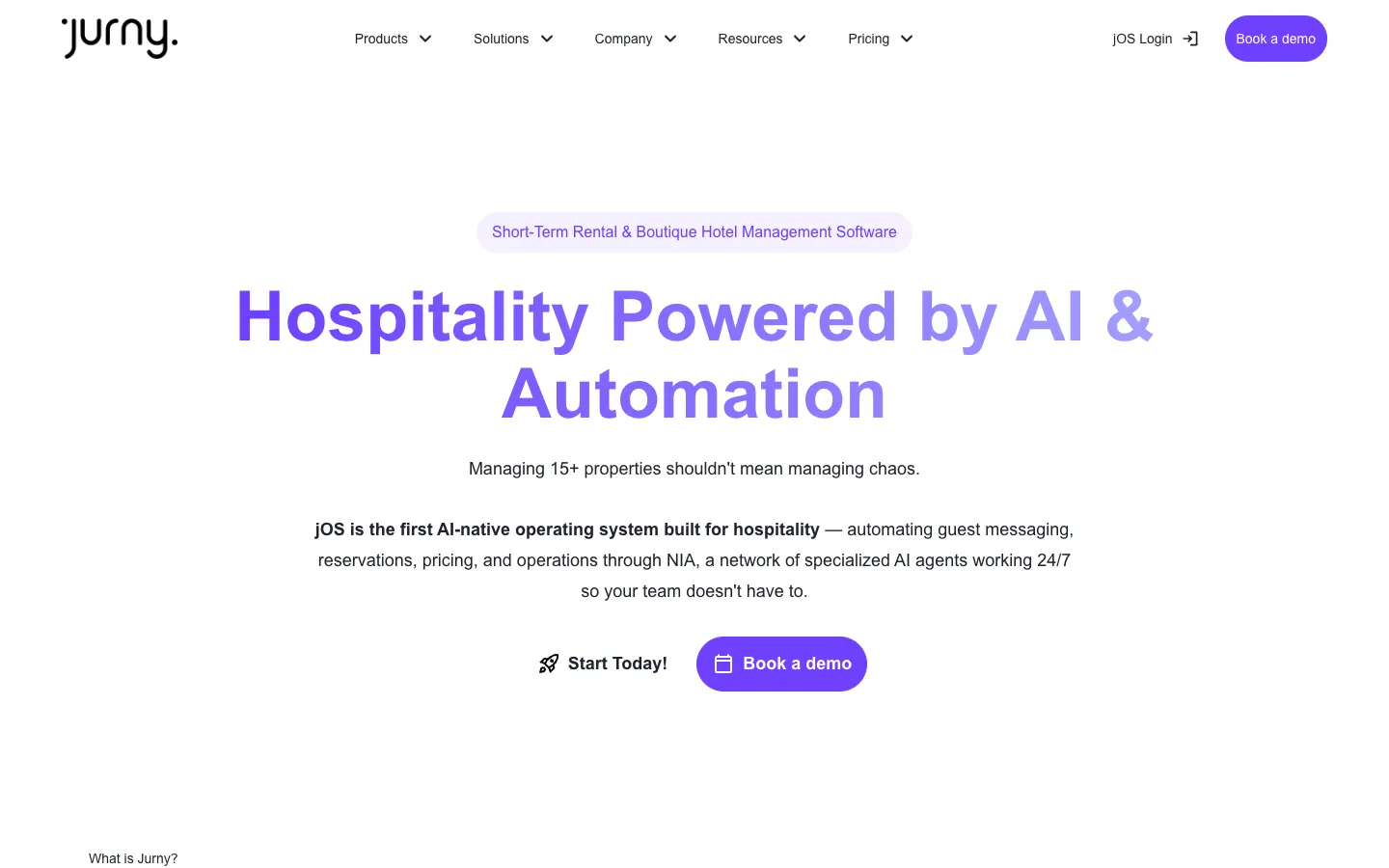
Jurny is an AI-native property management platform for vacation and short-term rental operators with 15 or more units. It replaces multiple disconnected apps with a single intelligent system.

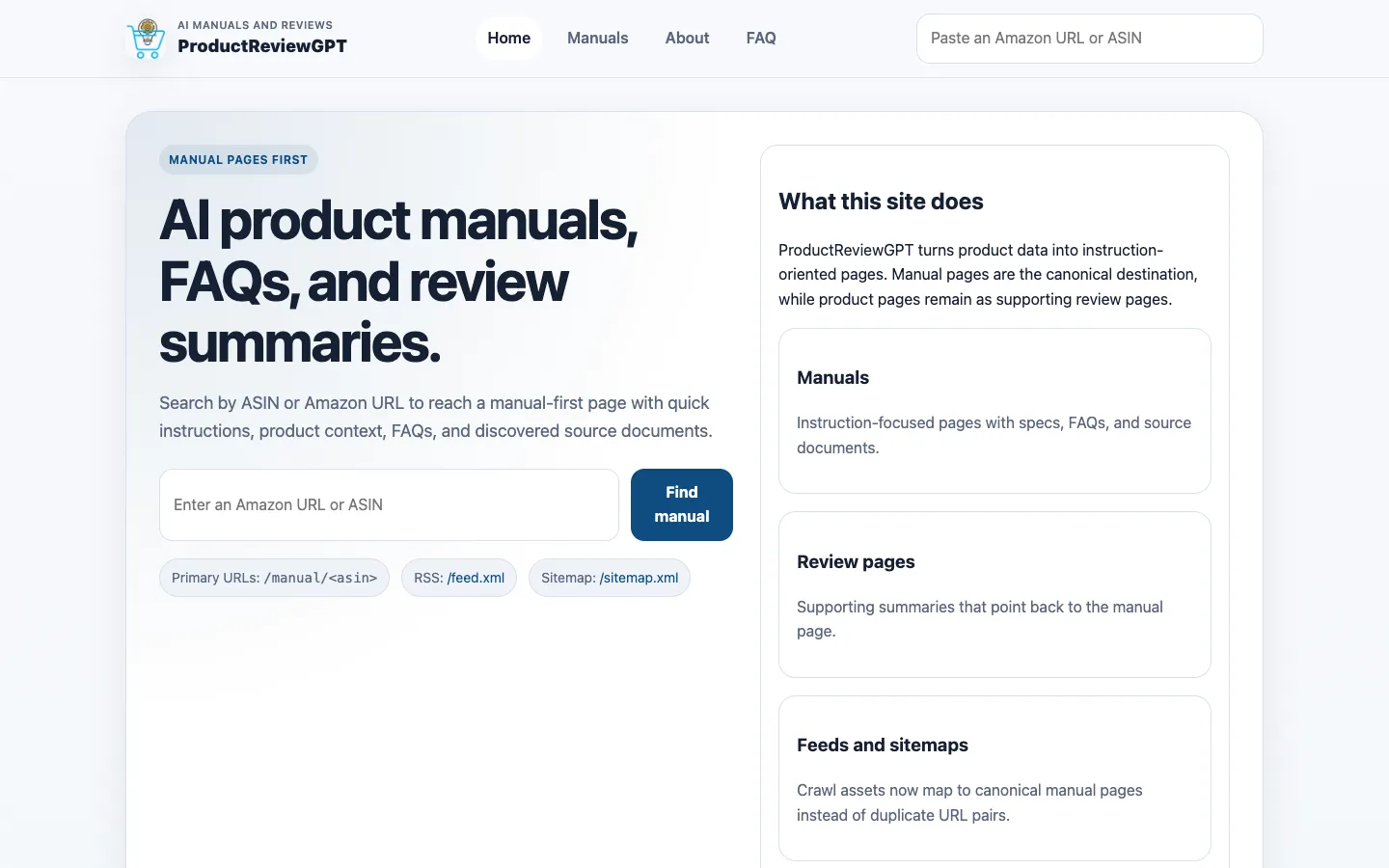
ProductReviewGPT generates AI-assisted product manuals, FAQs, and review summaries for Amazon products. It provides instruction-oriented pages that can be searched by ASIN or Amazon URL.

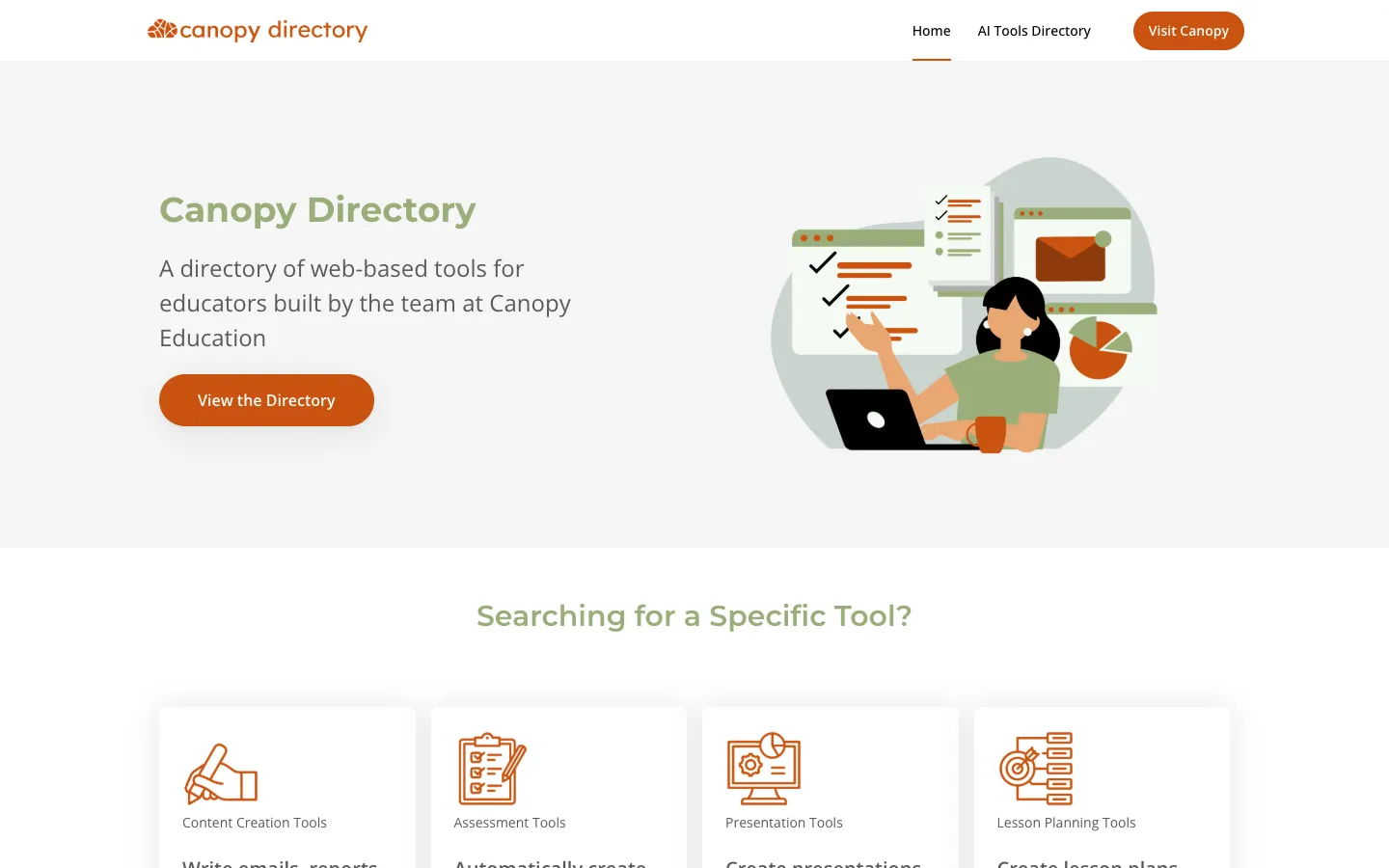
Canopy Directory is a curated directory of web-based AI tools for educators. It helps teachers discover tools for lesson planning, assessment, content creation, and presentations.