Browser extension
Save ChatGPT to Obsidian
Save ChatGPT conversations to Obsidian as clean markdown files with one click. It is designed for researchers, students, writers, developers, and knowledge workers who want to build a searchable local archive.
- Platform
- Browser extension
- Categories
- Other
- Indexed
- 2024-04-04
About Save ChatGPT to Obsidian
What is Save ChatGPT to Obsidian
Save ChatGPT to Obsidian is a Chrome extension that exports ChatGPT conversations to Obsidian as markdown files. It allows users to save full chats, selected Q&A turns, Deep Research reports, project conversations, group chats, archived chats, generated visuals, Library files, and canvas/text document artifacts. The tool is independent and not affiliated with OpenAI or Obsidian. It is designed for users who want to build a second brain or searchable local archive from their AI conversations.
Key features
The extension offers batch export and bulk backup of multiple conversations, open tabs, project chats, group chats, Library files, visual assets, and archived chats. It adds clean YAML frontmatter for search, filtering, Dataview, and long-term note organization. Exported notes preserve headings, lists, tables, links, and code blocks. It supports Deep Research conversations with improved handling for nested code fences. It also saves project conversations, group chats, and archived chats while keeping message order and folder organization. Generated visuals and Library files can be downloaded as individual files or ZIP archives. A custom preview page lets users select specific Q&A turns or messages before exporting.
Use cases
The tool is suitable for researchers, students, writers, developers, knowledge workers, and teams who want to save research threads, coding sessions, prompts, drafts, brainstorming notes, study materials, decisions, generated visuals, and Deep Research reports into a personal knowledge base. It helps in building a searchable local archive instead of relying on fragile browser history. The extension is also useful for backing up ChatGPT conversations for long-term knowledge management.
Pricing
The extension is free to install and offers in-app purchases. The page does not provide specific pricing details for the in-app purchases.
Questions
Save ChatGPT to Obsidian FAQ
- What is Save ChatGPT to Obsidian?
- Save ChatGPT to Obsidian is an AI tool available as a browser extension in the Other category. Save ChatGPT conversations to Obsidian as clean markdown files with one click. It is designed for researchers, students, writers, developers, and knowledge workers who want to build a searchable local archive.
- What is Save ChatGPT to Obsidian used for?
- Save ChatGPT to Obsidian is filed under Other in the AITOOLIST index. Save ChatGPT conversations to Obsidian as clean markdown files with one click. It is designed for researchers, students, writers, developers, and knowledge workers who want to build a searchable local archive.
- Is Save ChatGPT to Obsidian a web app, an extension or a native app?
- Save ChatGPT to Obsidian is a browser extension.
Listed in the AITOOLIST index since 2024-04-04.
Related
Tools similar to Save ChatGPT to Obsidian

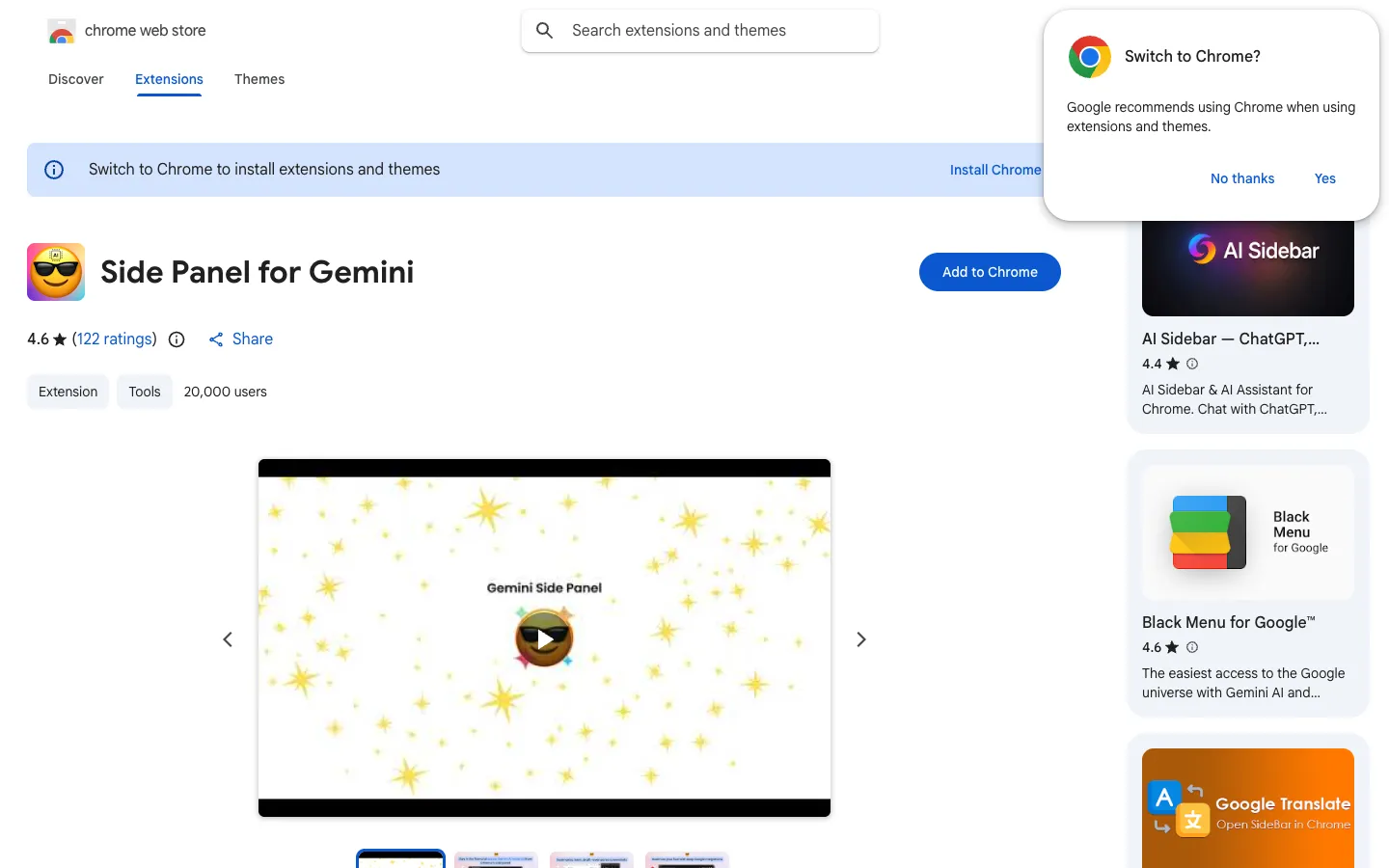
Side Panel for Gemini is a Chrome extension that opens Gemini AI in the browser's side panel, allowing users to access AI assistance without leaving their current page. It is designed for Chrome users who want quick access to Gemini's responses and creative text generation.

MyTask is a Chrome extension that converts natural language text into calendar events. It is designed for users who want to quickly add events to their calendar without manual entry.

Searchable ChatGPT is a Chrome extension that enables users to search through their ChatGPT conversations. It is designed for individuals who want to quickly find past interactions within the ChatGPT platform.

Osito is not available on the Chrome Web Store. The page indicates that the item is not available and asks users to sign in to view it.
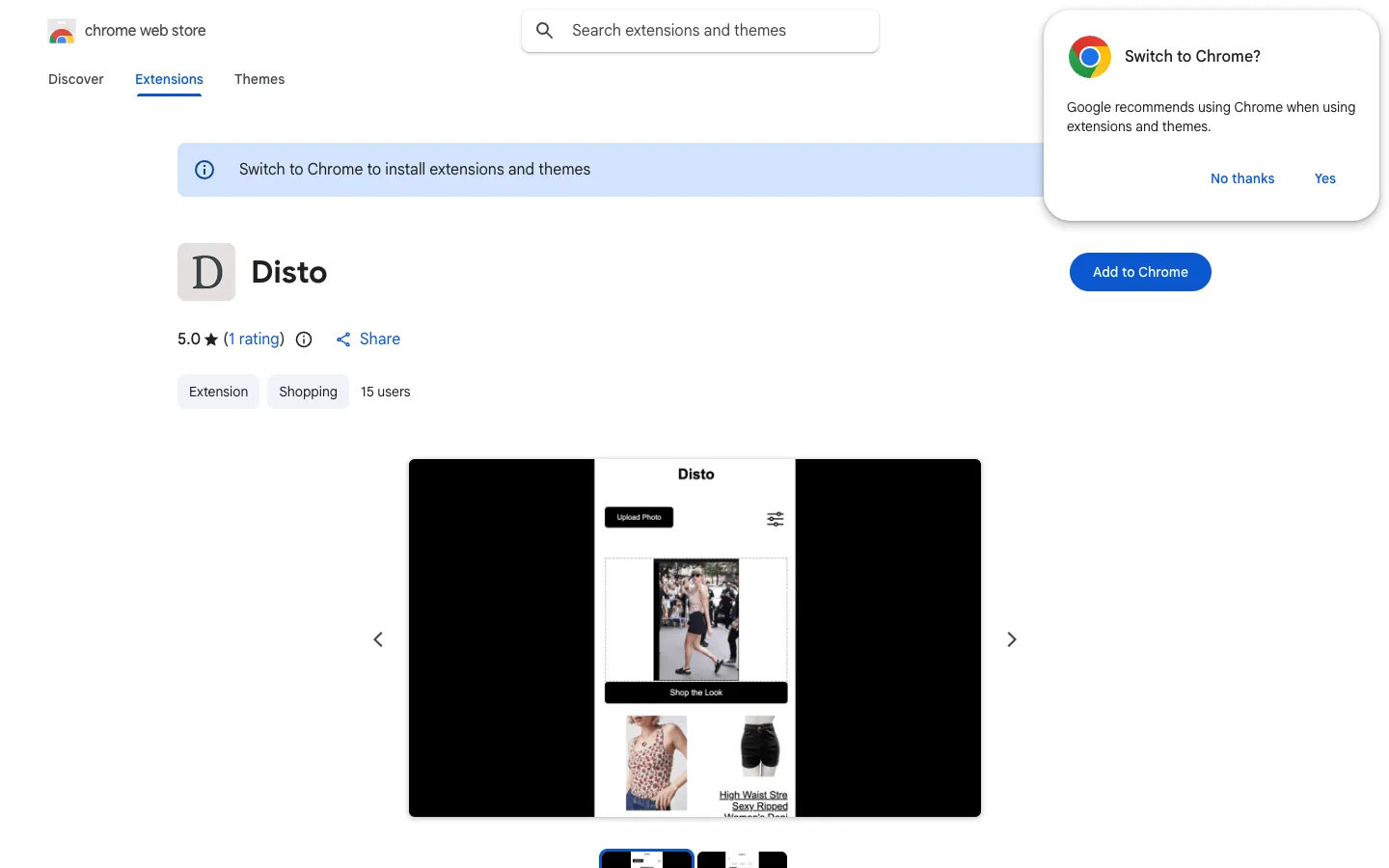
Disto is a Chrome extension that lets users upload a photo of an outfit and find similar items to buy. It filters results by preferred stores, budget, and sizes.

HLAI is a Chrome extension that provides instant explanations for highlighted text. Users can hold CTRL or CMD and select text to get a quick explanation, or use the popup interface.