Browser extension

QuickVision: Chatgpt Vision for Chrome
QuickVision is a Chrome extension that lets ChatGPT Plus users share screenshots and use custom prompts with GPT-4. It is designed for those who want to enhance their ChatGPT interactions with visual content.
- Platform
- Browser extension
- Categories
- AI Tools Directory
- Indexed
- 2024-02-19
About QuickVision: Chatgpt Vision for Chrome
What is QuickVision
QuickVision is a Chrome extension that integrates with ChatGPT to provide screenshot sharing and custom prompt capabilities. It is specifically built for ChatGPT Plus users, as it relies on GPT-4's vision features. The extension allows users to capture screenshots and automatically send them to ChatGPT, streamlining visual discussions. It also enables users to set and save custom prompts, making ChatGPT sessions more convenient and tailored. QuickVision is available on the Chrome Web Store and has been updated as of December 9, 2023.
Key features
The extension offers fast screenshot sharing, allowing users to quickly select and capture screenshots that are automatically sent to ChatGPT. It also includes practical custom prompts, which can be set and saved to avoid repetition. QuickVision seamlessly integrates into the ChatGPT interface with GPT-4, providing a smooth experience without manual setup. Importantly, it requires no extra tokens beyond a ChatGPT Plus subscription, as vision capabilities are exclusive to GPT-4 users.
Use cases
QuickVision is useful for individuals who frequently discuss visual content with ChatGPT, such as designers, developers, or researchers. It can be used to share screenshots of code, designs, or documents for analysis or feedback. The custom prompt feature helps users who rely on specific instructions, saving time and ensuring consistency. It is particularly beneficial for those who want to leverage GPT-4's vision capabilities without additional costs.
Pricing
QuickVision is free to use, but it requires a ChatGPT Plus subscription, which is a paid plan. The extension itself does not incur extra costs, as stated in its features: 'No Extra Tokens Needed.' Users must have an active ChatGPT Plus account to access the vision features.
Questions
QuickVision: Chatgpt Vision for Chrome FAQ
- What is QuickVision: Chatgpt Vision for Chrome?
- QuickVision: Chatgpt Vision for Chrome is an AI tool available as a browser extension in the AI Tools Directory category. QuickVision is a Chrome extension that lets ChatGPT Plus users share screenshots and use custom prompts with GPT-4. It is designed for those who want to enhance their ChatGPT interactions with visual content.
- What is QuickVision: Chatgpt Vision for Chrome used for?
- QuickVision: Chatgpt Vision for Chrome is filed under AI Tools Directory in the AITOOLIST index. QuickVision is a Chrome extension that lets ChatGPT Plus users share screenshots and use custom prompts with GPT-4. It is designed for those who want to enhance their ChatGPT interactions with visual content.
- Is QuickVision: Chatgpt Vision for Chrome a web app, an extension or a native app?
- QuickVision: Chatgpt Vision for Chrome is a browser extension.
Listed in the AITOOLIST index since 2024-02-19.
Related
Tools similar to QuickVision: Chatgpt Vision for Chrome

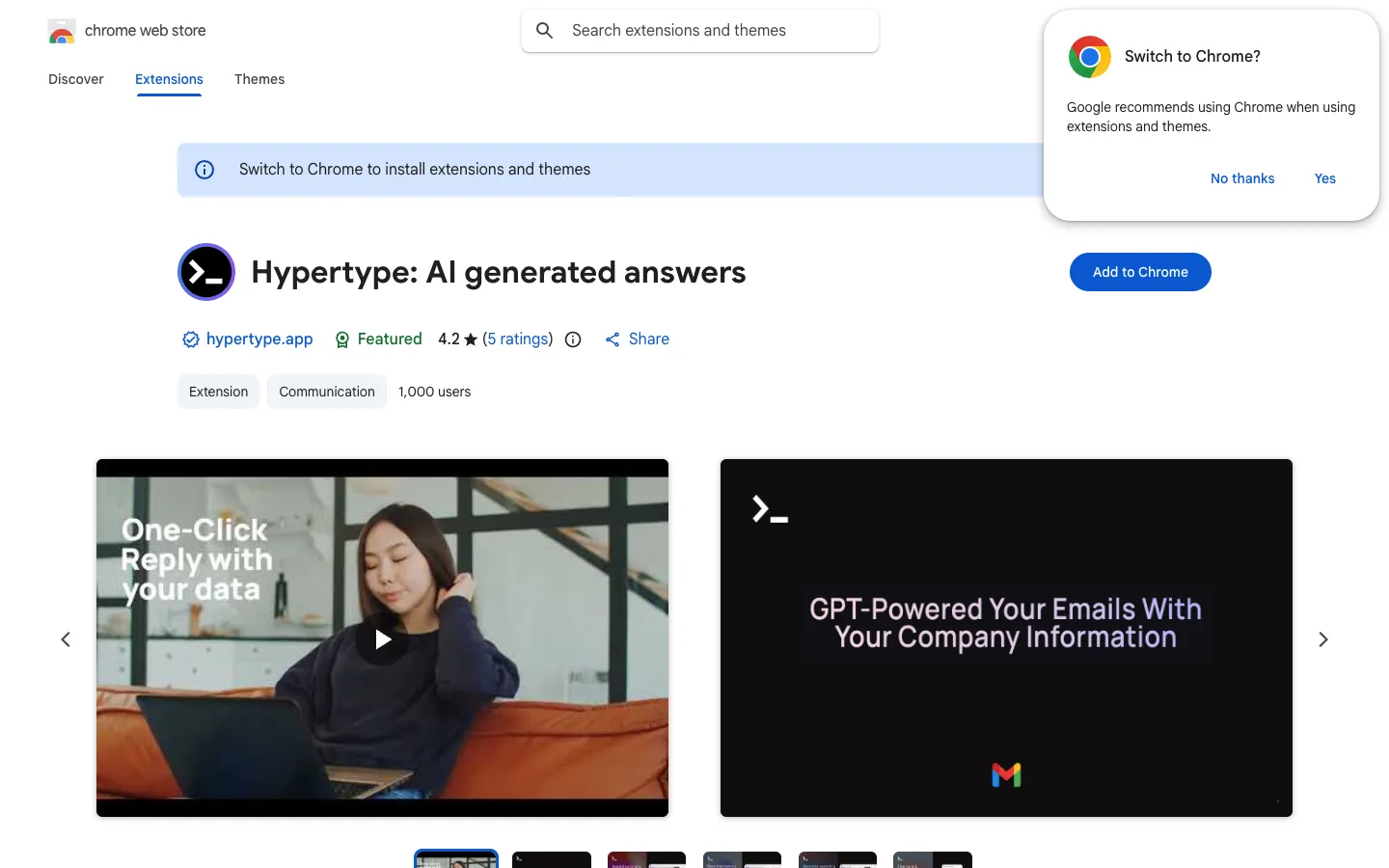
Hypertype is a Chrome extension that generates replies using your data in Gmail, Intercom, and Zendesk. It is designed for teams to respond to customer messages faster.
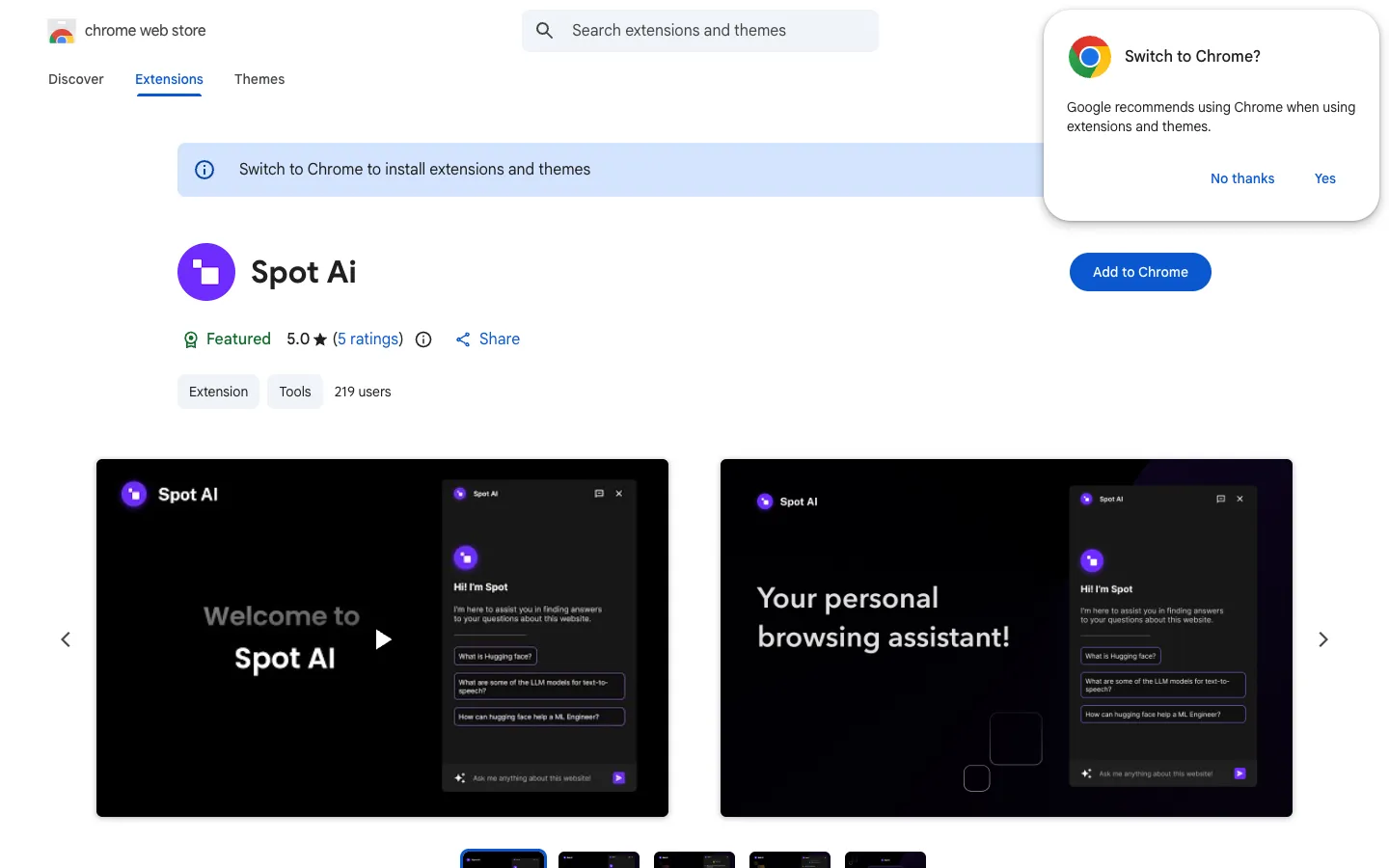
Spot AI is a browser extension that reads webpages to answer your questions from their content. It is designed for users who want to quickly research and uncover information while browsing.

ChatGPT Plugin Finder is a Chrome extension that helps users discover and manage plugins for ChatGPT. It provides a convenient way to browse and install plugins directly from the browser.

Autolicious is a Chrome extension listed on the Chrome Web Store. The page indicates the item is not available, so no further details are provided.

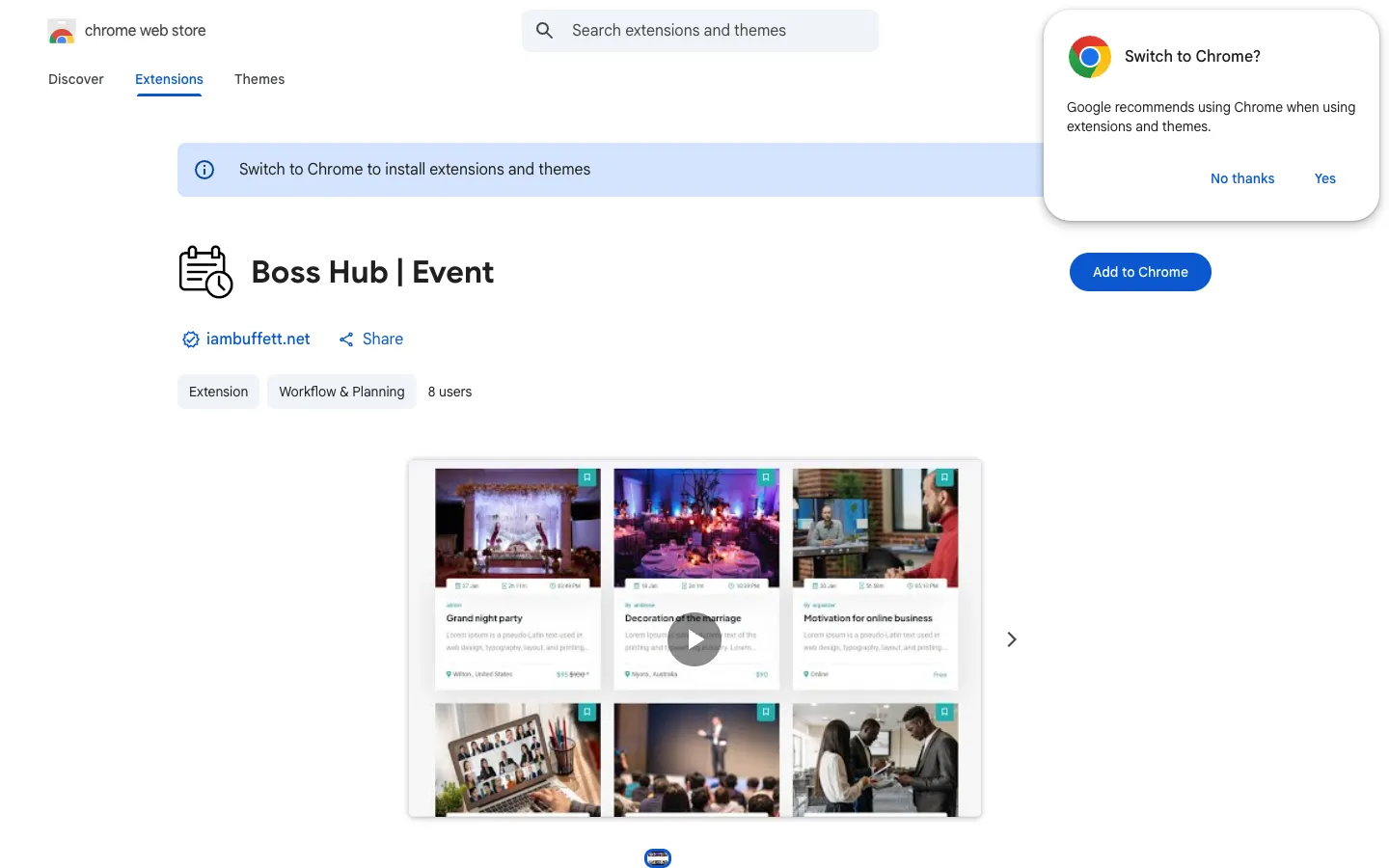
Boss Hub | Event is a Chrome extension that provides a multi-vendor event ticket booking platform. It is designed for administrators and event organizers to manage online and venue events, sell tickets, and handle bookings.

chatGPT notification is a Chrome extension that plays a sound when ChatGPT finishes generating a response. It is designed for users who want to multitask while waiting for ChatGPT output.