Web app

Muse Video
Muse Video is an AI video generation model that turns text prompts and reference images into cinematic videos with realistic motion and native audio. It is designed for creators, marketers, filmmakers, and designers who want to prototype and produce video content quickly.
- Platform
- Web app
- Categories
- AI Video Generator, Text to Video, Image to Video
- Indexed
- 2026-10-05
About Muse Video
What is Muse Video
Muse Video is an advanced AI video generation model designed to transform detailed text prompts and reference images into dynamic, high-quality videos. It supports both text-to-video and image-to-video generation, making it easy to turn creative ideas into moving visuals.
The model focuses on prompt adherence, visual fidelity, and temporal consistency. It can follow instructions for subjects, actions, camera movement, atmosphere, dialogue, ambience, and sound effects while maintaining a coherent visual experience throughout the video.
Muse Video is suitable for cinematic scenes, product videos, social media content, advertisements, storytelling, and other creative workflows. Create videos from text or images, explore different styles, and bring your ideas to life with AI.
Key features
- Text-to-video generation: Describe the subject, action, setting, and camera direction in natural language, then turn the brief into a moving visual concept.
- Image-to-video workflow: Start from a reference image when composition, product details, or a specific opening frame should guide the motion.
- Temporally consistent motion: Meta identifies temporal consistency as a core focus, helping subjects and scenes remain visually coherent as a shot unfolds.
- Cinematic camera control: Use prompt language for framing, tracking, handheld movement, pacing, lighting, and atmosphere to shape the feel of each shot.
- Native audio direction: Muse Video was previewed with native audio support, allowing sound and picture to begin from the same creative instruction.
- Prompt and visual fidelity: The model is designed to follow the requested scene more closely while preserving detail and a consistent visual direction.
- Flexible generation settings: Choose the supported aspect ratio, duration, resolution, and audio options exposed by the selected generation model.
- Reusable creation library: Keep prompts and generated assets together so a promising test can become a repeatable creative workflow.
Use cases
Muse Video is suitable for a range of creative and professional applications:
- Content creators: Create short-form social videos, visual stories, and repeatable concepts without planning a traditional shoot for every idea. (Reels, Shorts, TikTok)
- Marketers: Turn one campaign brief into multiple promotional directions and compare concepts before committing production budget. (Ads, Launches, A/B tests)
- Filmmakers: Explore staging, lenses, camera movement, atmosphere, and story beats while a scene is still inexpensive to change. (Previsualization, Storyboards, Pitches)
- Designers: Give static visual concepts motion to communicate ideas more effectively.
Additionally, Muse Video can be used for product videos, advertisements, storytelling, and other creative workflows.
How to use Muse Video
- Enter a Prompt: Describe your video idea, including the subject, scene, visual style, motion, camera direction, sound, and intended duration.
- Generate the Video: Review the editable direction and reference image, check which model and settings are currently available, then start the generation workflow.
- Review and Export: Review motion and reference consistency, then export the strongest result for ads, social posts, product videos, or creative projects.
The workspace provides flexible generation settings, including model-dependent options for aspect ratio, duration, resolution, and audio. A reusable creation library helps keep prompts and generated assets together for repeatable workflows.
Questions
Muse Video FAQ
- What is Muse Video?
- Muse Video is an AI tool available as a web app in the AI Video Generator, Text to Video, Image to Video categories. Muse Video is an AI video generation model that turns text prompts and reference images into cinematic videos with realistic motion and native audio. It is designed for creators, marketers, filmmakers, and designers who want to prototype and produce video content quickly.
- What is Muse Video used for?
- Muse Video is filed under AI Video Generator, Text to Video, Image to Video in the AITOOLIST index. Muse Video is an AI video generation model that turns text prompts and reference images into cinematic videos with realistic motion and native audio. It is designed for creators, marketers, filmmakers, and designers who want to prototype and produce video content quickly.
- Is Muse Video a web app, an extension or a native app?
- Muse Video is a web app.
Listed in the AITOOLIST index since 2026-10-05.
Related
Tools similar to Muse Video
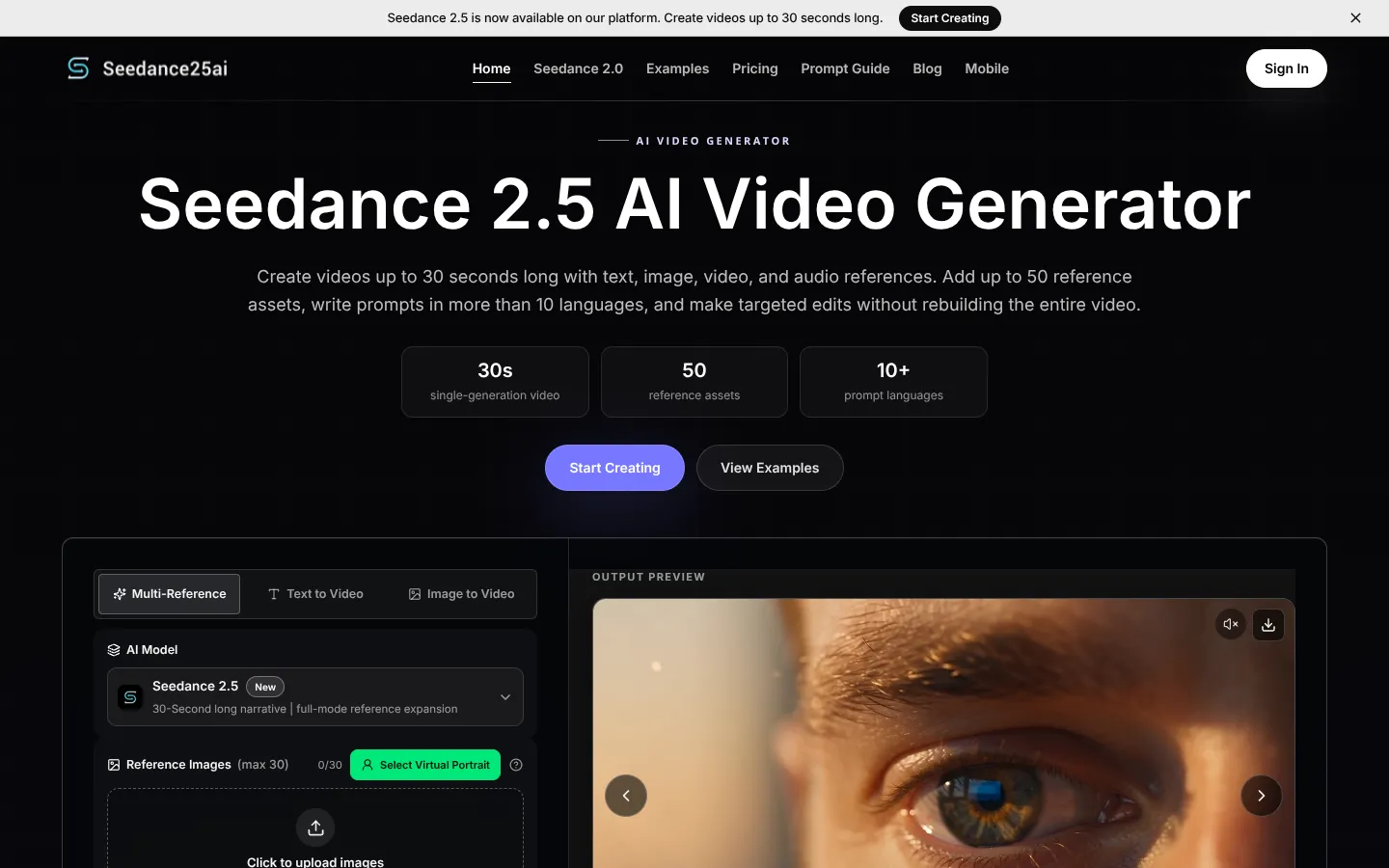
Seedance 2.5 is an AI video generation model from ByteDance's Doubao team. It creates videos up to 30 seconds long from text, image, video, and audio references.
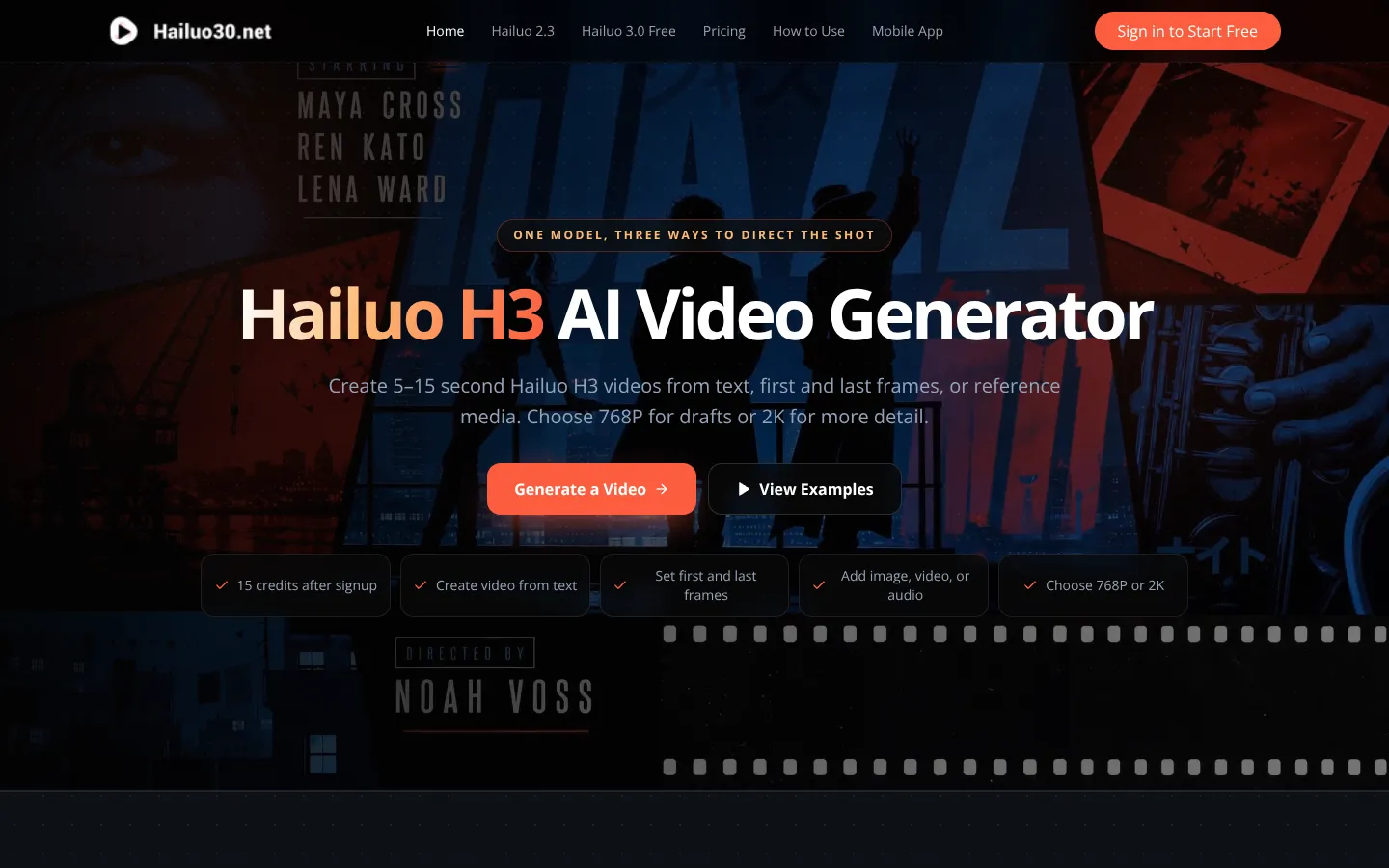
Hailuo H3 is an AI video generator that creates 5-15 second videos from text, images, video, or audio. It is designed for marketers, filmmakers, game teams, and motion designers to test short-form video ideas before production.
AI-driven filmmaking platform for complete control over storytelling.

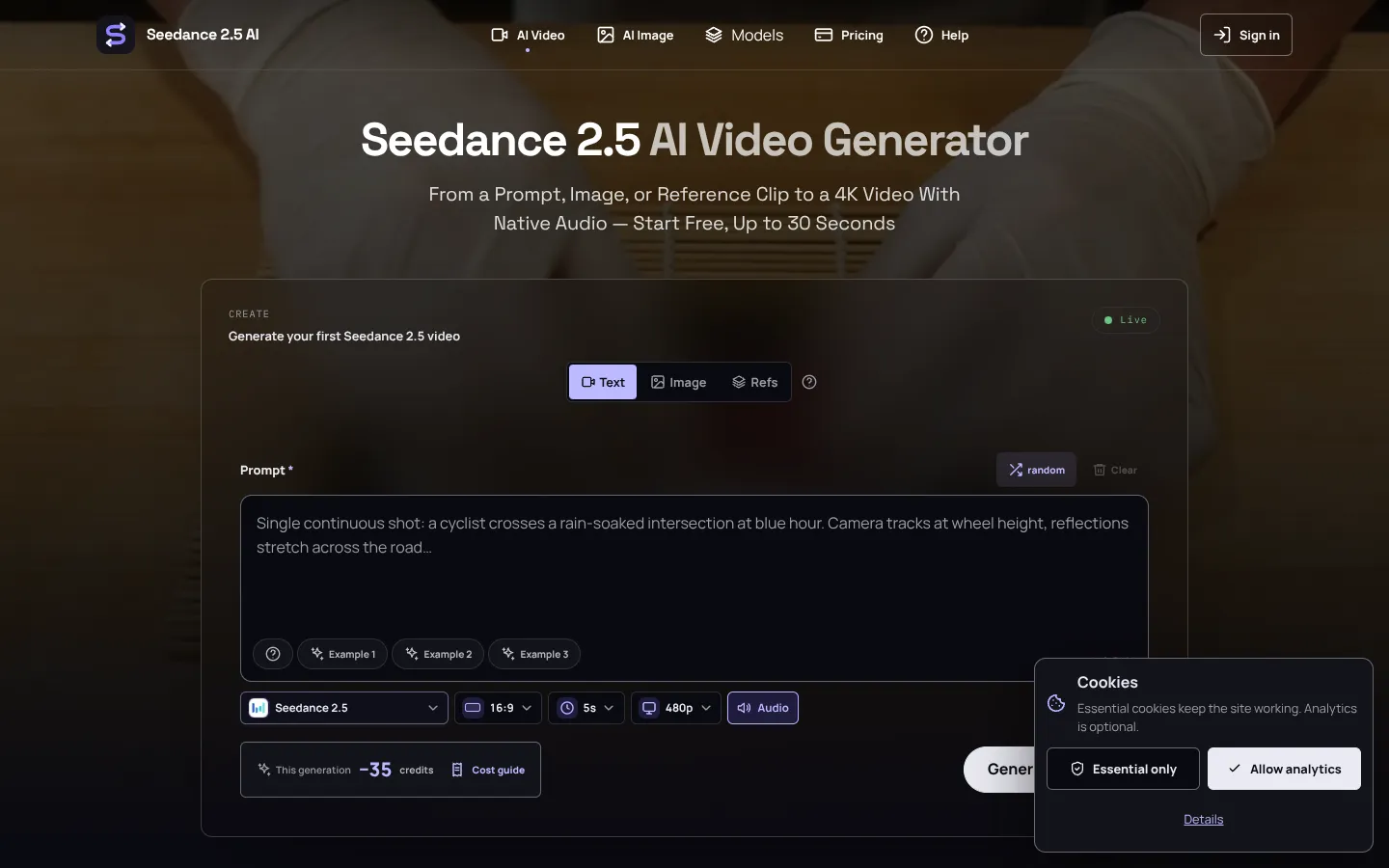
Seedance 2.5 is a multimodal AI video generator that creates videos up to 30 seconds from text, images, or reference clips. It is designed for content creators and filmmakers who need cinematic shots with native audio.
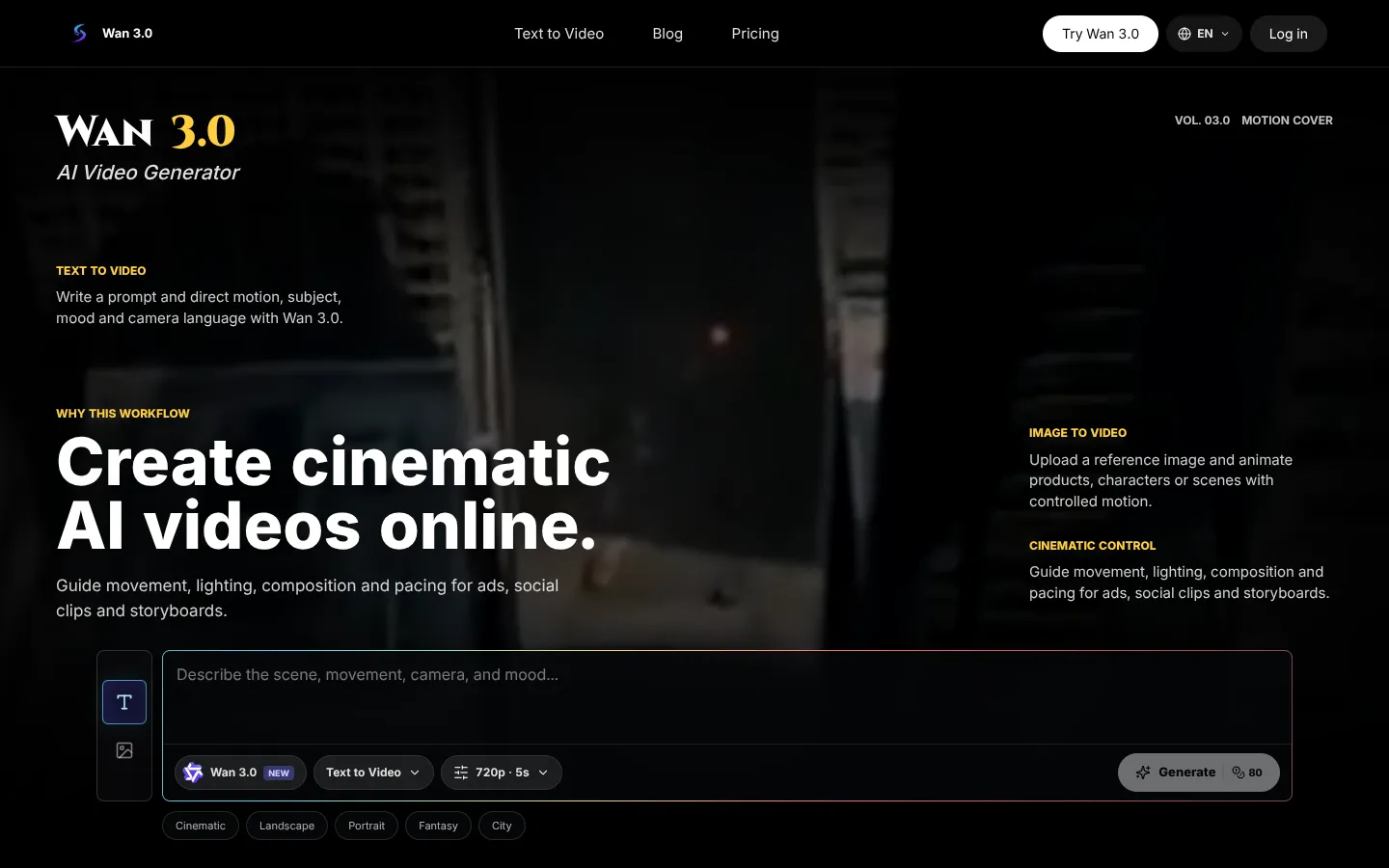
Wan 3.0 is an online AI video generator that creates videos from text prompts or reference images. It is designed for creators, marketers, and storytellers who need quick video clips for ads, social media, and storyboards.

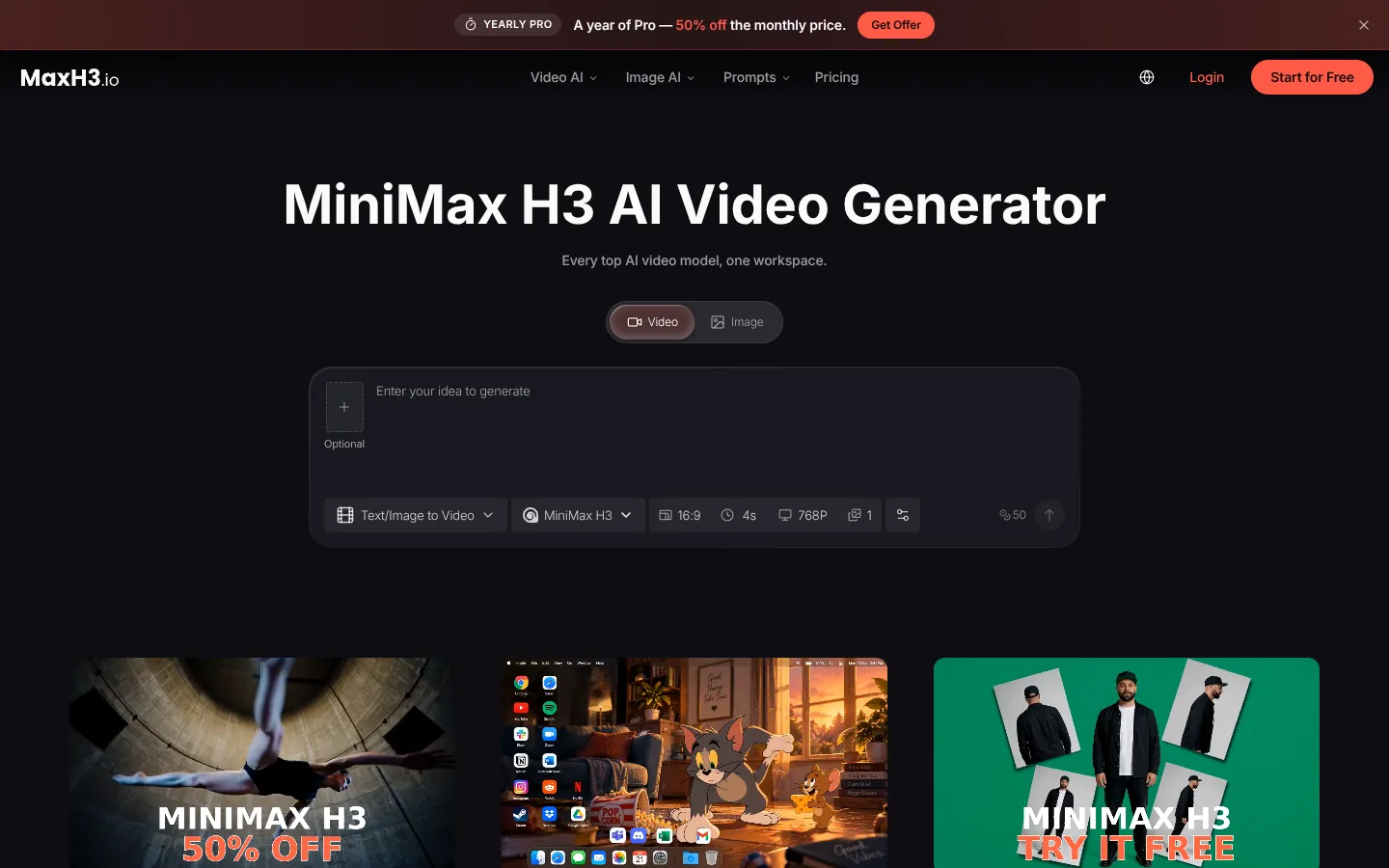
MiniMax H3 is an AI video generator that turns text, images, video and audio references into short clips with stereo sound. It runs in the browser and is aimed at creators, marketers, sellers and studios who need finished video without a shoot.