Web app

muse image
Muse Image is a web app for generating images from text prompts and editing uploaded photos with natural-language instructions. It lets you compare supported models, output settings and credit costs in one workspace.
- Platform
- Web app
- Categories
- AI Photo & Image Generator, Photo & Image Editor, AI Image Enhancer
- Indexed
- 2026-10-22
About muse image
What is Muse Image
Muse Image is an independent web application for AI image generation and natural-language image editing. You can create a new image from a text prompt or upload a JPEG, PNG or WebP file and describe the change you want to make. The workspace lets you compare supported models, pick an aspect ratio and resolution, see the credit cost, and download the result in one place. New accounts start with 40 free credits, and each model displays its credit cost before you generate. The page describes it as a single workspace for generating, making focused edits, comparing models and choosing output settings.
Key features
- Text-to-image generation: describe subject, composition, style and lighting in plain language, then choose a model and format.
- Natural-language photo editing: upload a JPEG, PNG or WebP image and describe the focused change while noting details to preserve.
- Multiple model options: choose among available models for everyday iteration, typography, bilingual prompts or premium composition.
- Flexible output formats: select from supported landscape, portrait and square aspect ratios, with resolution options set by the chosen model.
- Costs shown before generation: the creator calculates the credit total from model, resolution and output count before you submit.
- Downloadable results: review generated images in the creator and download the ones you want to keep.
How it works
- Describe your vision: enter a text prompt describing the image you want, or upload a photo to edit existing content. Muse Image is described as understanding complex prompts with multiple details.
- Refine and edit: use sketch-based editing to circle areas for changes, add reference images for composition, or continue refining through conversation. The page states Muse Image remembers your context.
- Download and share: review the generated result, make another focused change if needed, and download the finished image.
Output options vary by model, with supported combinations of landscape, square and portrait aspect ratios and up to 1K, 2K or 4K resolution. Supported modes, source images, output counts and costs also differ by model, so the page advises checking the selected model's controls before generating.
Pricing
Every new account starts with 40 free credits. Additional permanent credits are sold as one-time packs without a recurring subscription. The creator shows the credit cost for the selected model, resolution and output count before you submit a generation request, and model pages list per-image costs. The page does not state specific prices for credit packs. Support is available at geekymv2024@gmail.com.
Questions
muse image FAQ
- What is muse image?
- muse image is an AI tool available as a web app in the AI Photo & Image Generator, Photo & Image Editor, AI Image Enhancer categories. Muse Image is a web app for generating images from text prompts and editing uploaded photos with natural-language instructions. It lets you compare supported models, output settings and credit costs in one workspace.
- What is muse image used for?
- muse image is filed under AI Photo & Image Generator, Photo & Image Editor, AI Image Enhancer in the AITOOLIST index. Muse Image is a web app for generating images from text prompts and editing uploaded photos with natural-language instructions. It lets you compare supported models, output settings and credit costs in one workspace.
- Is muse image a web app, an extension or a native app?
- muse image is a web app.
Listed in the AITOOLIST index since 2026-10-22.
Related
Tools similar to muse image

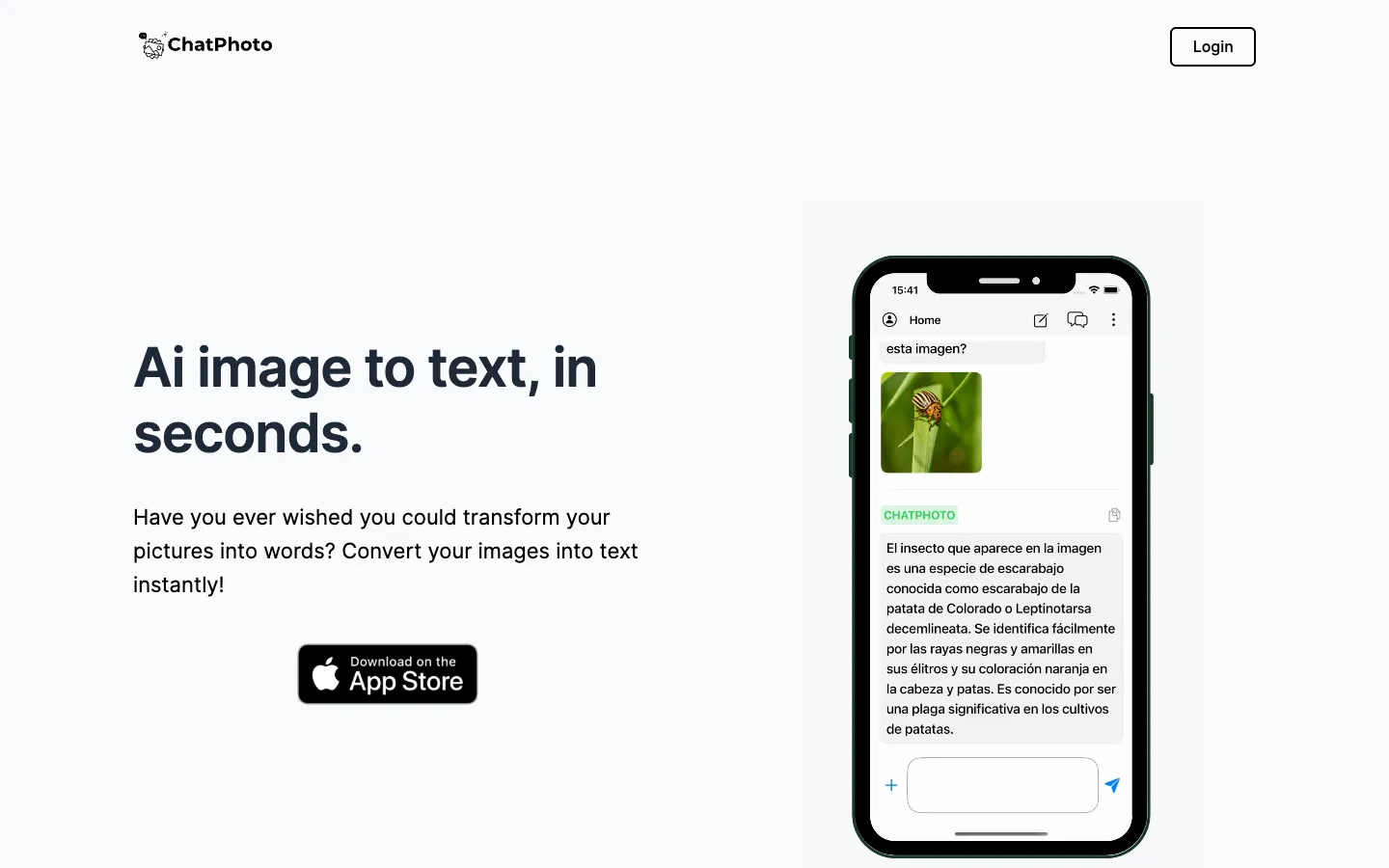
ChatPhoto converts images into text and answers questions about them. It is for users who want to extract text from photos, get captions, or learn about images in multiple languages.

AIHairstylist is an AI-powered tool for virtual hairstyle try-ons. It helps users preview different hairstyles on their own photos.
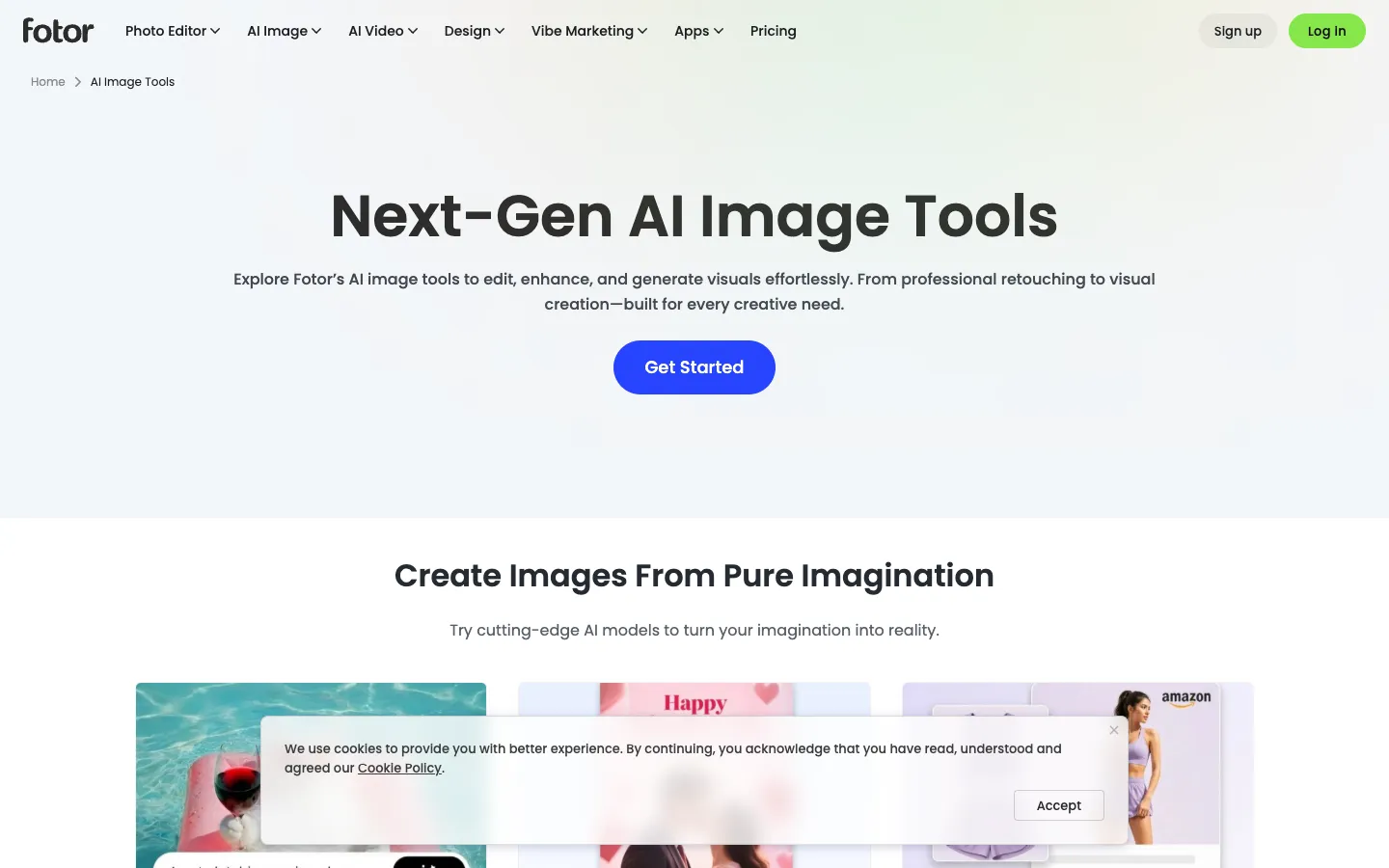
Fotor AI is a suite of AI-powered image tools for creating and editing visuals online. It is designed for individuals and businesses who need to generate, enhance, and manipulate images without learning complex software.
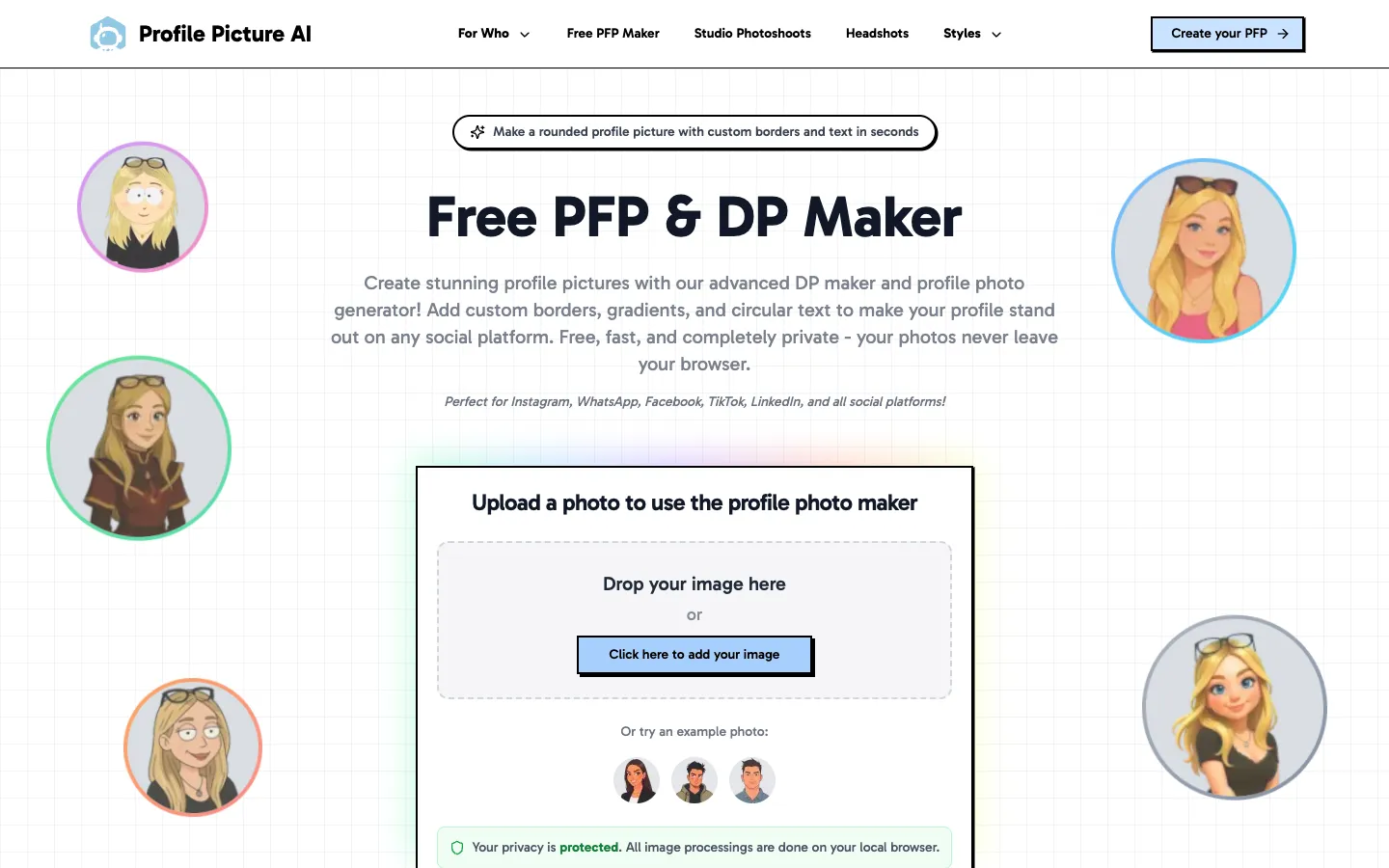
ProfilePictureMaker.com is a free online tool that creates circular profile pictures with custom borders, gradients, and text. It works entirely in the browser, ensuring privacy, and is suitable for social media users on platforms like Instagram, WhatsApp, and LinkedIn.

PixVerse is a proprietary AI research platform for video generation and production, extended into real-time worlds and interactive entertainment. It offers models and tools for creating, directing, and scaling video content for enterprises and creators.

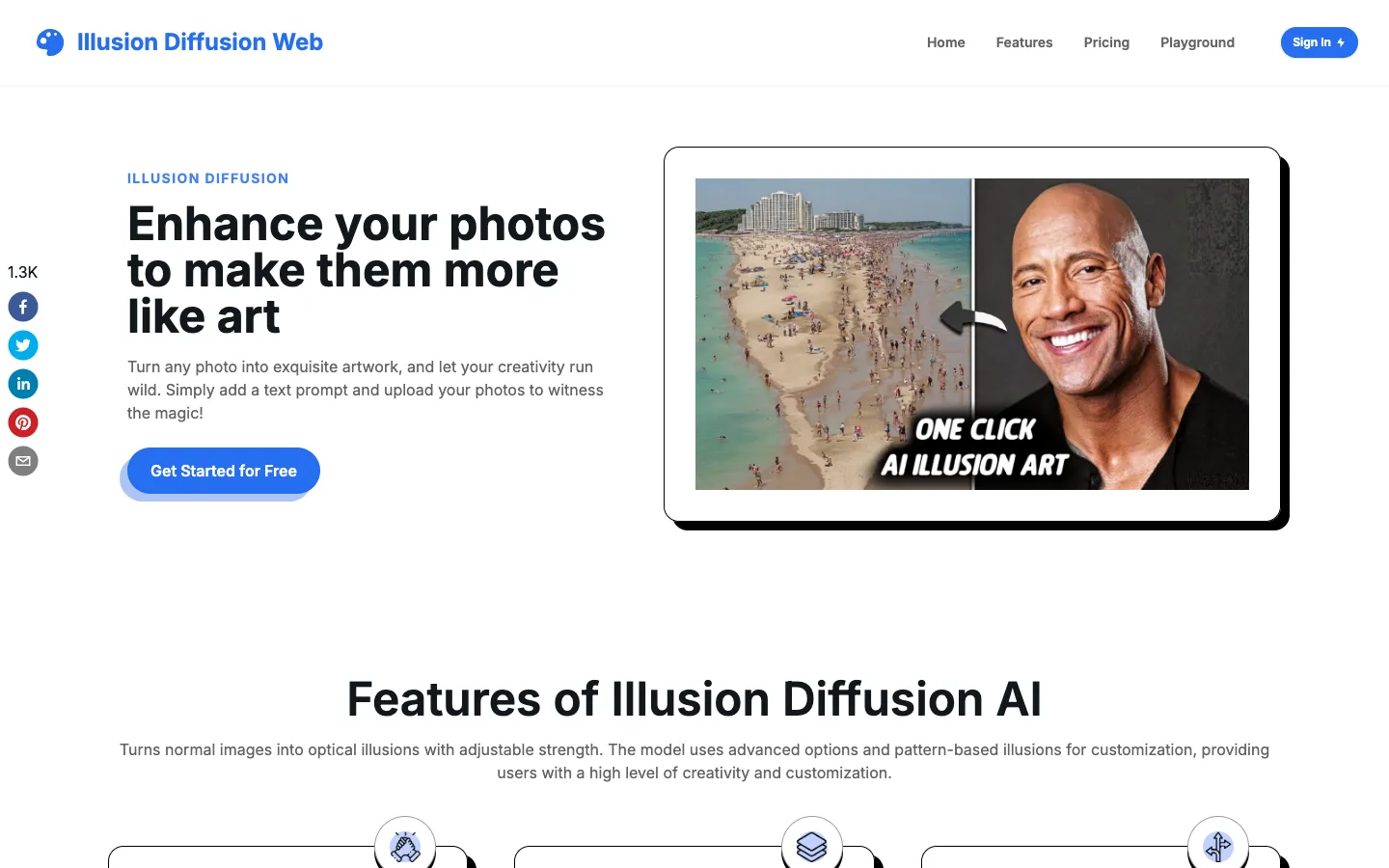
Illusion Diffusion is an AI-powered tool that transforms ordinary photos into optical illusions and surreal art using Stable Diffusion and ControlNet models. Users can upload images or select patterns, add text prompts, and adjust settings to generate customized artwork.