Web app

MP3 to Transcript
ToText converts MP3 and MP4 files into accurate, editable transcripts online. It is designed for anyone who needs searchable text from audio or video recordings.
- Platform
- Web app
- Categories
- Transcription, Speech-to-Text, Captions or Subtitle
- Indexed
- 2026-09-22
About MP3 to Transcript
What is ToText
ToText is a web-based transcription service that turns MP3 audio and MP4 video into editable, time-aligned text. It supports common formats like MP3, MP4, M4A, MOV, WAV, and WebM. The platform offers automatic language detection, speaker recognition, noise reduction, and private file handling. Users can upload files up to 20 hours long and receive transcripts with timestamps, speaker labels, and optional translations. ToText provides a free tier that allows up to 3 files per day, with the first 20 minutes of each file included. No sign-up or credit card is required for the free allowance, though sign-in is needed. The tool is suitable for interviews, podcasts, lectures, meetings, and other recordings where searchable text is valuable.
Key features
ToText includes several features to streamline transcription. Automatic language detection identifies the spoken language, while speaker recognition separates voices and allows custom labels. Noise reduction helps improve clarity in noisy recordings. The editor provides synced playback, allowing users to click any segment to hear the corresponding audio or video. Search and correction tools let users find phrases and fix wording. Custom vocabulary lets users add specialist terms for better accuracy. Exports are available in multiple formats: TXT, DOCX, PDF, SRT, VTT, CSV, JSON, ASS, and XLSX. Additionally, ToText can generate summaries, meeting notes, chapters, action items, and translations from the transcript. All processing is private, and users can delete jobs from the dashboard.
Use cases
ToText serves a variety of transcription needs. For meetings and interviews, it helps verify quotations, capture decisions, and create searchable records. Podcasters and creators can use MP3 transcripts for show notes, articles, and chapters. Educators and trainers can transcribe MP4 lessons, tutorials, and webinars to create notes or caption drafts. Researchers and customer support teams can compare responses and locate customer language. The tool is also useful for journalists, students, and anyone who needs to convert spoken content into text. ToText emphasizes processing only recordings you own or have permission to use, and it supports review to ensure accuracy for the final task.
Pricing
ToText offers a free tier that allows up to 3 transcriptions per day, with the first 20 minutes of each file included. This free allowance requires sign-in but no credit card. Paid access is available for longer complete recordings. The page does not specify exact pricing for paid plans, but it indicates that paid access supports longer files. Users can start with the free tier to evaluate editing, timing, and export features before upgrading.
Questions
MP3 to Transcript FAQ
- What is MP3 to Transcript?
- MP3 to Transcript is an AI tool available as a web app in the Transcription, Speech-to-Text, Captions or Subtitle categories. ToText converts MP3 and MP4 files into accurate, editable transcripts online. It is designed for anyone who needs searchable text from audio or video recordings.
- What is MP3 to Transcript used for?
- MP3 to Transcript is filed under Transcription, Speech-to-Text, Captions or Subtitle in the AITOOLIST index. ToText converts MP3 and MP4 files into accurate, editable transcripts online. It is designed for anyone who needs searchable text from audio or video recordings.
- Is MP3 to Transcript a web app, an extension or a native app?
- MP3 to Transcript is a web app.
Listed in the AITOOLIST index since 2026-09-22.
Related
Tools similar to MP3 to Transcript

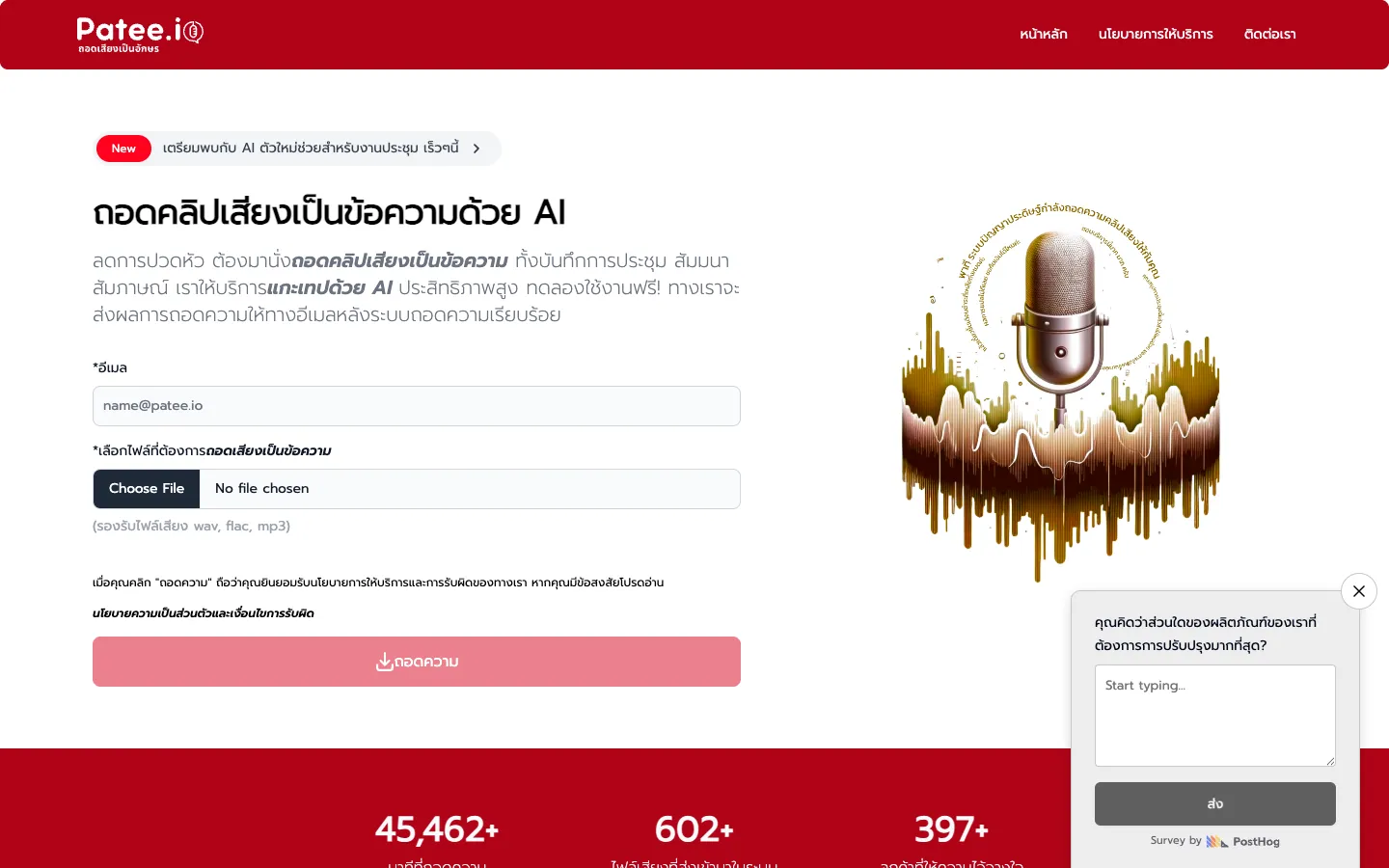
Patee.io is an AI-powered Thai transcription service that converts audio and video files into text. It is designed for individuals and businesses needing to transcribe meetings, seminars, and interviews.

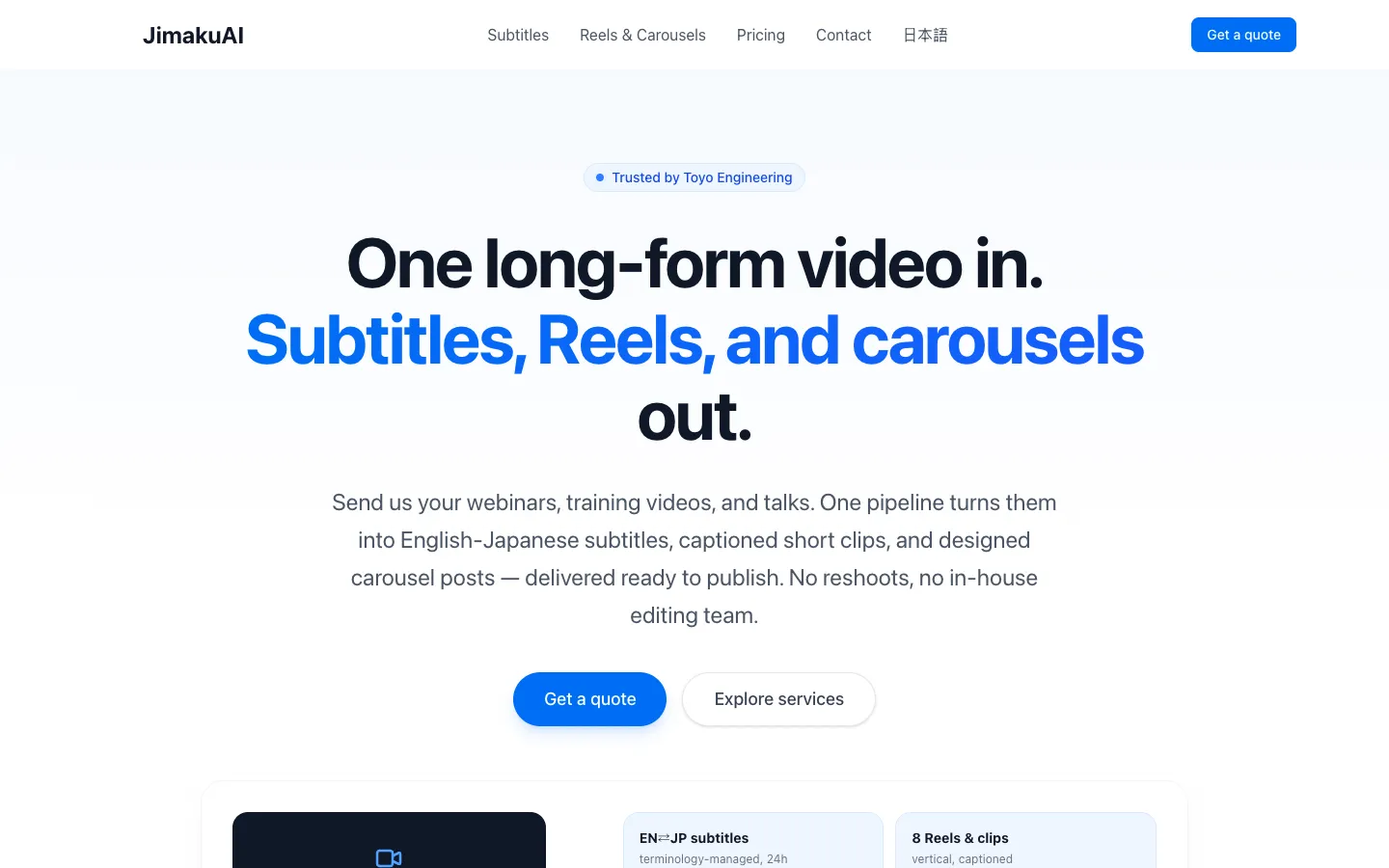
JimakuAI transforms long-form videos into Japanese subtitles, short clips, and carousel posts. It serves enterprise teams, content creators, and media brands.

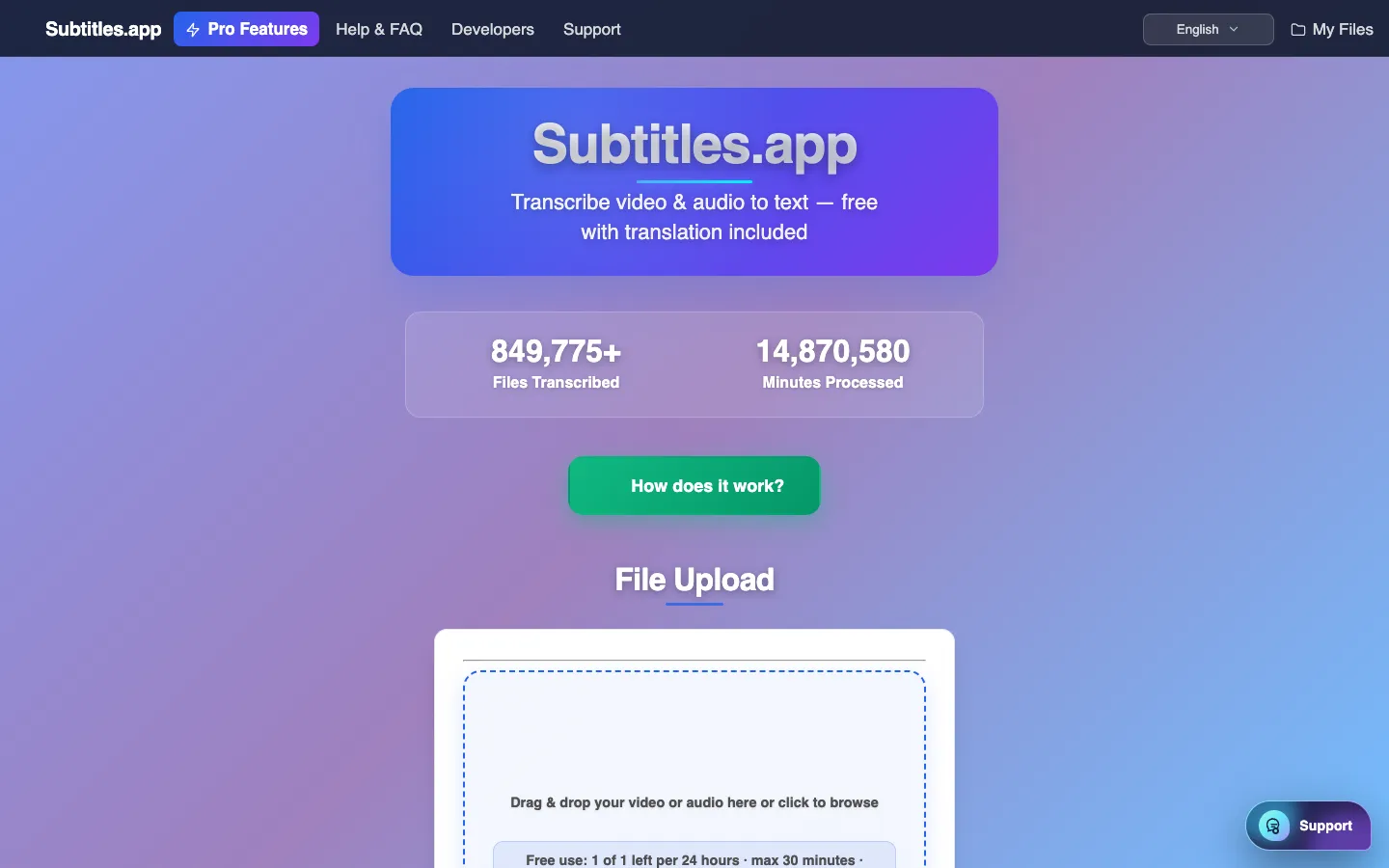
Subtitles.app is a free tool that transcribes audio and video files into text. It is designed for content creators, editors, and anyone needing quick and accurate subtitles or transcripts.

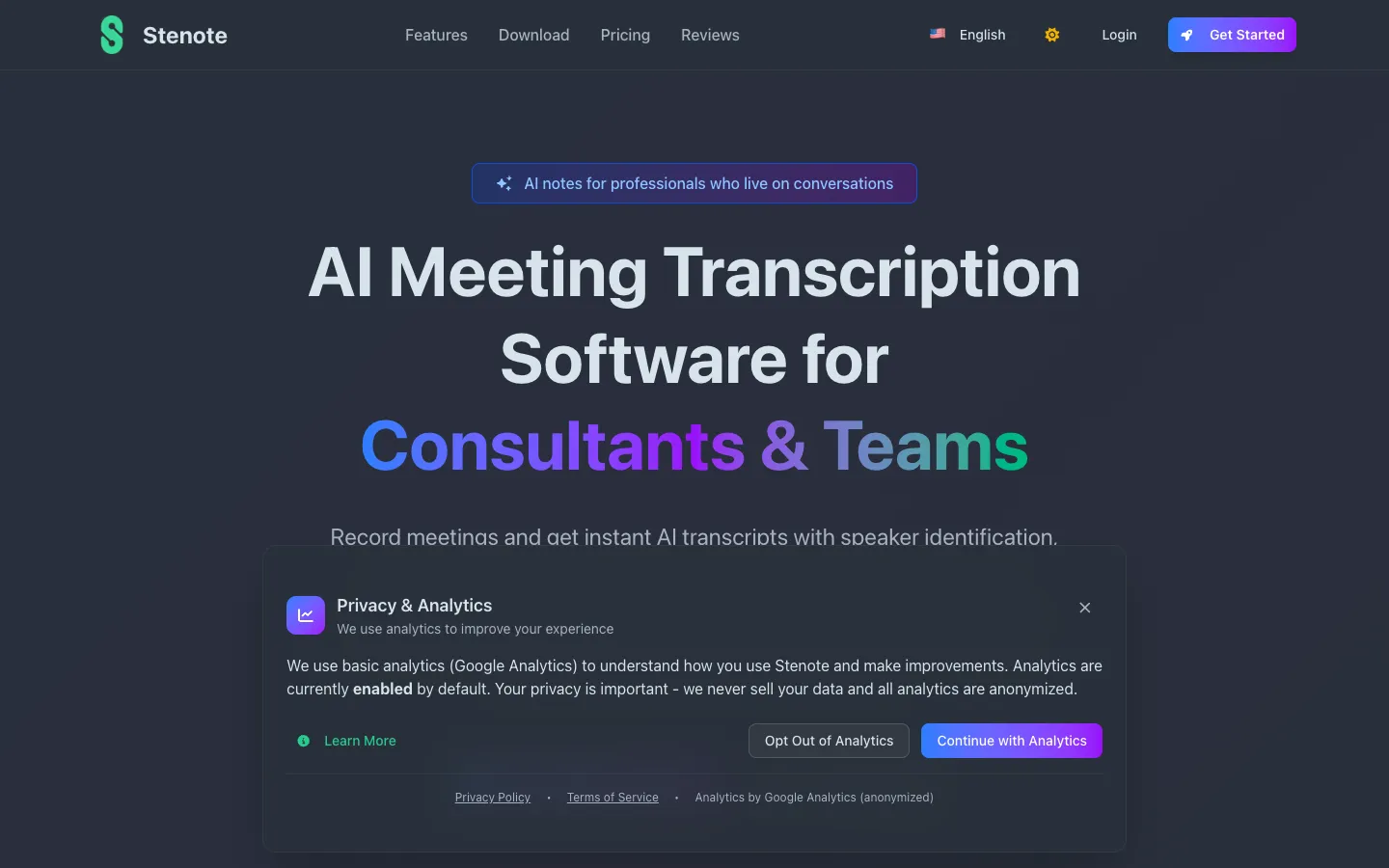
Stenote is an AI meeting transcription and audio recording software that provides instant transcripts with speaker identification, timestamps, and summaries. It is designed for consultants, coaches, and professional teams who need accurate meeting documentation.
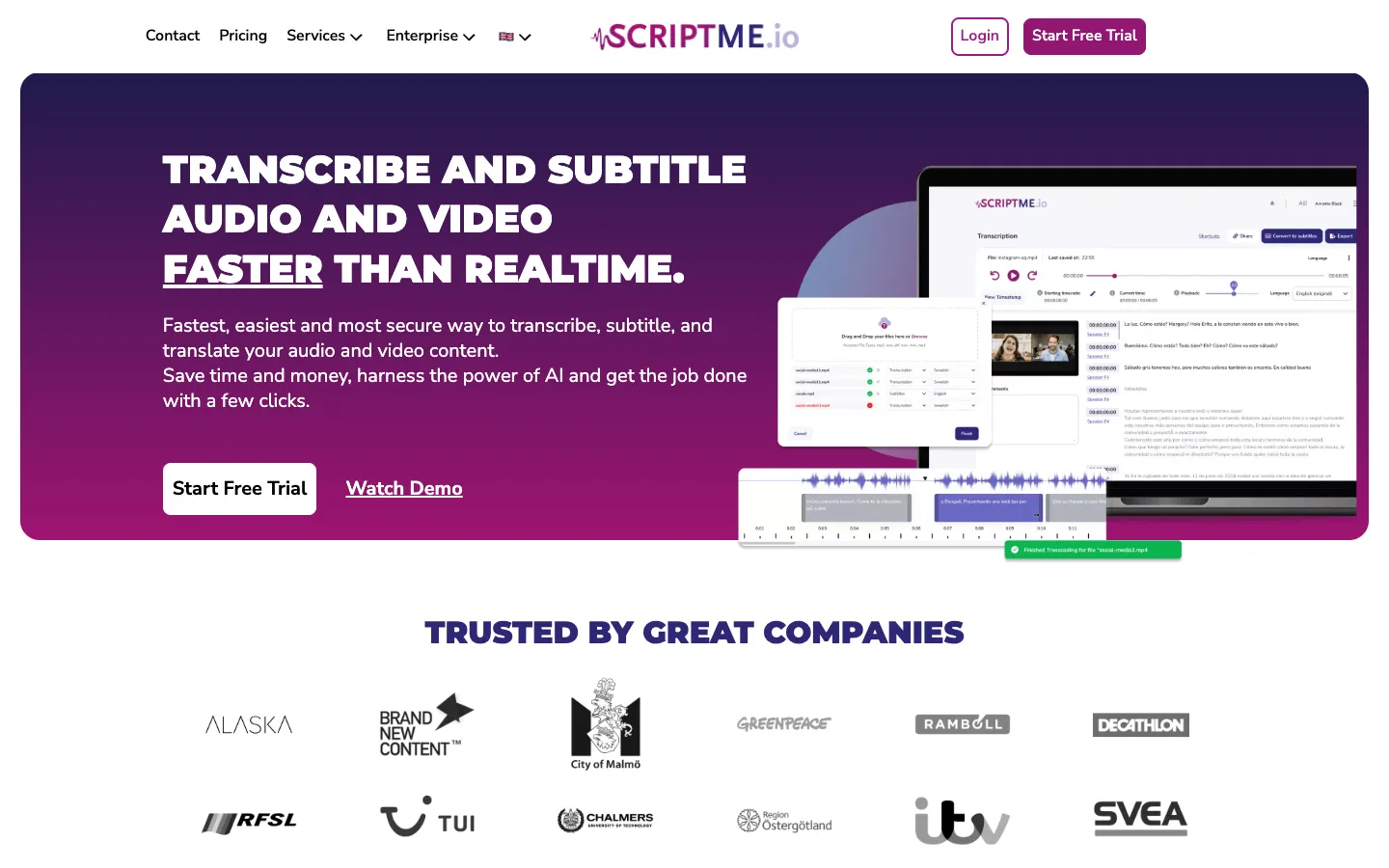
ScriptMe is an AI-powered transcription and subtitling tool that converts audio and video into text in over 31 languages. It is designed for media professionals, government bodies, universities, and businesses to save time and money.

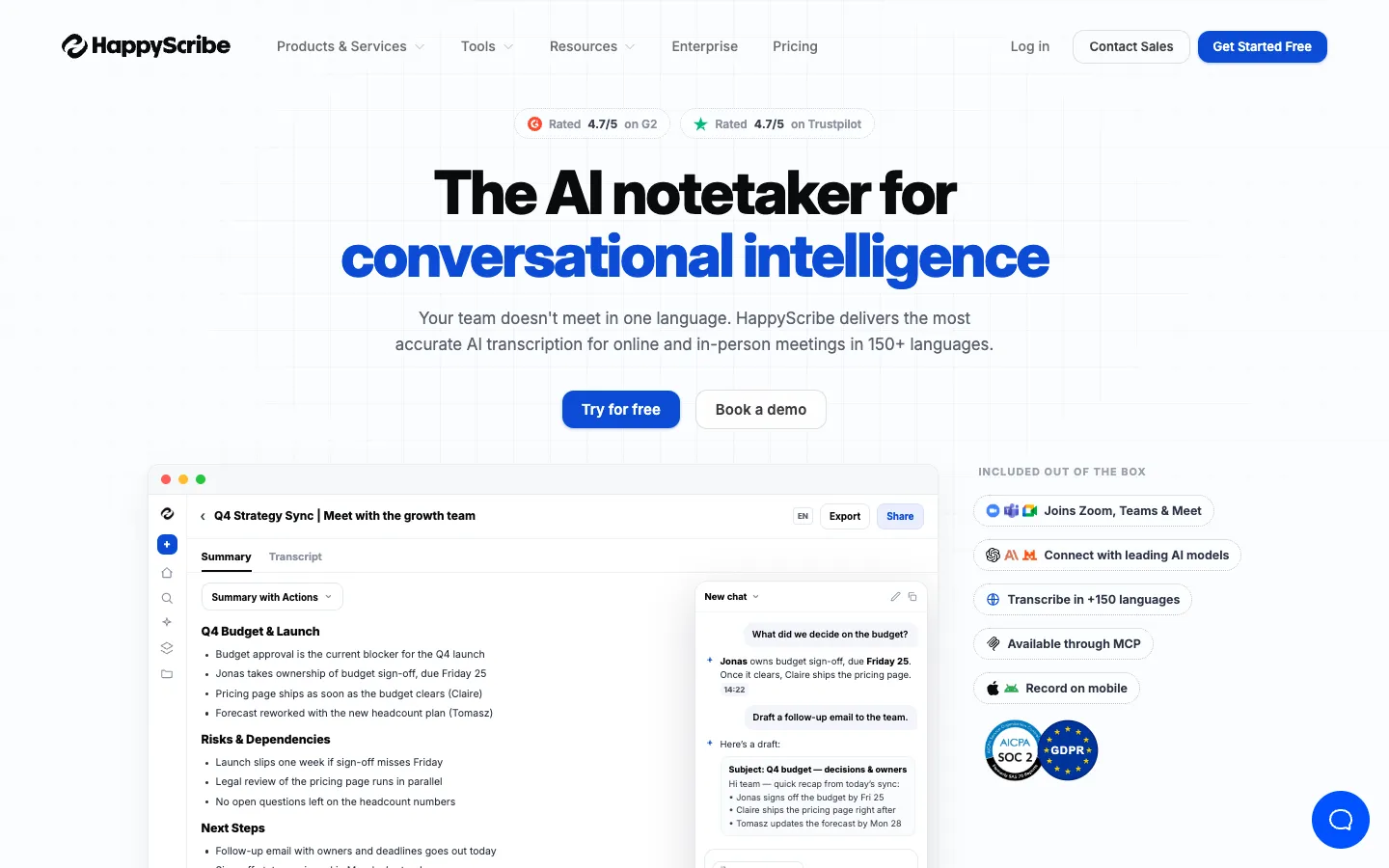
Happy Scribe is an AI transcription and notetaking tool that supports over 150 languages. It is designed for teams that need accurate meeting notes, transcripts, and subtitles, with a focus on security and privacy.