Web app
LedgerBox
LedgerBox extracts data from financial documents such as bank statements, invoices, and receipts. It processes every row and returns a clean spreadsheet, flagging uncertain items for review.
- Platform
- Web app
- Categories
- AI Accounting Assistant, AI Product Description Generator
- Indexed
- 2024-02-19
About LedgerBox
What is LedgerBox
LedgerBox is a tool that converts financial documents like bank statements, invoices, receipts, pay stubs, and purchase orders into structured spreadsheets. It uses computer vision to detect table structures and extract line items exactly as printed, without aggregations or dropped rows. The tool is designed for bookkeepers, accountants, and small firms that need to reduce manual data entry. It integrates with QuickBooks, Excel, and Google Sheets, and supports exports in CSV, XLSX, QBO, and JSON formats.
Key features
LedgerBox offers several key features:
- Document processing: Handles PDF, JPG, PNG, and HEIC files, including rotated photos and multi-page statements.
- Accuracy: Extracts every row and column in order, with no heuristics or category guesses. Uncertain rows are flagged with a reason.
- Reconciliation: Automatically reconciles totals to printed closing balances.
- Integrations: Exports to QuickBooks (CSV and QBO), Excel, and Google Sheets. Approved documents can be posted as balanced journal entries.
- Security: Enterprise-grade, third-party audited, and approved by Intuit.
- Institution guides: Dedicated statement guides for 10,000+ banks and credit unions across the US, Canada, UK, and Australia.
Use cases
LedgerBox is used by solo bookkeepers, freelancers, and small firms to process financial documents efficiently. Common use cases include:
- Bank statement extraction: Convert statements from any bank into structured data, with every transaction reconciled.
- Invoice processing: Extract line items, tax, and totals from vendor invoices.
- Receipt capture: Lift merchant, date, and total from photos or scans of receipts.
- Payroll and purchase orders: Process pay stubs and purchase orders into clean rows.
The tool is particularly useful for month-end closing, audit preparation, and migrating data to accounting software.
Pricing
LedgerBox offers a free tier with 200 pages when you sign up, no credit card required. Paid plans start at $17 per month (billed yearly) for solo bookkeepers and freelancers, which includes 60 pages per month. Higher tiers offer 120 and 300 pages per month. All paid plans include review flags, all export formats (Excel, CSV, QuickBooks CSV, QBO, JSON), and encryption in transit and at rest. Annual billing saves around 30%. You can cancel anytime in the app.
Questions
LedgerBox FAQ
- What is LedgerBox?
- LedgerBox is an AI tool available as a web app in the AI Accounting Assistant, AI Product Description Generator categories. LedgerBox extracts data from financial documents such as bank statements, invoices, and receipts. It processes every row and returns a clean spreadsheet, flagging uncertain items for review.
- What is LedgerBox used for?
- LedgerBox is filed under AI Accounting Assistant, AI Product Description Generator in the AITOOLIST index. LedgerBox extracts data from financial documents such as bank statements, invoices, and receipts. It processes every row and returns a clean spreadsheet, flagging uncertain items for review.
- Is LedgerBox a web app, an extension or a native app?
- LedgerBox is a web app.
Listed in the AITOOLIST index since 2024-02-19.
Related
Tools similar to LedgerBox


Osfin.ai is an all-in-one finance and accounting automation platform. It helps businesses automate reconciliation, payouts validation, and data reporting across various industries.

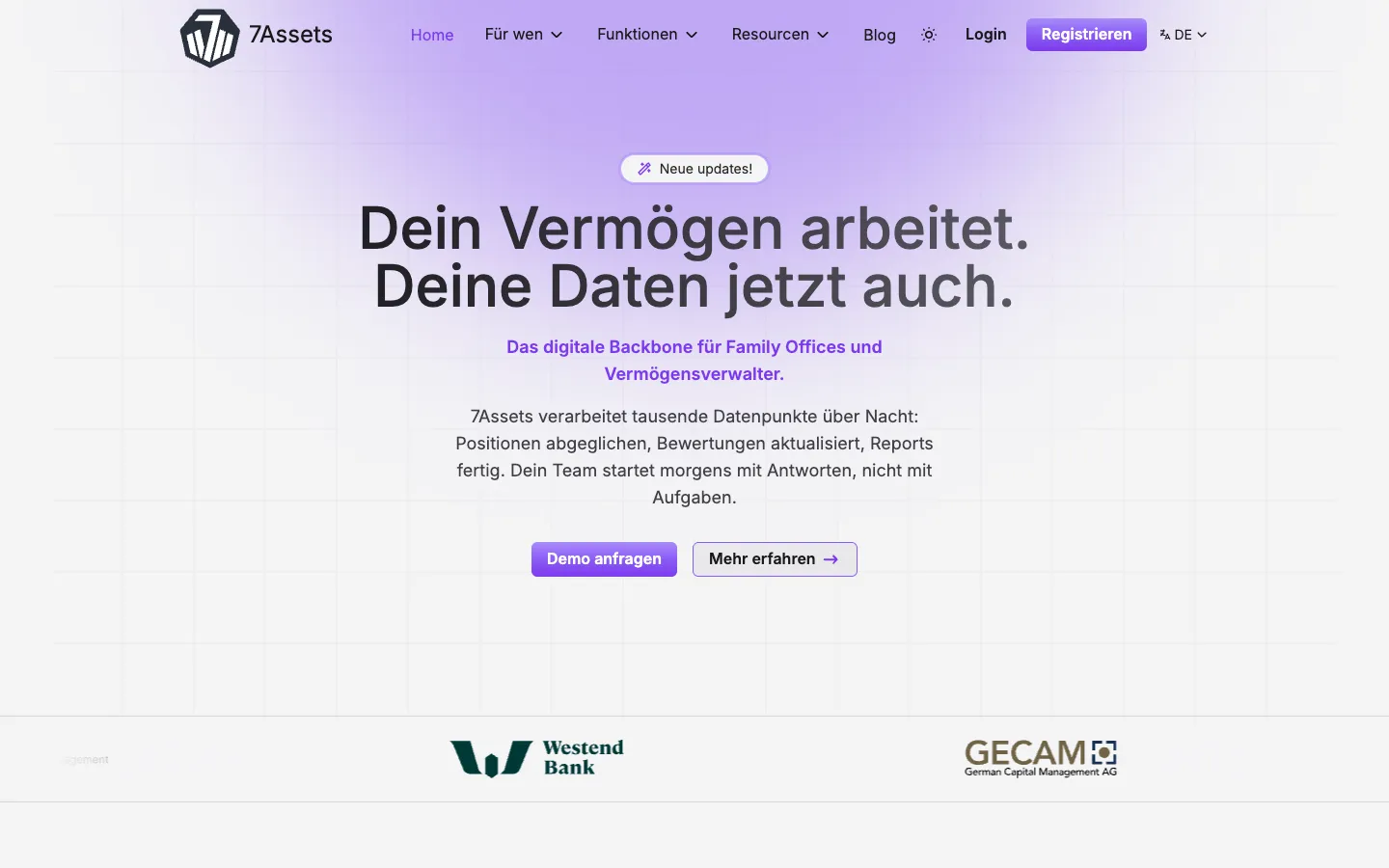
7Assets is a platform for family offices, asset managers, and private banks to consolidate and process financial data across all asset classes. It automatically syncs with over 2,500 banks and provides a unified view of assets, liabilities, and net worth.

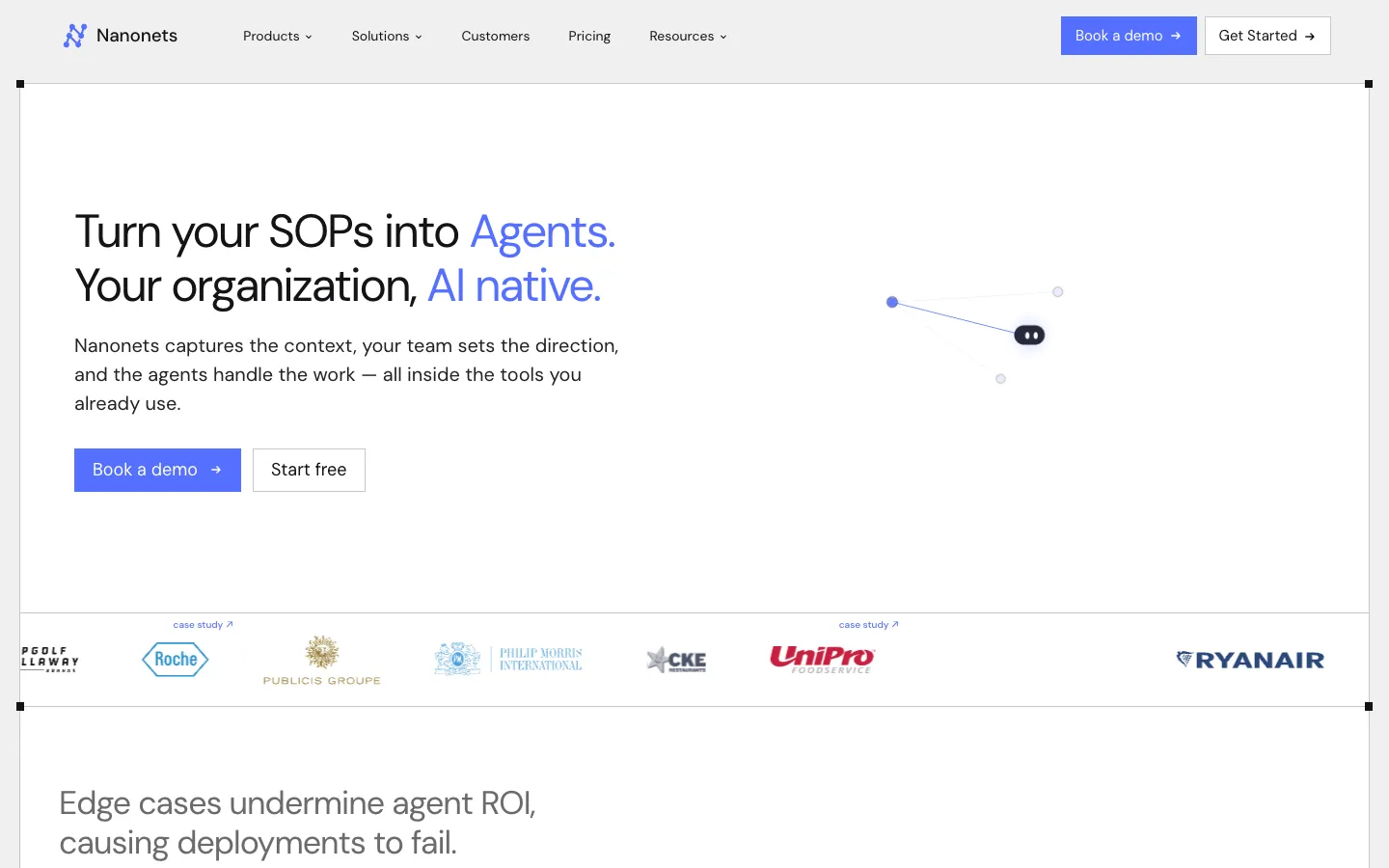
Nanonets is an AI agent platform that automates document-heavy processes like invoice processing, order management, and claims processing. It is designed for large enterprises and integrates with systems like SAP and Salesforce.

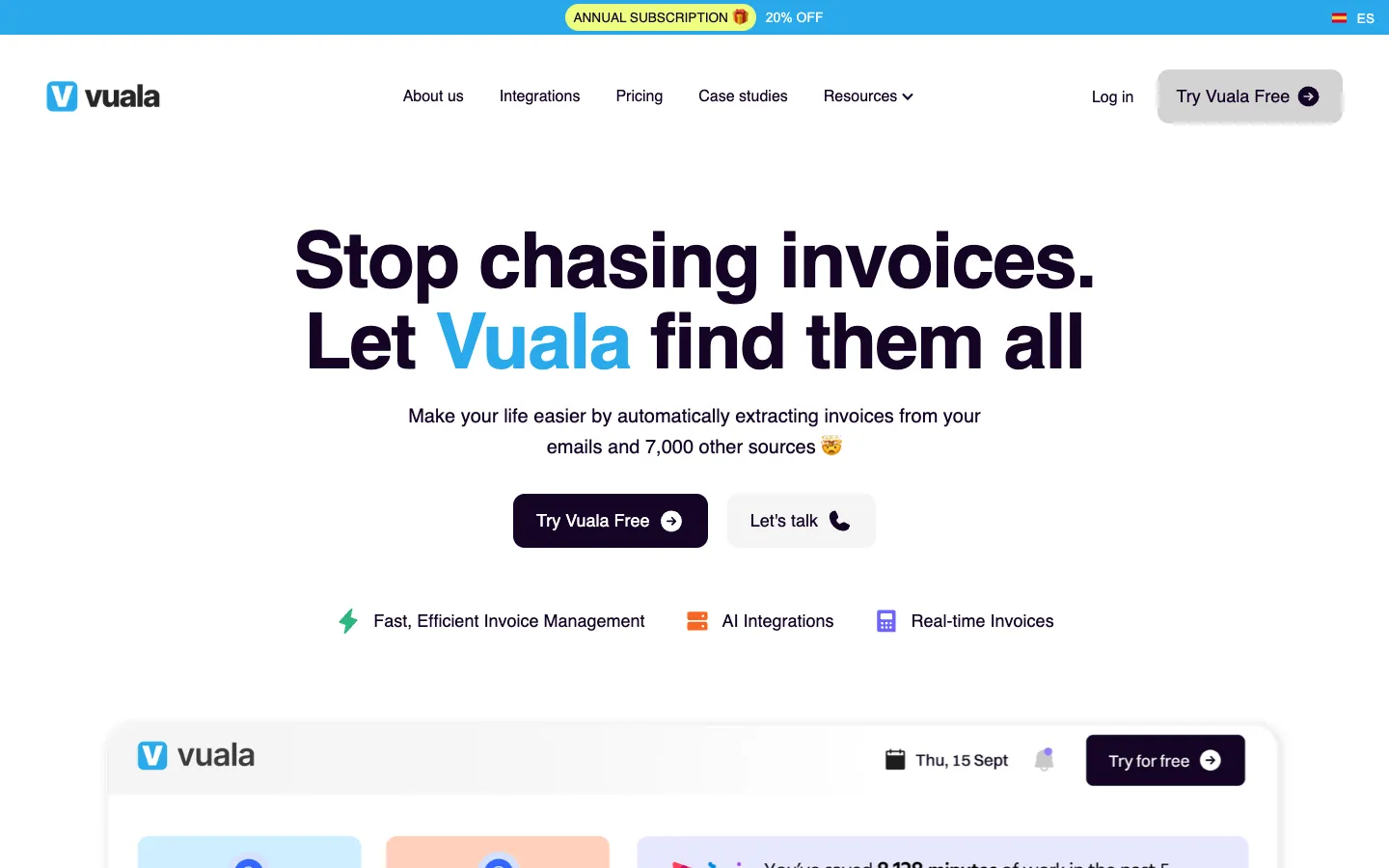
Vuala is an invoice management software for SMEs that automatically extracts invoices from email and over 7,000 online portals. It centralizes all invoices in one dashboard and integrates with accounting tools like QuickBooks and Xero.
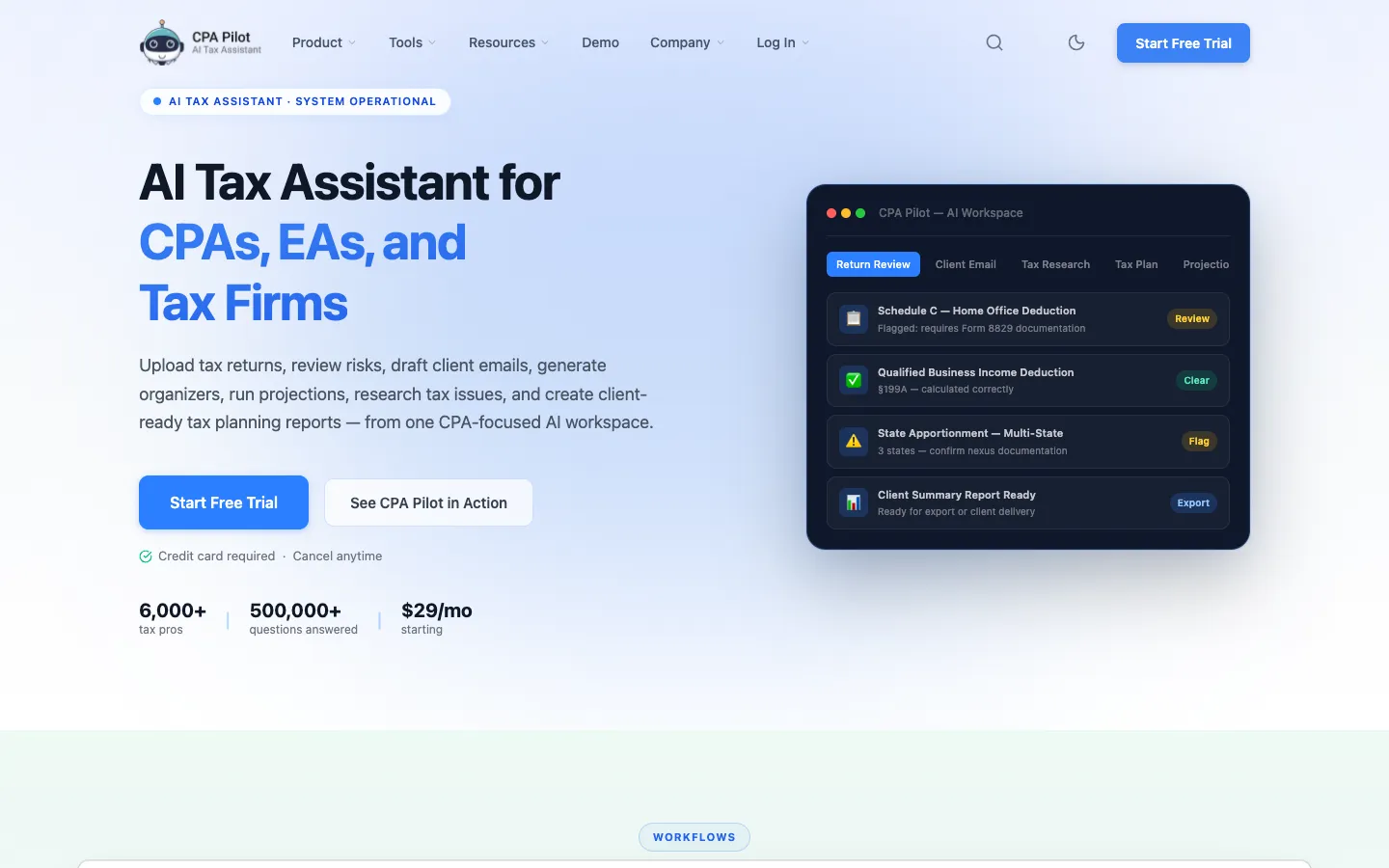
CPA Pilot is an AI-powered tax assistant designed for CPAs, EAs, and tax firms in the U.S. It automates tax planning, research, return review, and client communication tasks.

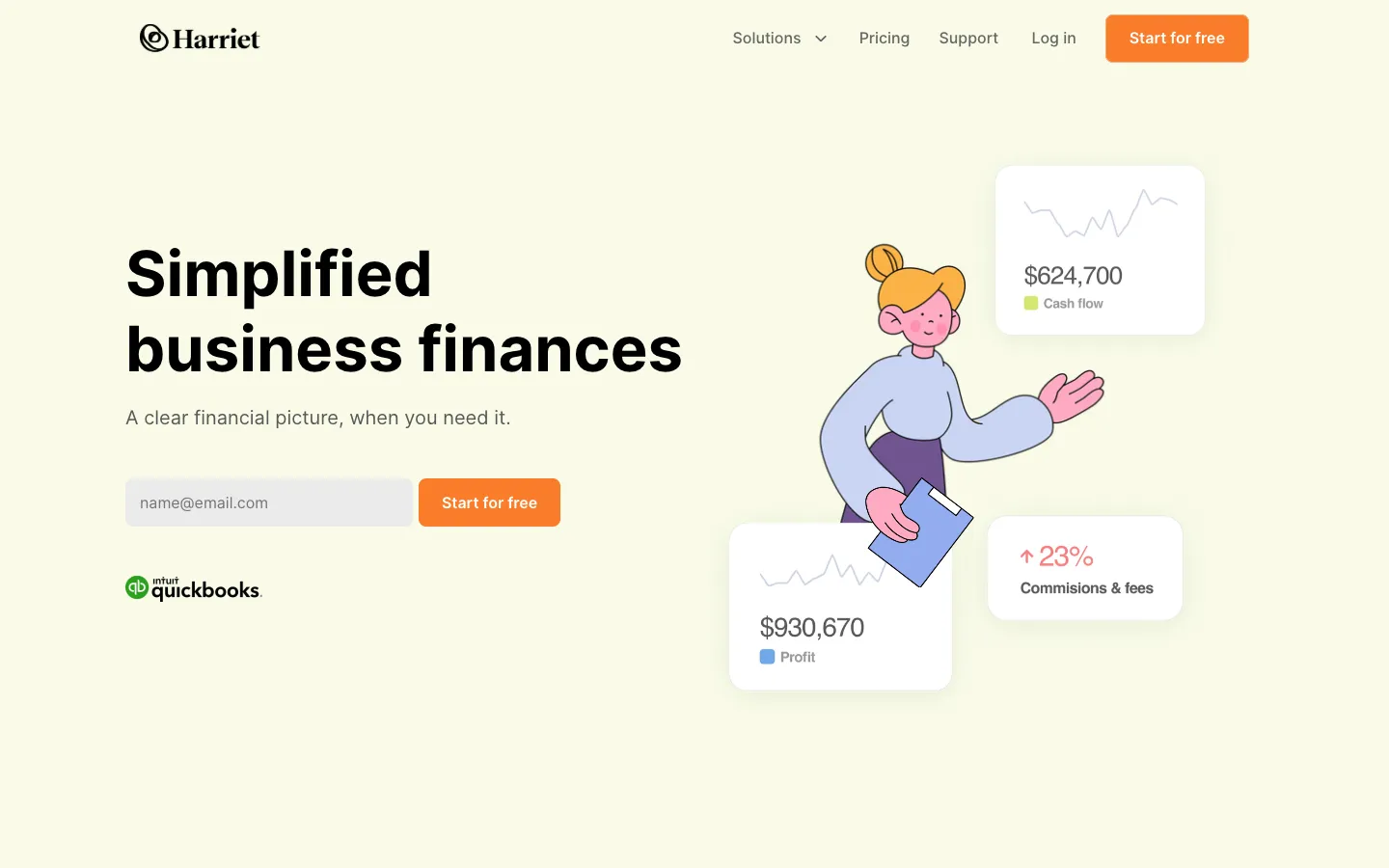
Harriet is a financial management platform that provides an all-in-one dashboard for small businesses. It offers flat-fee bookkeeping services with dedicated bookkeepers.