Web app

GitBrain
GitBrain is an AI-powered Git client for Mac that helps developers manage Git operations efficiently. It automatically splits code changes into multiple commits, provides self-code review summaries, and supports keyboard shortcuts.
- Platform
- Web app
- Categories
- AI Productivity Tools, AI Developer Tools, AI Code Assistant, AI Product Description Generator
- Indexed
- 2024-02-19
About GitBrain
What is GitBrain
GitBrain is a native Mac application designed to streamline Git workflows for developers. It leverages AI to reduce the time spent on Git tasks, allowing developers to focus more on coding. The tool automatically detects the project you are working on from your favorite IDEs and provides a minimal, keyboard-friendly interface for managing Git operations. It is currently available for free for beta users and requires macOS 12.0 or later.
Key features
GitBrain offers several key features to enhance productivity:
- AI-generated commits: It intelligently splits code changes into multiple AI-generated commits, which can be customized and edited interactively. You can select, reorder, or merge commits with AI assistance.
- Self-code review: Automatically generates summaries for your code changes, helping you review before committing and avoid unwanted changes.
- Project auto-detection: Detects the current project from your favorite IDEs and displays it at the top of the panel for seamless management.
- Keyboard-friendly design: Provides keyboard shortcuts for all operations, allowing you to manage Git with just a few keystrokes.
- Native Mac experience: Optimized for performance with a native UI, including menu bar and floating panel, and supports light and dark mode themes.
Use cases
GitBrain is ideal for developers who frequently work with Git and want to streamline their commit process. It is particularly useful for:
- Managing large changes: When you have many uncommitted changes, GitBrain can split them into logical, AI-generated commits, making them easier to review and manage.
- Improving code review: The self-code review feature provides summaries that help you catch mistakes before committing.
- Efficient workflow: With keyboard shortcuts and project auto-detection, developers can quickly switch between tasks and perform Git operations without leaving their IDE.
- Mac users: As a native Mac app, it integrates seamlessly with the macOS environment, offering a smooth and responsive experience.
Pricing
GitBrain is currently free for beta users. The download page indicates that it is available for macOS 12.0 and later. No pricing information is provided for after the beta period.
Questions
GitBrain FAQ
- What is GitBrain?
- GitBrain is an AI tool available as a web app in the AI Productivity Tools, AI Developer Tools, AI Code Assistant categories. GitBrain is an AI-powered Git client for Mac that helps developers manage Git operations efficiently. It automatically splits code changes into multiple commits, provides self-code review summaries, and supports keyboard shortcuts.
- What is GitBrain used for?
- GitBrain is filed under AI Productivity Tools, AI Developer Tools, AI Code Assistant, AI Product Description Generator in the AITOOLIST index. GitBrain is an AI-powered Git client for Mac that helps developers manage Git operations efficiently. It automatically splits code changes into multiple commits, provides self-code review summaries, and supports keyboard shortcuts.
- Is GitBrain a web app, an extension or a native app?
- GitBrain is a web app.
Listed in the AITOOLIST index since 2024-02-19.
Related
Tools similar to GitBrain

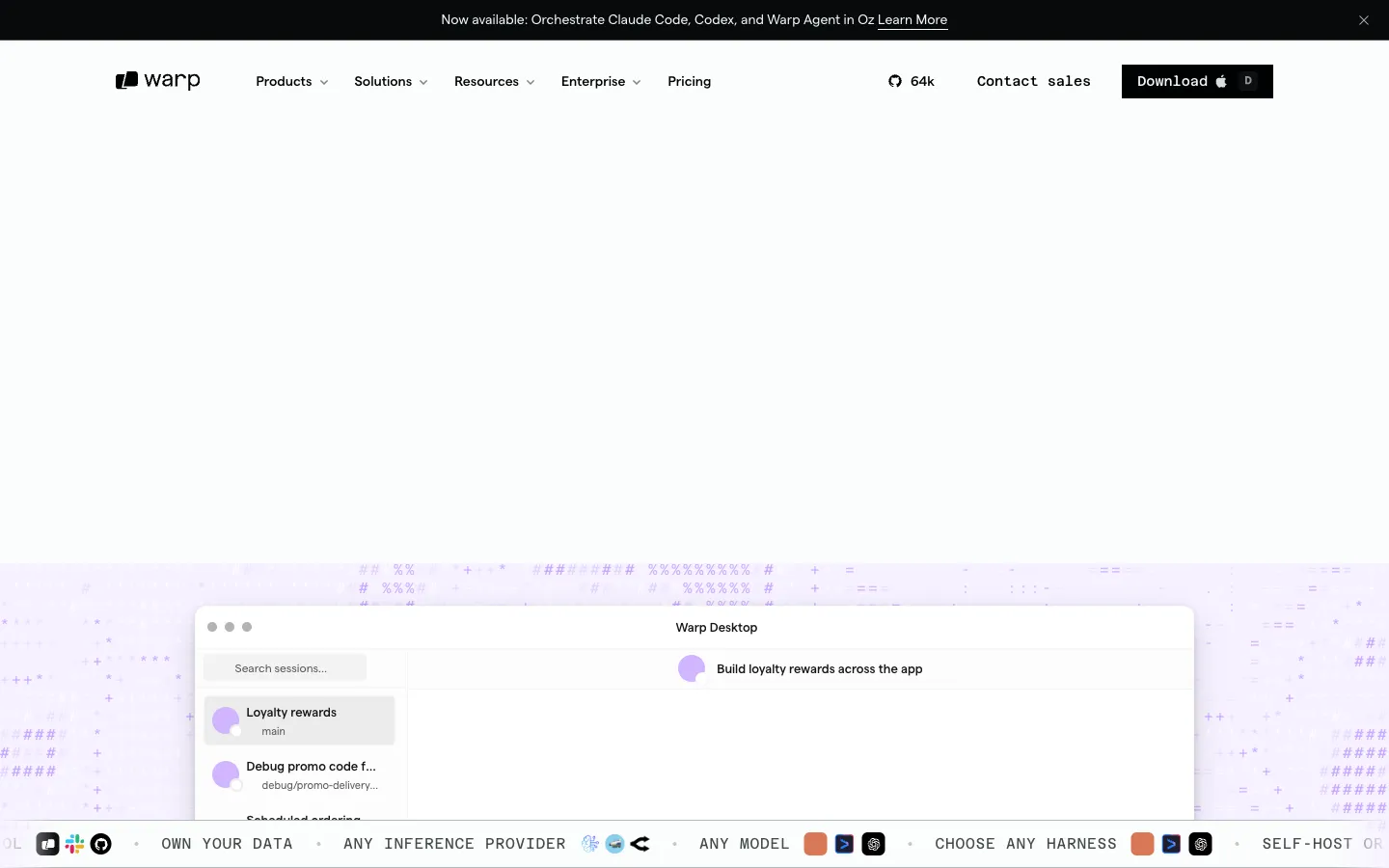
Warp is an open-source agentic development environment built from the terminal. It allows developers to work with coding agents like Claude Code, Codex, and Gemini CLI, either locally or in the cloud.
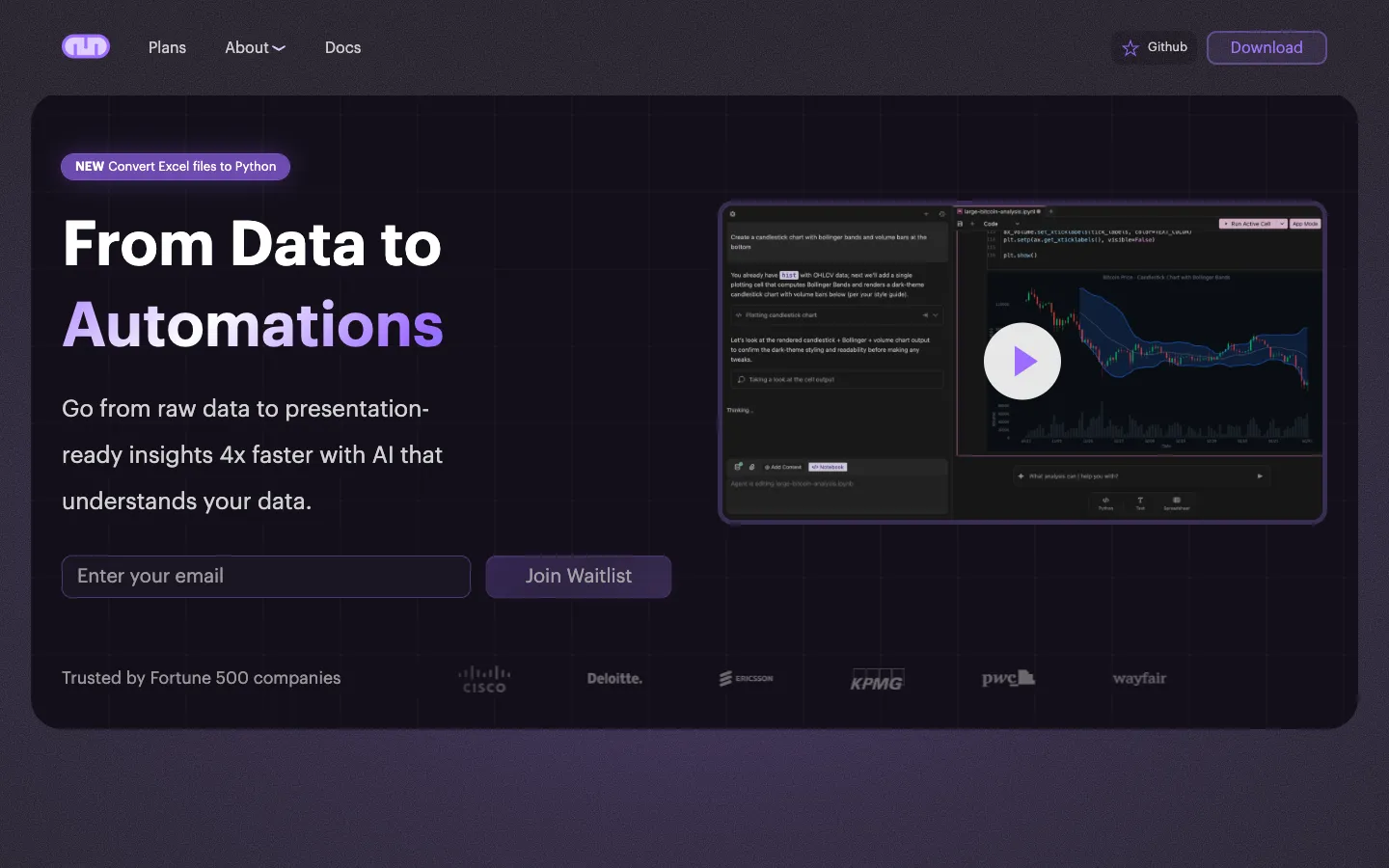
Mito is an AI-powered Jupyter notebook extension that helps users automate data analysis and create dashboards. It is designed for analysts, data scientists, and ML engineers who want to speed up their workflows.

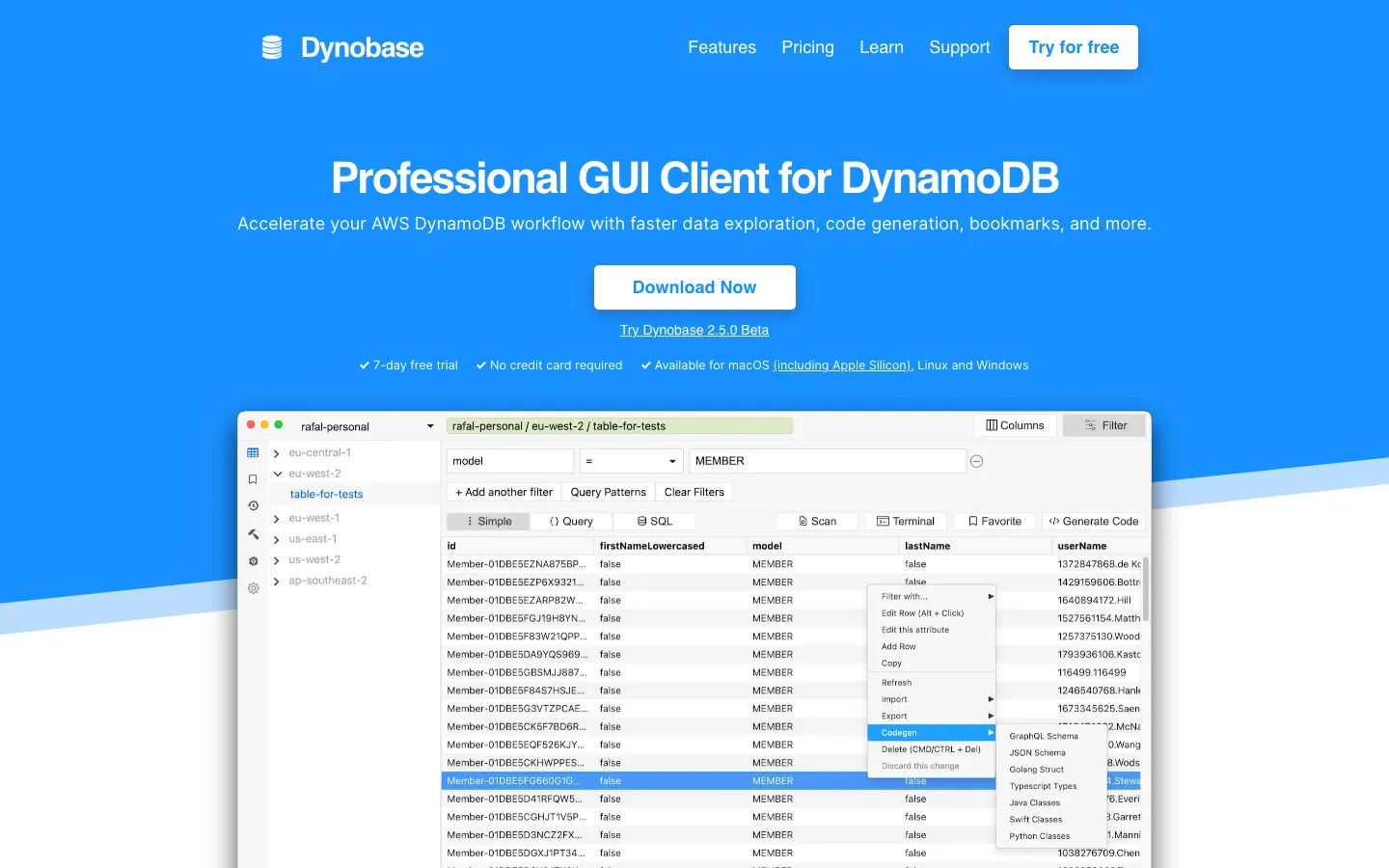
Dynobase is a professional GUI client for Amazon DynamoDB. It helps developers explore data, build queries, and generate code more efficiently.

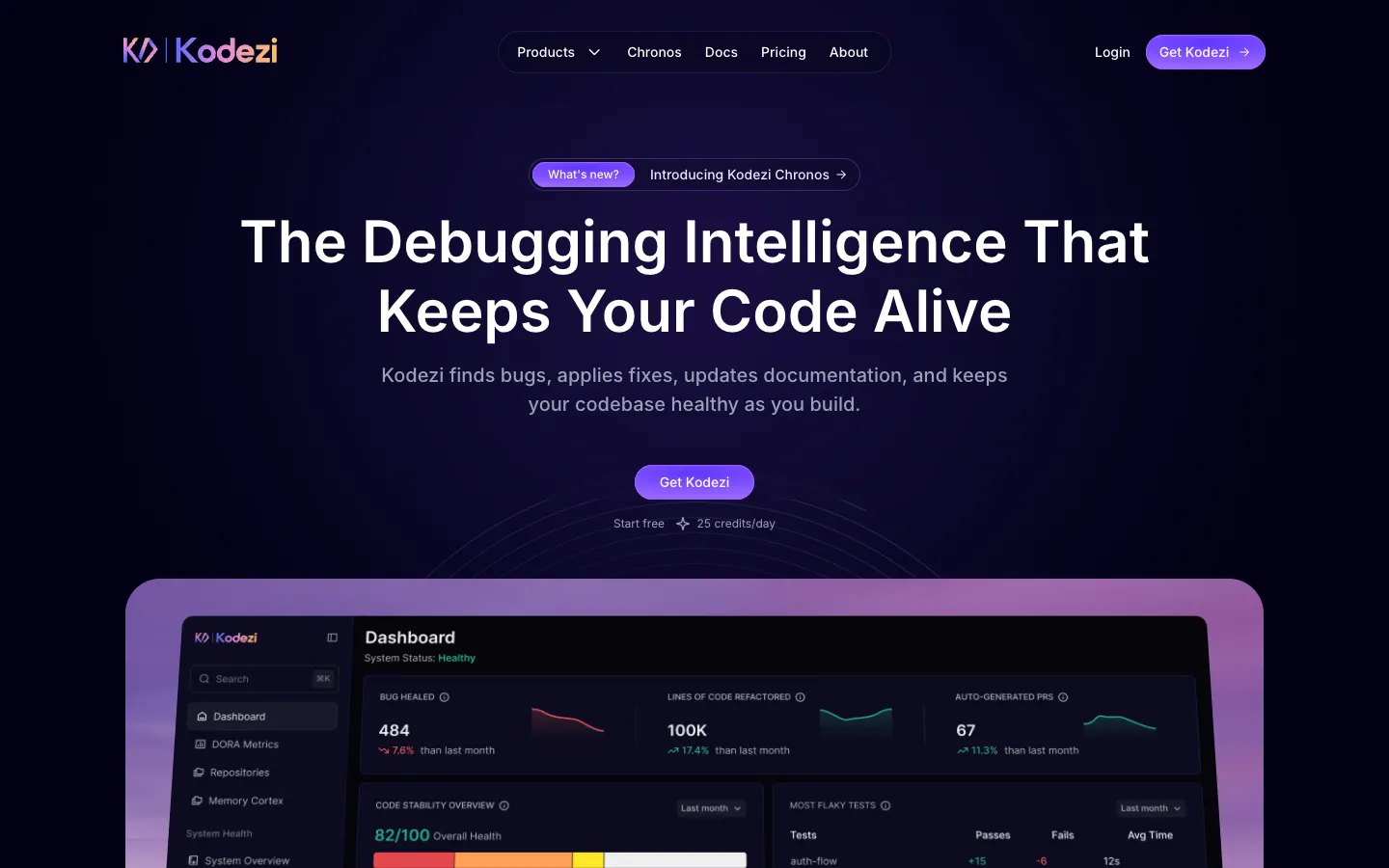
Kodezi is an AI-powered tool that automatically finds and fixes bugs, refactors code, and generates documentation for codebases. It is designed for developers and teams who want to maintain code quality and streamline their workflow.

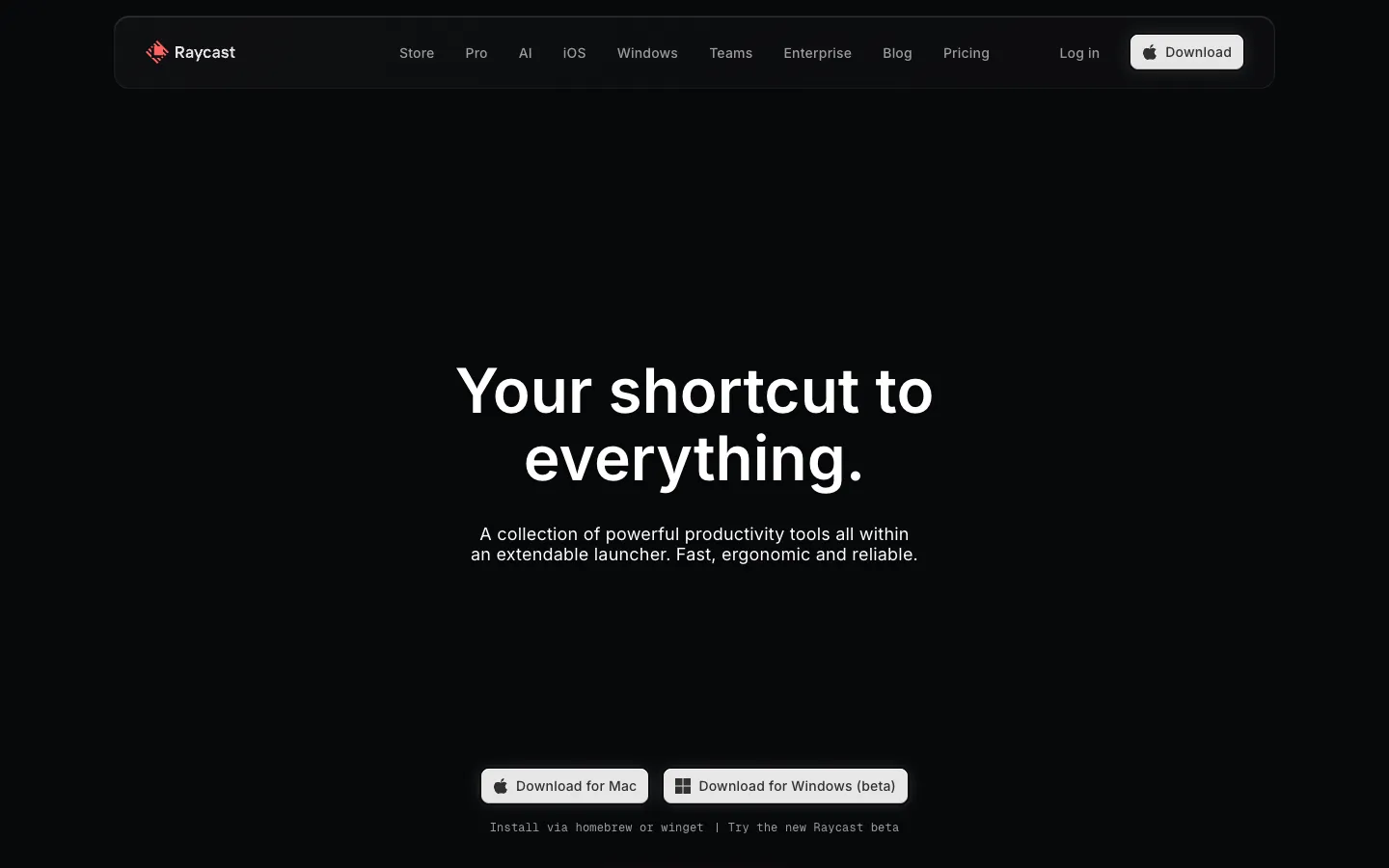
Raycast is a fast, ergonomic launcher for Mac that provides a collection of productivity tools within an extendable interface. It is designed for professionals who want to streamline their workflow with keyboard-first commands and AI-powered features.

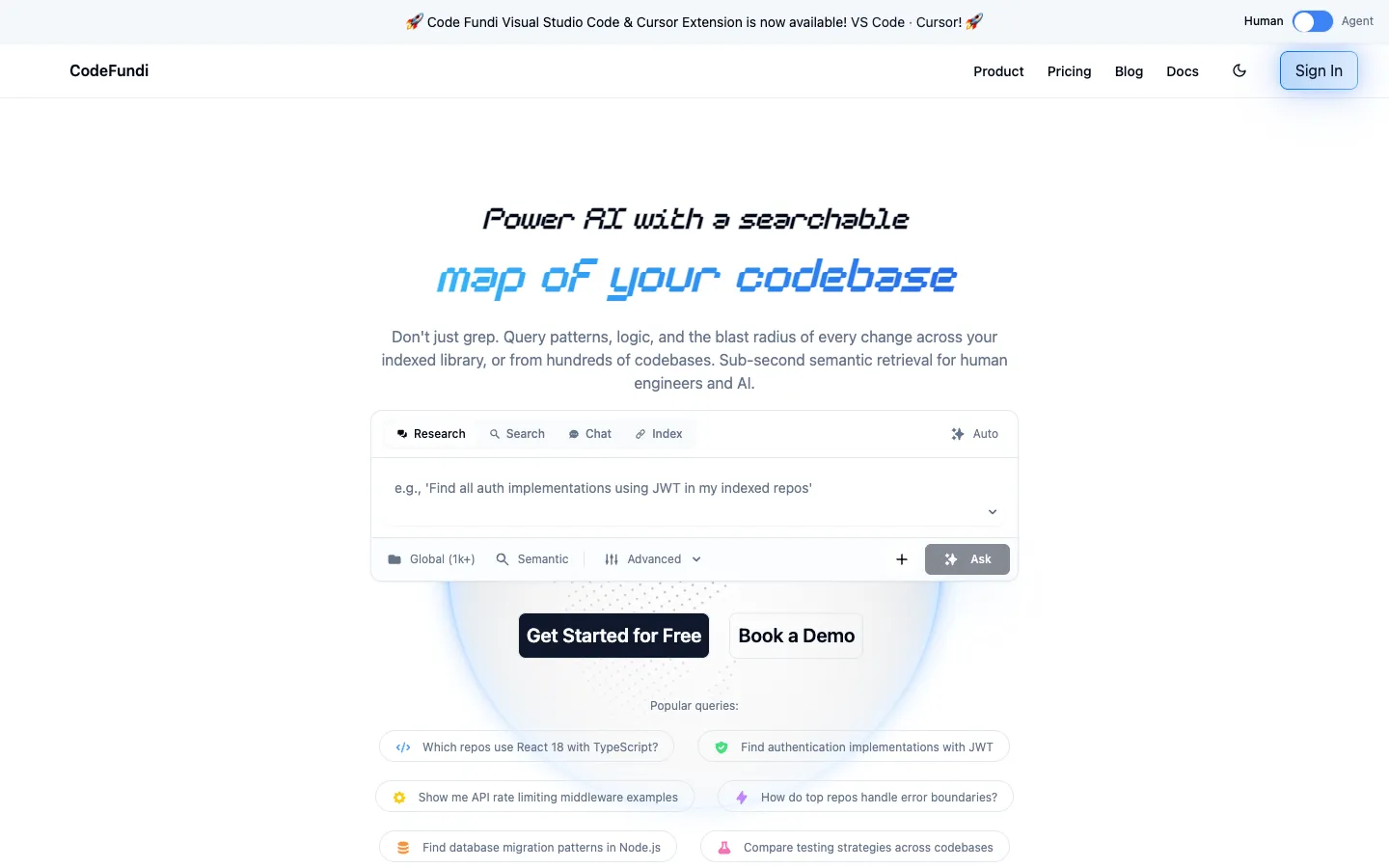
Code Fundi is an AI-powered tool that maps codebases to provide searchable, structure-aware context for developers and AI agents. It helps teams understand the blast radius of code changes and integrate with agents via MCP or API.