Web app

FilmCraft
filmcraft is a free browser-based video editor built on the open-source FilmCraft engine, with timeline editing, color and audio tools, and titles. It is aimed at people editing product demos, short documentaries, lessons, or personal stories, and it also hosts separate AI generation tools.
- Platform
- Web app
- Categories
- AI Video Editor, AI Video Generator
- Indexed
- 2026-10-30
About FilmCraft
What is filmcraft
filmcraft brings the open-source FilmCraft editing engine into a browser workspace, alongside AI tools already available on the site. You start with footage you own, arrange a sequence, and make creative decisions directly on the timeline. You control where each shot begins, what the audience hears, and when a title appears.
You can import, edit, and preview freely before signing in. Saving a project or an exported result requires verified login and does not spend generation credits. The site adds account access and private result storage, so completed saves stay associated with your account. The original FilmCraft authors and licenses are credited in the workspace.
Key features
The editor provides a familiar workspace that keeps media, preview, timeline, and creative controls close at hand, so you can move between the overall sequence and individual shots.
- Timeline editing: place clips on separate picture and sound tracks, trim unwanted moments, and build an opening, middle, and ending.
- Color and effects: correction controls, curves, and color tools for adjusting exposure, white balance, skin tones, highlights, and dark areas.
- Audio and titles: mixing and effects for dialogue, ambience, and music, plus readable titles.
- Motion and opacity: controls for restrained pushes, gradual reveals, and fades; the upstream engine supports keyframes.
- Media organization: bins and clear media names to keep a growing project navigable.
Use cases
filmcraft is suggested for a product demonstration, a short documentary, a lesson, or a personal story. The site recommends beginning with a small sequence, previewing picture and sound together, and exporting a test before building a longer cut.
The page also notes practical limits: browser performance depends on your device, footage, and available graphics support. You should keep original media on your device and retain a local project copy while you work, since a saved project describes the edit and its media references rather than packaging every imported source file into a cloud backup. The AI examples shown on the site are creative references and are not demonstrations of the browser editor's output or rendering speed.
Pricing
Editing, importing, and previewing are free and need no account. Signing in is required to save a project or export a result, and the page states that saving or exporting does not spend generation credits. AI generation uses credits separately. The page also mentions that annual plans cost about 50% less than 12 monthly payments, though no specific prices are listed.
Questions
FilmCraft FAQ
- What is FilmCraft?
- FilmCraft is an AI tool available as a web app in the AI Video Editor, AI Video Generator categories. filmcraft is a free browser-based video editor built on the open-source FilmCraft engine, with timeline editing, color and audio tools, and titles. It is aimed at people editing product demos, short documentaries, lessons, or personal stories, and it also hosts separate AI generation tools.
- What is FilmCraft used for?
- FilmCraft is filed under AI Video Editor, AI Video Generator in the AITOOLIST index. filmcraft is a free browser-based video editor built on the open-source FilmCraft engine, with timeline editing, color and audio tools, and titles. It is aimed at people editing product demos, short documentaries, lessons, or personal stories, and it also hosts separate AI generation tools.
- Is FilmCraft a web app, an extension or a native app?
- FilmCraft is a web app.
Listed in the AITOOLIST index since 2026-10-30.
Related
Tools similar to FilmCraft
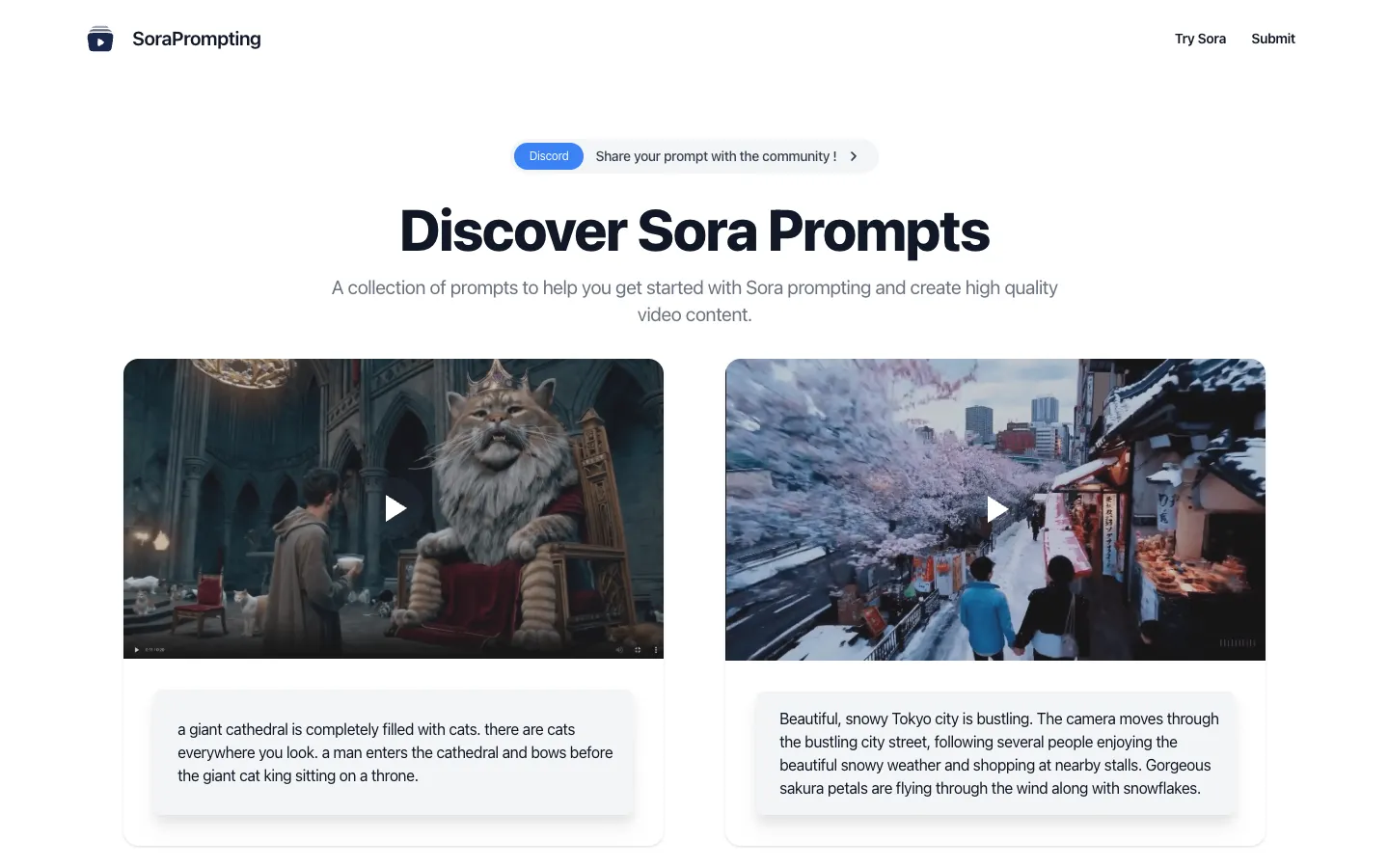
SoraPrompting is a website that offers a collection of prompts for OpenAI's Sora video generation model. It helps video content creators get started with Sora prompting to create high-quality videos.
Roll is an AI-powered video production platform that enables users to create professional-quality videos from a smartphone. It is designed for content creators, marketers, and businesses that need remote video production and editing capabilities.
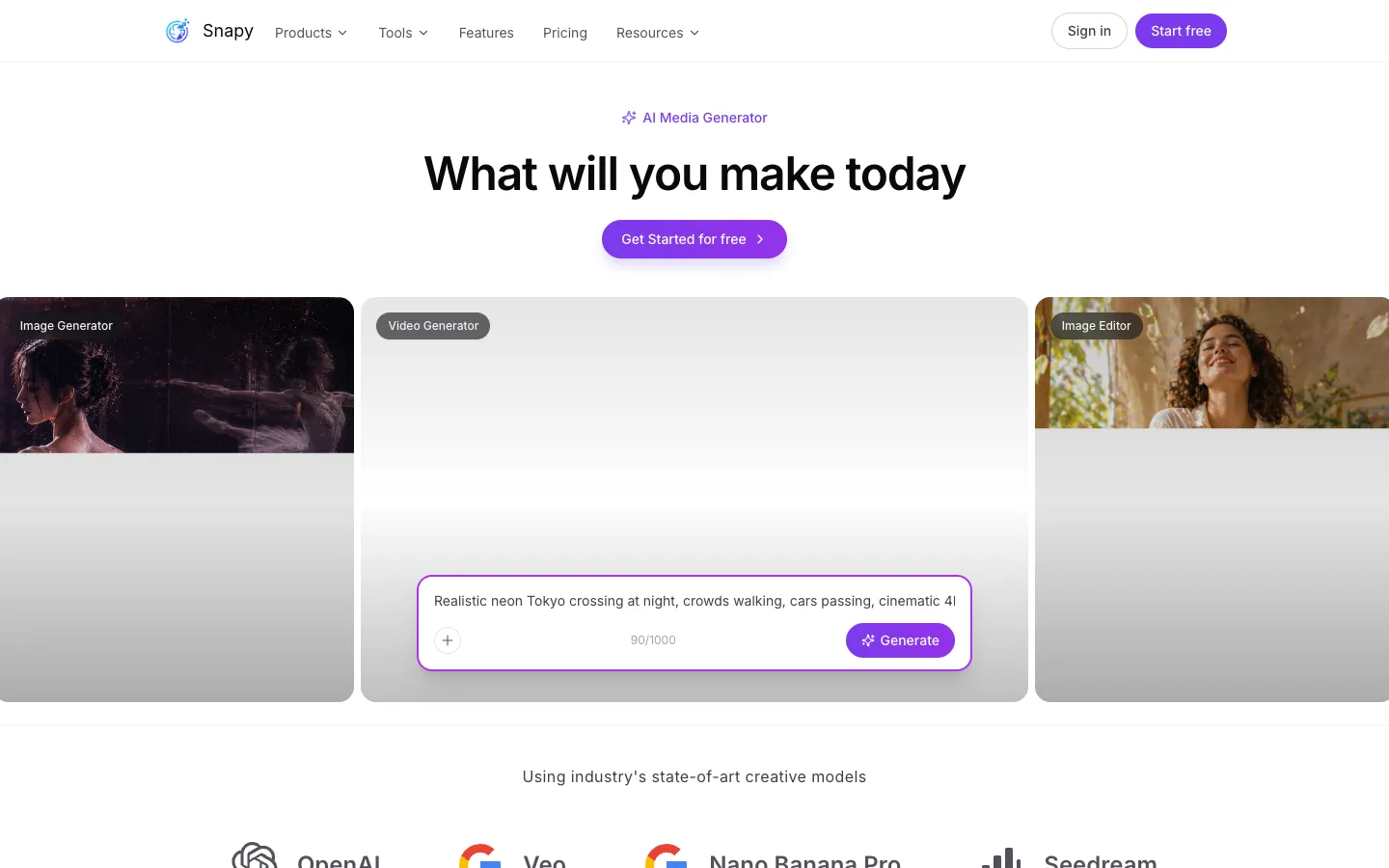
Snapy.ai is an AI-powered platform that transforms long-form content into engaging short videos. It offers tools for silence removal, background removal, audio cleanup, and more for content creators.
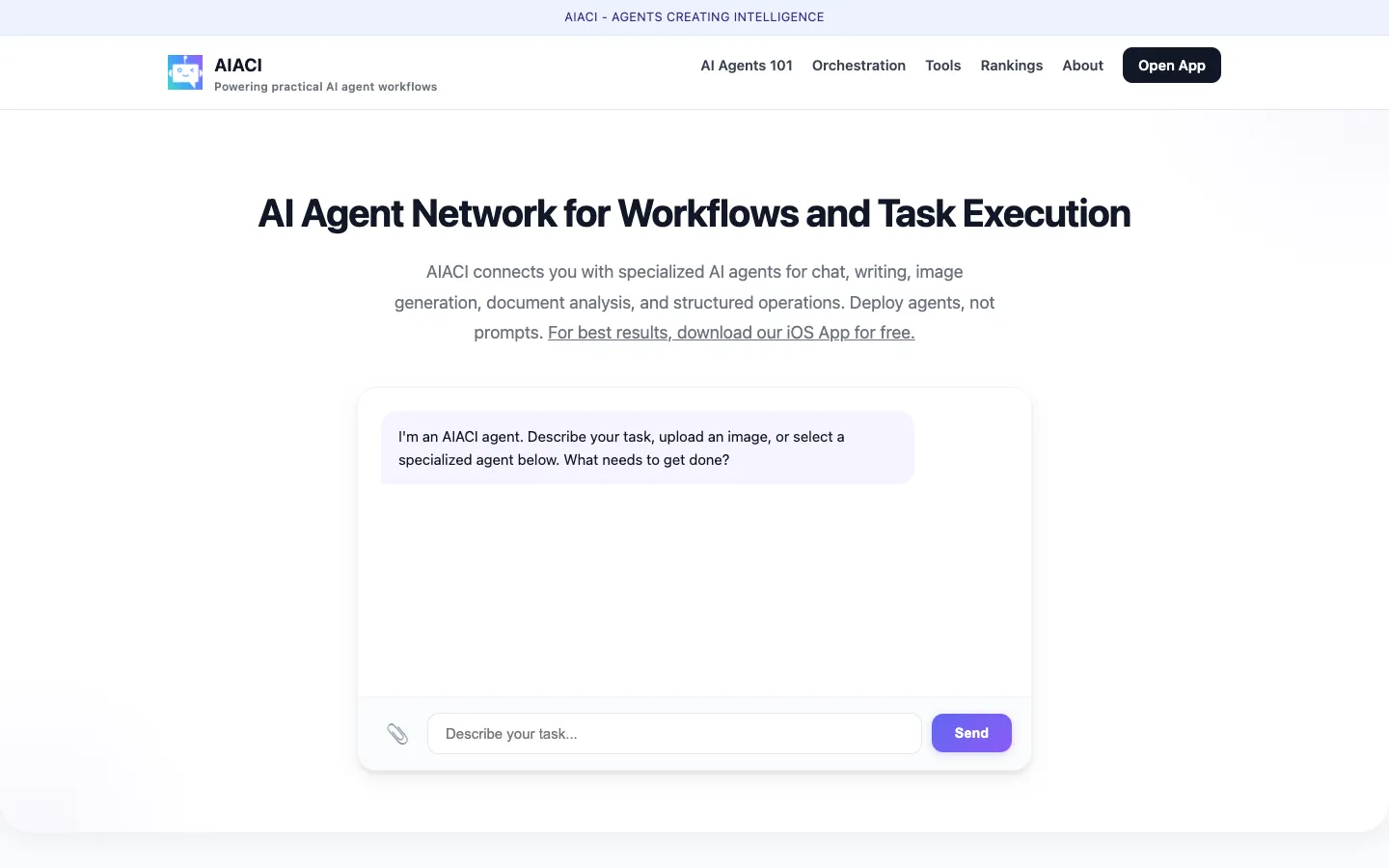
AIACI is an AI agent network that routes tasks to specialized agents for chat, writing, images, and document analysis. It is designed for users who need efficient task execution without requiring an account.
AI-driven filmmaking platform for complete control over storytelling.
Create music videos, lyric videos, and more in minutes