Web app
DeckAssistant
DeckAssistant is a Stream Deck plugin that brings AI to your fingertips. It allows users to process selected text or ask questions via a freeform prompt, with an online ChatGPT-like interface for continued conversations.
- Platform
- Web app
- Categories
- AI Productivity Tools, AI Tools Directory, AI Chatbot, Large Language Models (LLMs)
- Indexed
- 2024-02-19
About DeckAssistant
What is DeckAssistant
DeckAssistant is a plugin for the Elgato Stream Deck that integrates AI directly into your workflow. It lets you press a button to have AI process text you've selected in any application, or press another button to open a freeform prompt for direct interaction. The plugin works with macOS 11+ on both Intel and Apple Silicon. After installing the plugin and creating an account, you can copy an API token from your dashboard, add a button, and paste the token to start using the AI.
Key features
DeckAssistant offers a range of features to enhance your AI interactions. It includes folders to organize chats, custom prompts, message editing, data export, history search, favorites, and the ability to export screenshots of chats. It also provides a prompt library, chart sharing, Google integration, and image generation. The plugin supports any prompt you can think of, and includes example prompts to get you started. You can configure prompt buttons with custom titles and icons to suit your needs.
Use cases
DeckAssistant is designed to streamline your workflow by eliminating the need to copy-paste text into ChatGPT. You can select any text in any application and press a button to have the AI process it. This is useful for tasks like correcting spelling and grammar, summarizing text, or generating responses. The freeform prompt button allows you to ask the AI questions directly without leaving your current application. The online interface lets you continue conversations and manage them with advanced features.
Getting started
To get started with DeckAssistant, you need to create an account on the website and copy the API token from your dashboard. Then, install the Stream Deck plugin, add a button, and paste the API token. After that, you can press the button to see the magic. The plugin includes example prompts, but you can set any prompt you like. You can also subscribe for updates by providing your email address on the website.
Questions
DeckAssistant FAQ
- What is DeckAssistant?
- DeckAssistant is an AI tool available as a web app in the AI Productivity Tools, AI Tools Directory, AI Chatbot categories. DeckAssistant is a Stream Deck plugin that brings AI to your fingertips. It allows users to process selected text or ask questions via a freeform prompt, with an online ChatGPT-like interface for continued conversations.
- What is DeckAssistant used for?
- DeckAssistant is filed under AI Productivity Tools, AI Tools Directory, AI Chatbot, Large Language Models (LLMs) in the AITOOLIST index. DeckAssistant is a Stream Deck plugin that brings AI to your fingertips. It allows users to process selected text or ask questions via a freeform prompt, with an online ChatGPT-like interface for continued conversations.
- Is DeckAssistant a web app, an extension or a native app?
- DeckAssistant is a web app.
Listed in the AITOOLIST index since 2024-02-19.
Related
Tools similar to DeckAssistant
Genji is a tool that appears to be a web application, but the provided page content does not include any descriptive information about its functionality or target audience. The page only contains a privacy-related statement and logo files.

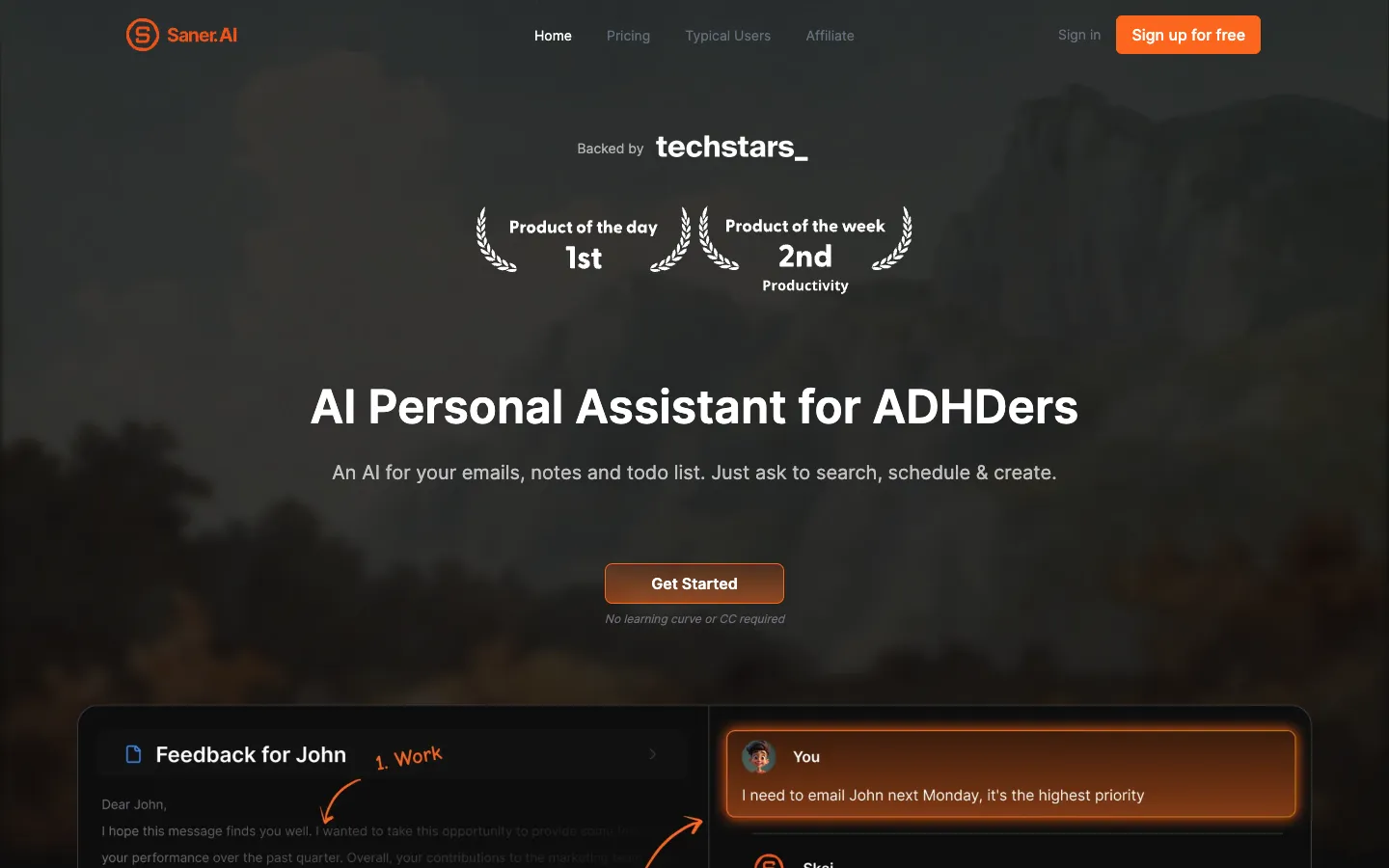
Saner.ai is an AI personal assistant designed for people with ADHD. It helps manage notes, emails, and tasks by using chat to search, schedule, and create.
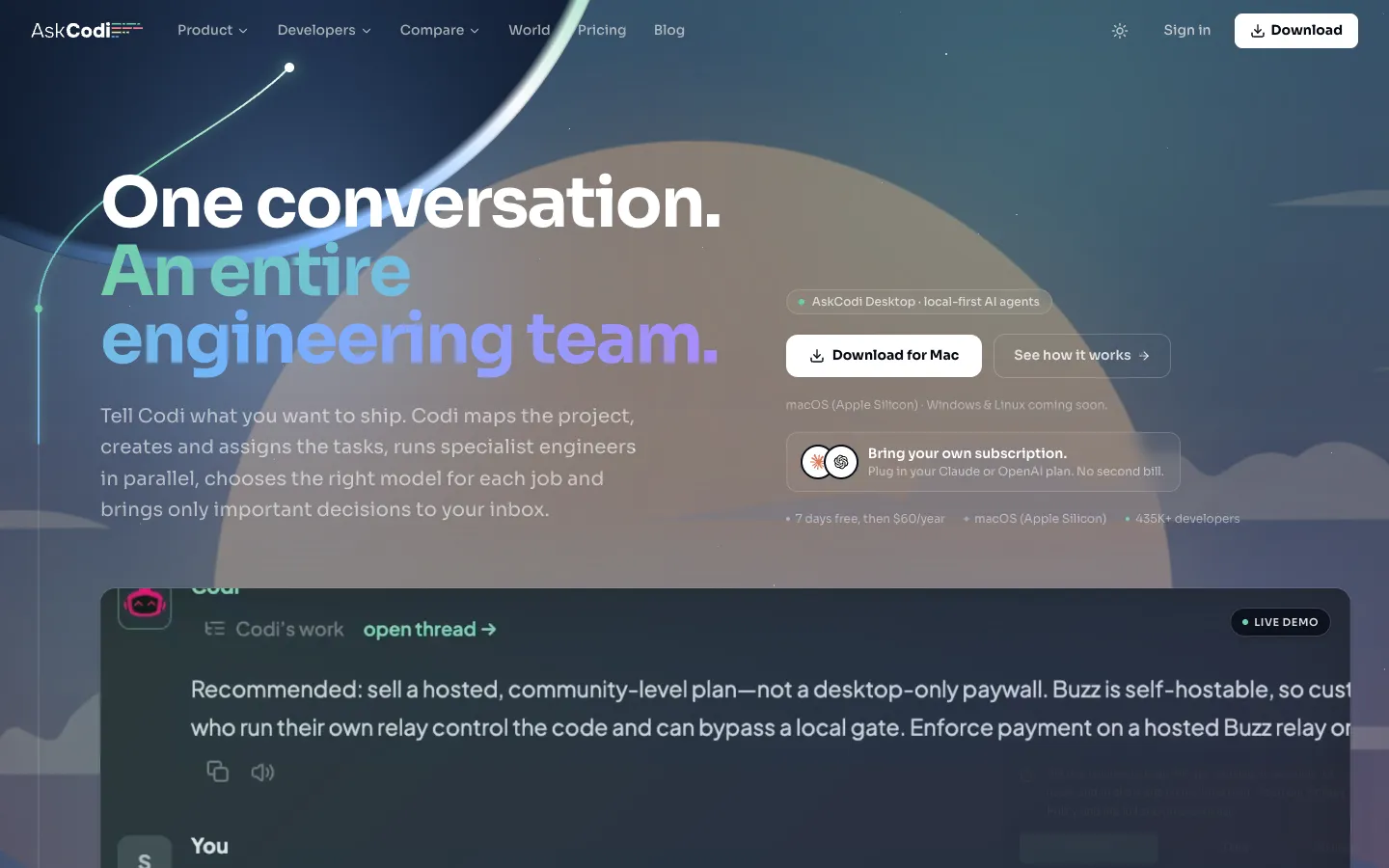
AskCodi is an AI-powered engineering team that plans, assigns, and reviews coding tasks. It is designed for developers who want to delegate project delivery to AI agents.

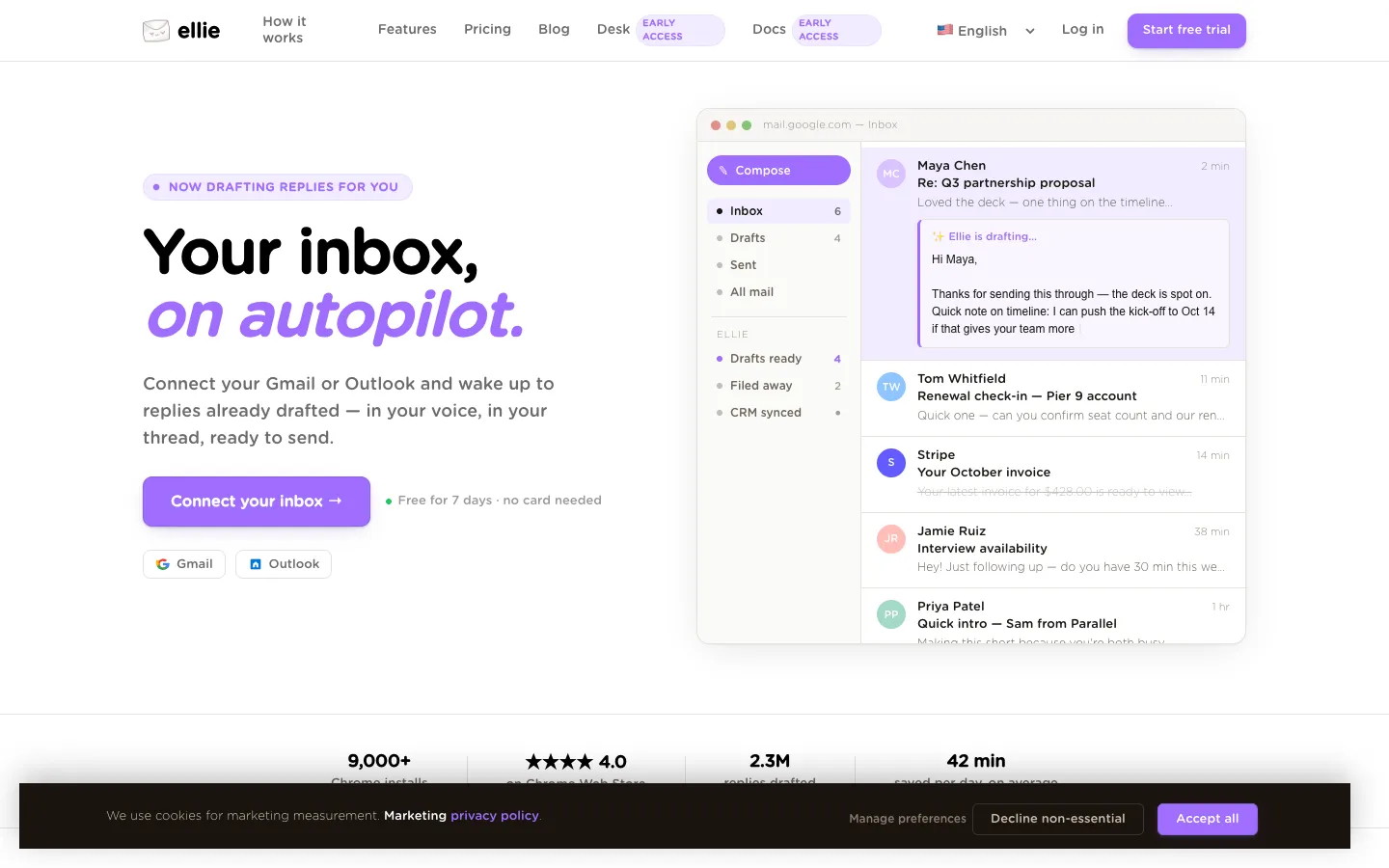
Ellie is an AI email assistant that connects to Gmail or Outlook to draft replies in your voice. It learns your writing style from your sent mail and works overnight, so you wake up to ready-to-send drafts.

Alice is a native app that lets you chat with different AI models, install Assistants and communicate with the software you use. It integrates AI into your OS, letting you build custom assistants and automate tasks with a single keystroke.

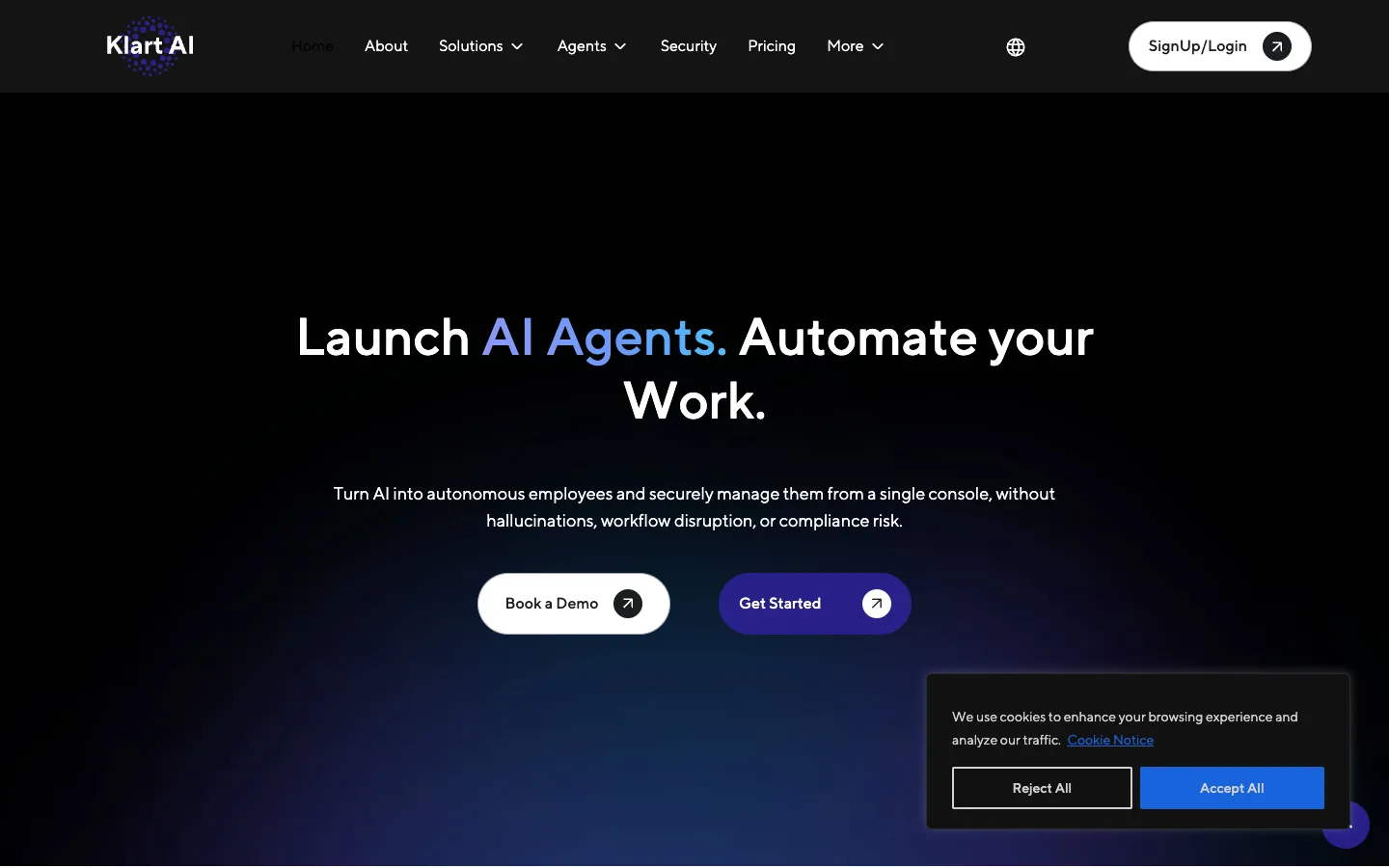
Klart AI is a platform for deploying AI agents that automate workflows across tools. It is designed for teams and enterprises that need source-grounded, governed, and scalable AI employees.