Web app

Codia AI
Codia AI converts screenshots, PDFs, and images into editable designs for Figma, PowerPoint, and Canva. It also offers tools for turning Figma designs into code and generating UI components from prompts.
- Platform
- Web app
- Categories
- Design Assistant, AI Code Generator, Large Language Models (LLMs)
- Indexed
- 2024-04-07
About Codia AI
What is Codia AI
Codia AI is a platform that uses AI vision to understand the visual structure of images, PDFs, and screenshots, then reconstructs them into editable design files. It supports conversion to formats like Figma, PowerPoint, Canva, Keynote, and SVG. The platform includes multiple products such as Codia NoteSlide for converting NotebookLM PDFs to editable presentations, Screenshot to Design for turning screenshots into editable designs, and Figma to Code for generating production-ready code from Figma designs.
Key features
Codia AI offers several key features:
- Convert: Transform static visuals like PDFs, screenshots, and images into editable files.
- Edit: Modify text, shapes, colors, layouts, and other elements after conversion.
- Reuse: Export to PowerPoint, Figma, Canva, Keynote, SVG, and other formats.
- AI Vision: Understands text, shapes, layout, hierarchy, colors, and components.
- Multiple workflows: Includes tools for screenshot to design, PDF to slides, PDF to structured design, image to vector, Photoshop to Figma, PDF to Figma, and web to Figma.
- APIs: Provides Visual Struct API for developers to extract layout and components from images.
Use cases
Codia AI is used for various visual conversion workflows:
- AI Slides to Editable Decks: Convert NotebookLM PDFs and AI-generated slide exports into editable PowerPoint or Keynote files.
- Screenshots to Editable Designs: Turn screenshots, app screens, and UI references into editable Figma layers.
- Images to Design Assets: Transform posters, product visuals, and marketing images into reusable design assets.
- Figma to Canva Workflows: Move designs from Figma to Canva while preserving structure.
- Visual Structuring for Developers: Use APIs to extract layouts and components from images.
- Editable Marketing Content: Create and reuse marketing visuals across slides, social posts, and landing pages.
Pricing
The page does not provide specific pricing details. It mentions that Codia is trusted by 300,000+ professional designers and offers a family of products, but no pricing information is listed.
Questions
Codia AI FAQ
- What is Codia AI?
- Codia AI is an AI tool available as a web app in the Design Assistant, AI Code Generator, Large Language Models (LLMs) categories. Codia AI converts screenshots, PDFs, and images into editable designs for Figma, PowerPoint, and Canva. It also offers tools for turning Figma designs into code and generating UI components from prompts.
- What is Codia AI used for?
- Codia AI is filed under Design Assistant, AI Code Generator, Large Language Models (LLMs) in the AITOOLIST index. Codia AI converts screenshots, PDFs, and images into editable designs for Figma, PowerPoint, and Canva. It also offers tools for turning Figma designs into code and generating UI components from prompts.
- Is Codia AI a web app, an extension or a native app?
- Codia AI is a web app.
Listed in the AITOOLIST index since 2024-04-07.
Related
Tools similar to Codia AI
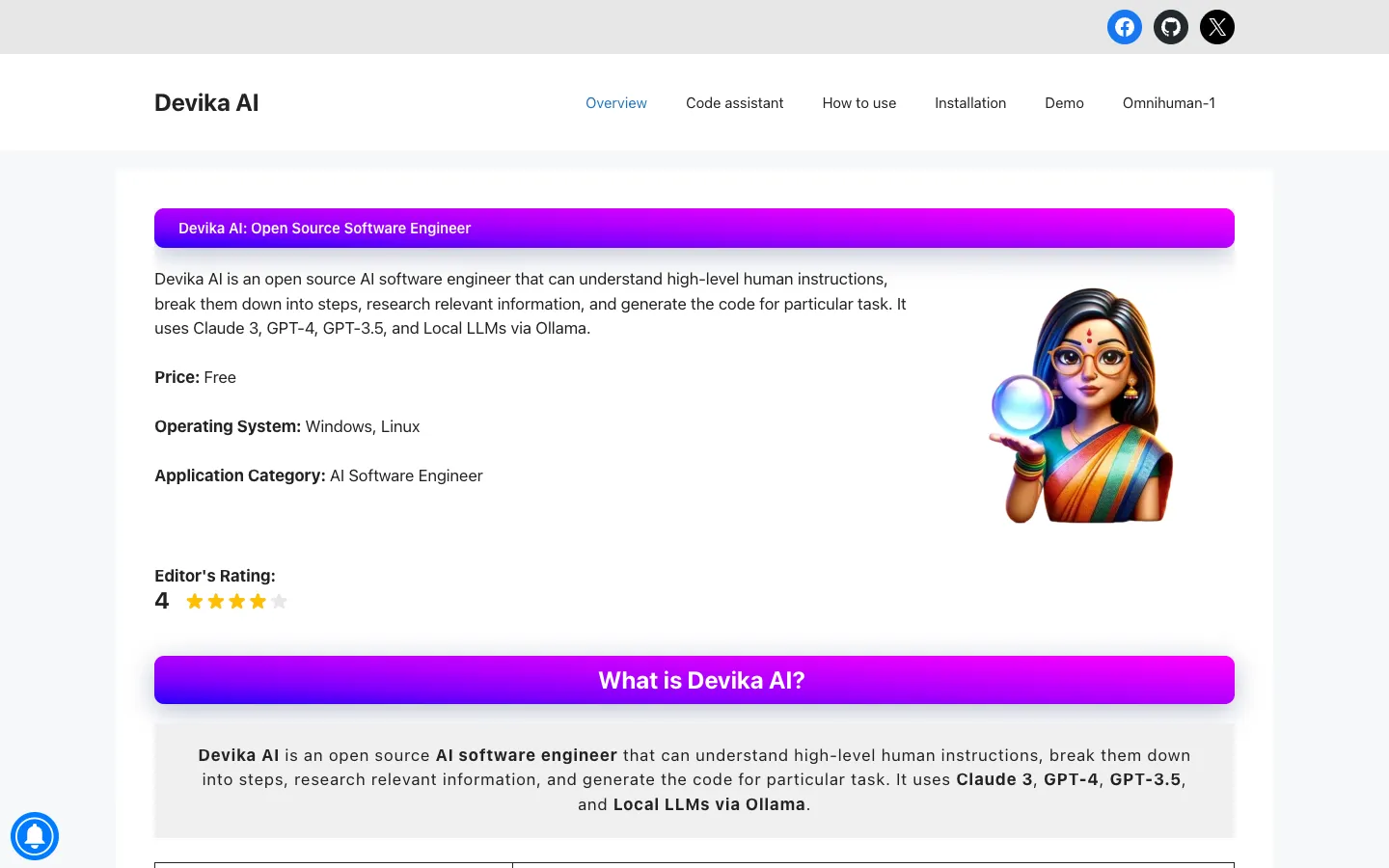
Devika AI is an open source AI software engineer that understands high-level instructions, breaks them down into steps, researches information, and generates code. It supports multiple language models and is designed for developers seeking an automated coding assistant.

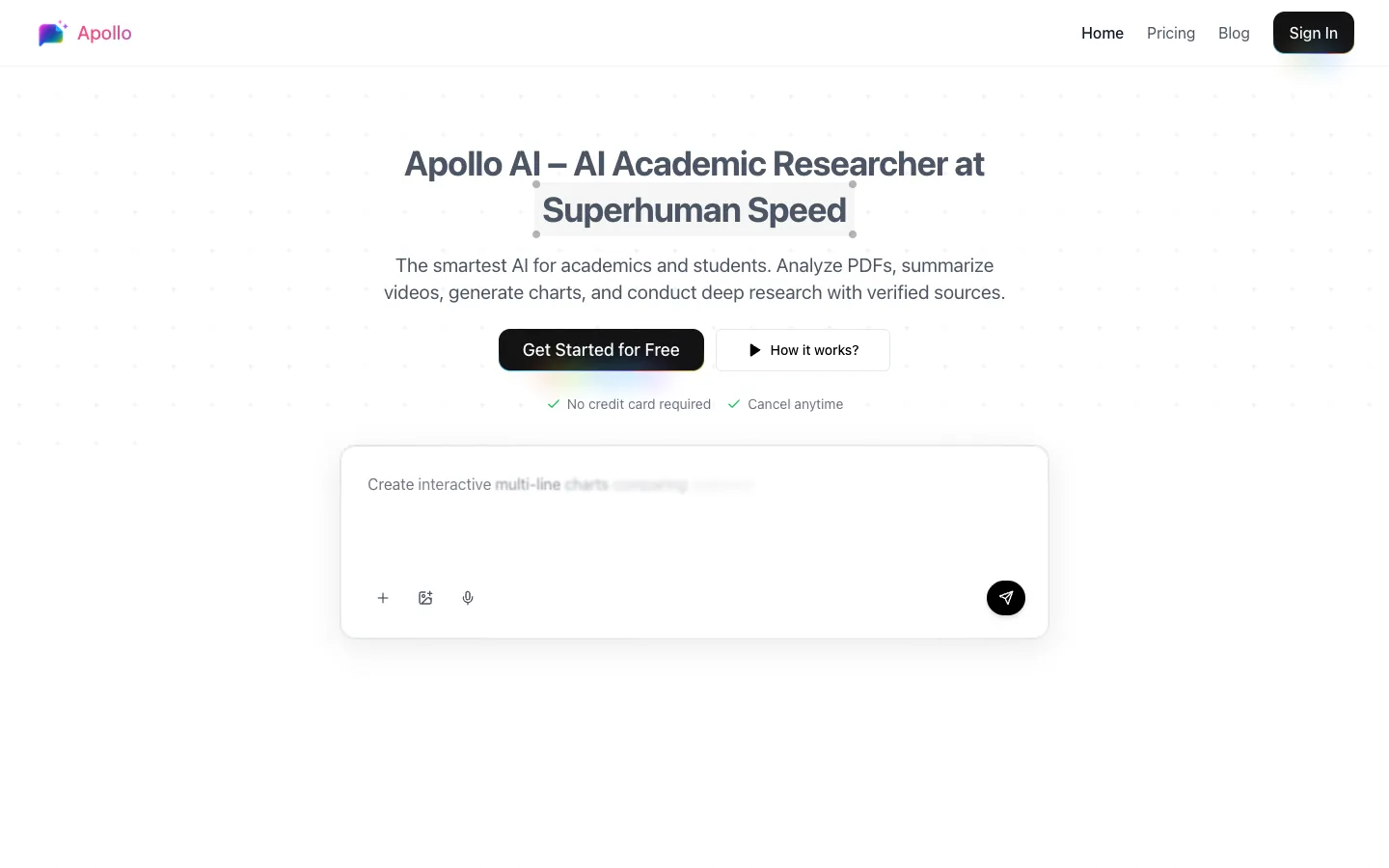
Apollo AI is an AI-powered academic research assistant for students, researchers, and academics. It analyzes PDFs, summarizes videos, conducts deep web research with verified sources, and generates charts.


Katalist is an AI creative studio for performance teams. It helps users generate videos with consistent characters, swap products into winning creatives, and scale across multiple clients.
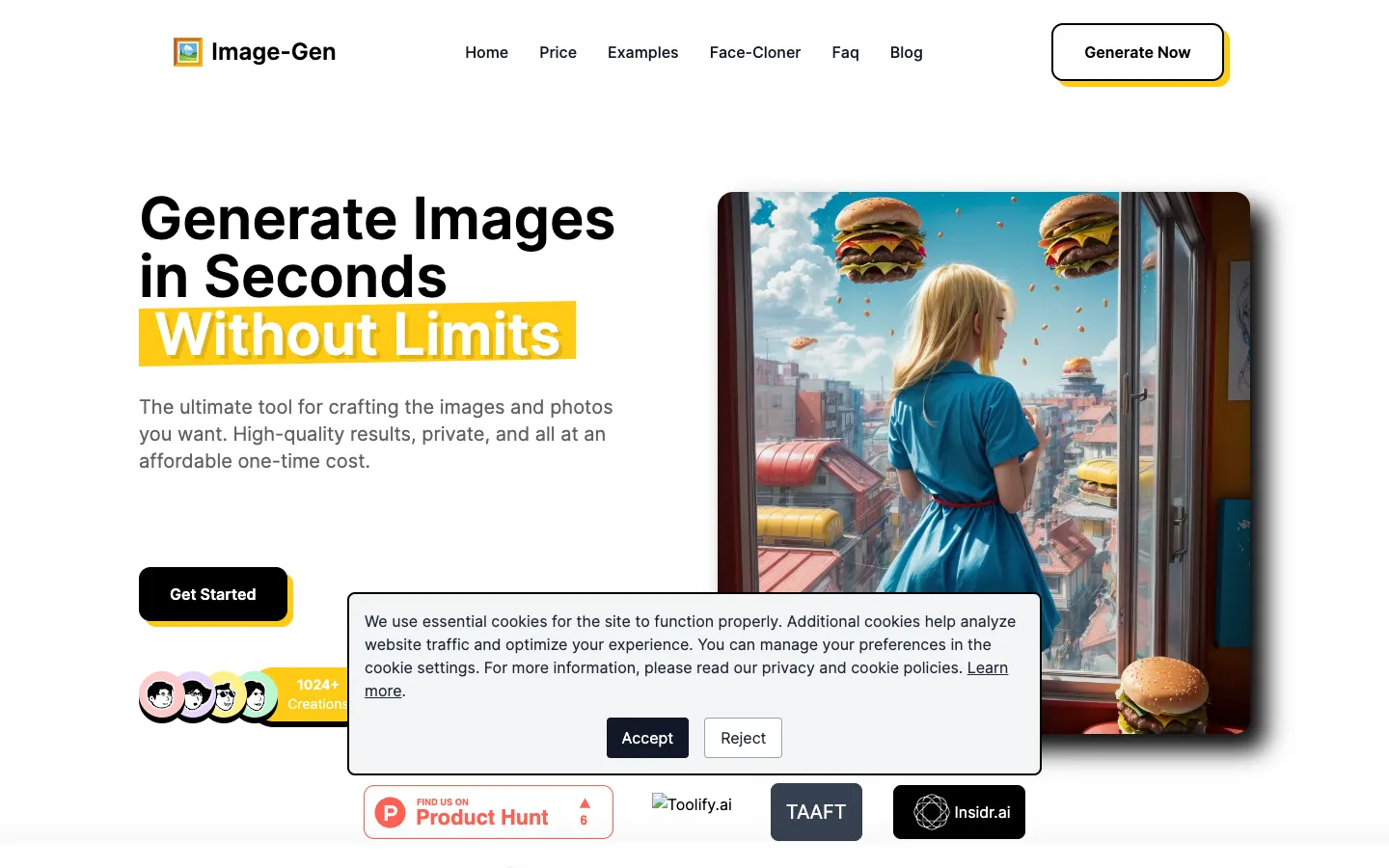
Image-Gen is an AI-powered image generator that offers unlimited, high-resolution image creation for a one-time fee. It is designed for individuals and professionals who want to create images without subscription costs or content restrictions.

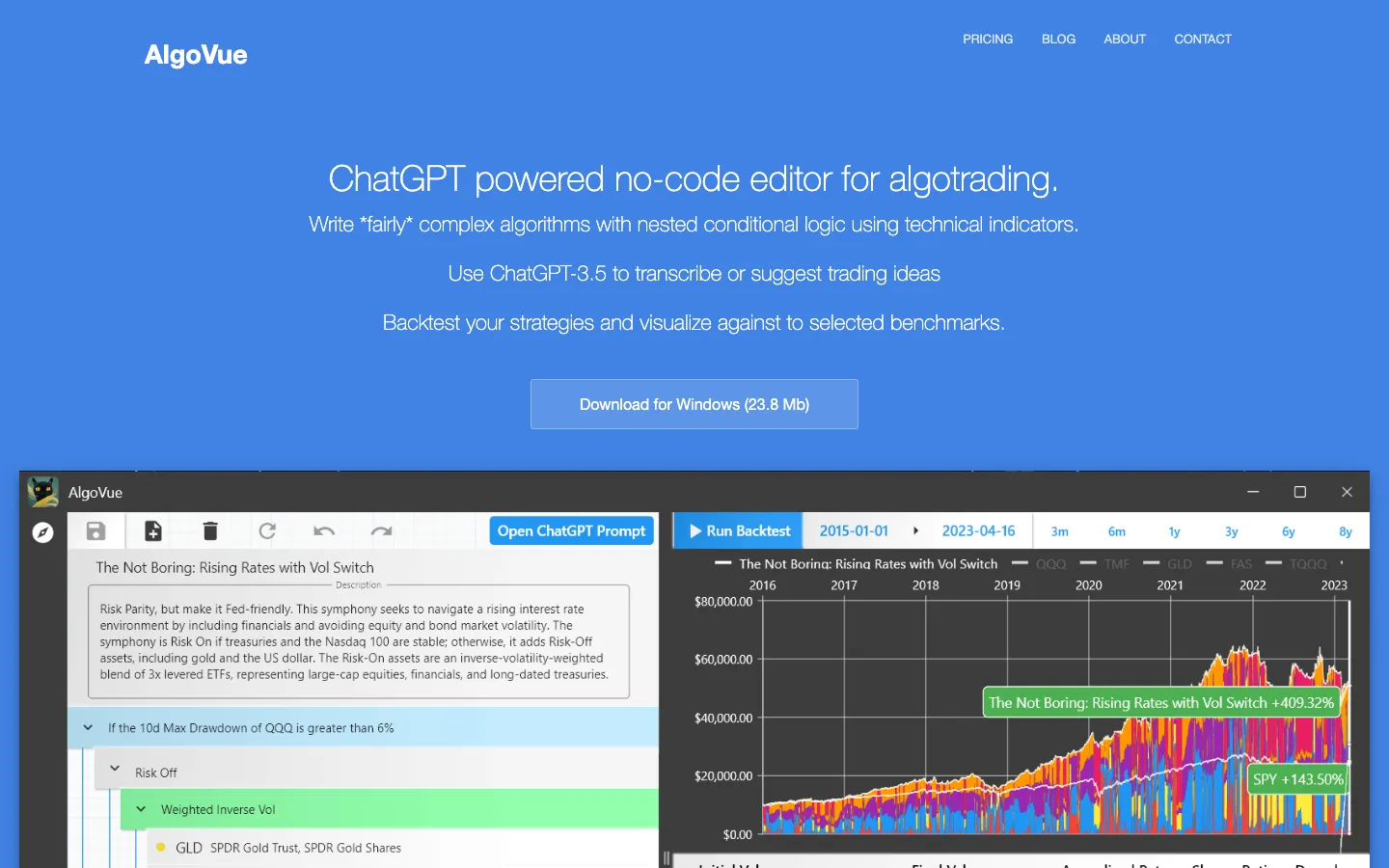
AlgoVue is a no-code visual editor for algorithmic trading. It allows users to create trading strategies using technical indicators and if/then logic, with ChatGPT integration for idea generation and transcription.
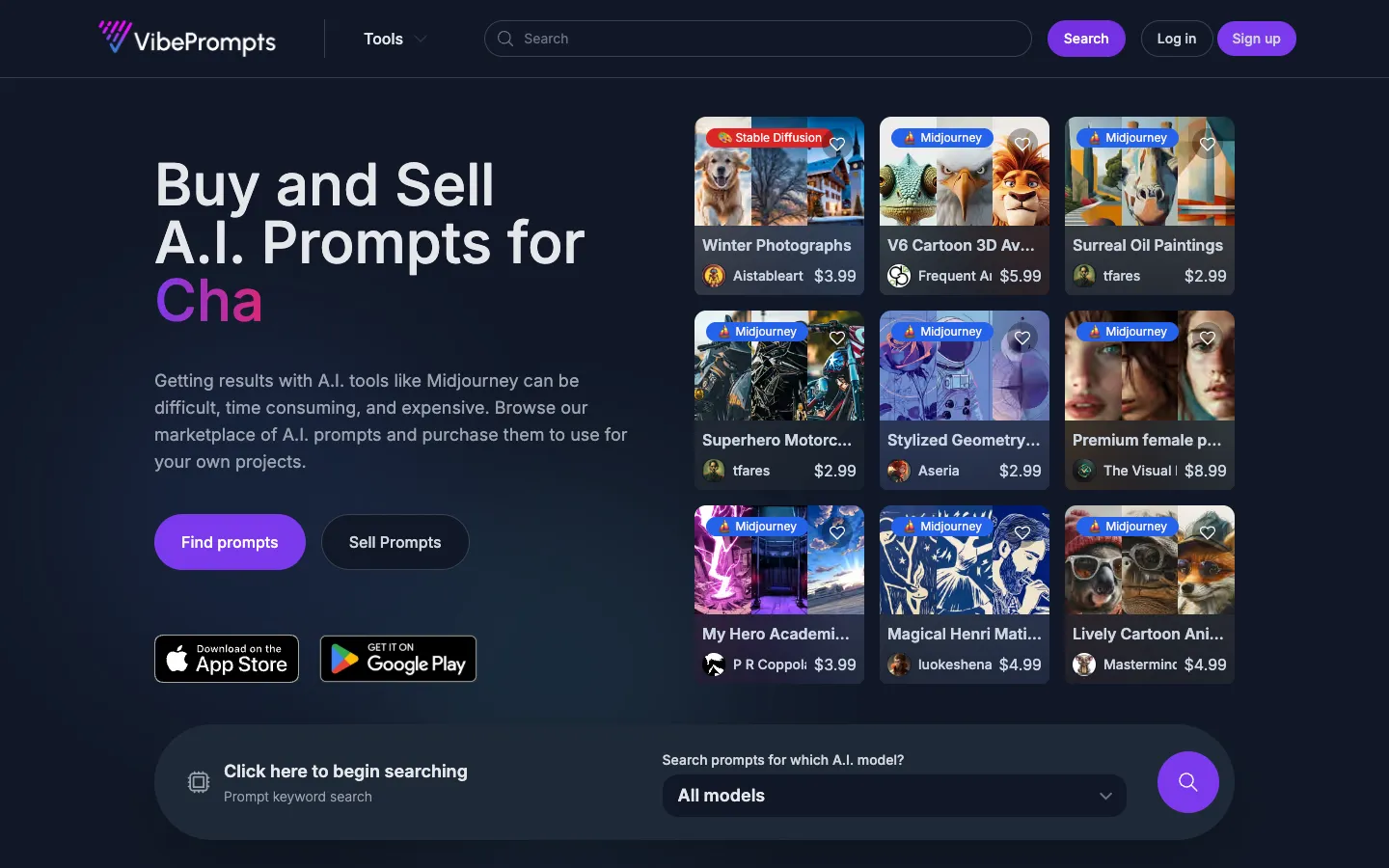
VibePrompts.com is a marketplace for buying and selling AI prompts for various models like Midjourney, GPT, and Stable Diffusion. It helps users save time and usage limits by providing professionally engineered prompts.