Web app

Cmd J
Cmd J is a Chrome extension that provides a keyboard-triggered AI assistant powered by ChatGPT. It helps users write, code, and search faster without leaving their current tab.
- Platform
- Web app
- Categories
- AI Developer Tools
- Indexed
- 2024-02-19
About Cmd J
What is Cmd J?
Cmd J is a keyboard-triggered AI assistant that plugs into your browser and responds instantly with content suggestions, answers, or code explanations. Press Cmd + J on macOS or Alt + J on Windows, and a popup appears, ready to accept a prompt. It’s powered by ChatGPT, which means it understands natural language and responds in seconds without switching tabs or opening new windows. The tool works quietly in the background. There’s no dashboard to manage. No steep learning curve. Just a shortcut and a box to type in.
Key features
Cmd J offers a popup interface that doesn’t get in the way, context-sensitive suggestions, speed and simplicity, seamless Chrome integration, and usefulness across different content types. The popup is compact and doesn’t disrupt your flow. It responds to specific prompts, adapting to tasks like summarizing a blog post or debugging code. The tool is designed to respond quickly within the active tab, so you can read, react, edit, and move on. Since it runs inside Chrome, there’s no need to leave the tab or start an external app. It works with blog posts, spreadsheets, React code, FAQ sections, and more.
Use cases
Cmd J saves time in various scenarios: drafting a weekly newsletter by prompting “Write 5 bullets on AI trends,” fixing a broken piece of Python code pasted directly into the box, summarizing a technical research article in plain English, improving the tone of a customer support reply before sending it, and creating social media posts from a long blog draft. For users juggling writing, coding, editing, and searching throughout the day, Cmd J becomes a natural fallback when they hit a wall.
Pricing
Cmd J offers both free and paid plans. The free tier is useful but comes with limits: fewer prompts and slower speeds. The premium plan removes those caps and gives priority processing. For casual users, the free version is often enough. But frequent content creators, developers, or researchers will find the paid version more consistent—especially under deadline pressure.
Questions
Cmd J FAQ
- What is Cmd J?
- Cmd J is an AI tool available as a web app in the AI Developer Tools category. Cmd J is a Chrome extension that provides a keyboard-triggered AI assistant powered by ChatGPT. It helps users write, code, and search faster without leaving their current tab.
- What is Cmd J used for?
- Cmd J is filed under AI Developer Tools in the AITOOLIST index. Cmd J is a Chrome extension that provides a keyboard-triggered AI assistant powered by ChatGPT. It helps users write, code, and search faster without leaving their current tab.
- Is Cmd J a web app, an extension or a native app?
- Cmd J is a web app.
Listed in the AITOOLIST index since 2024-02-19.
Related
Tools similar to Cmd J

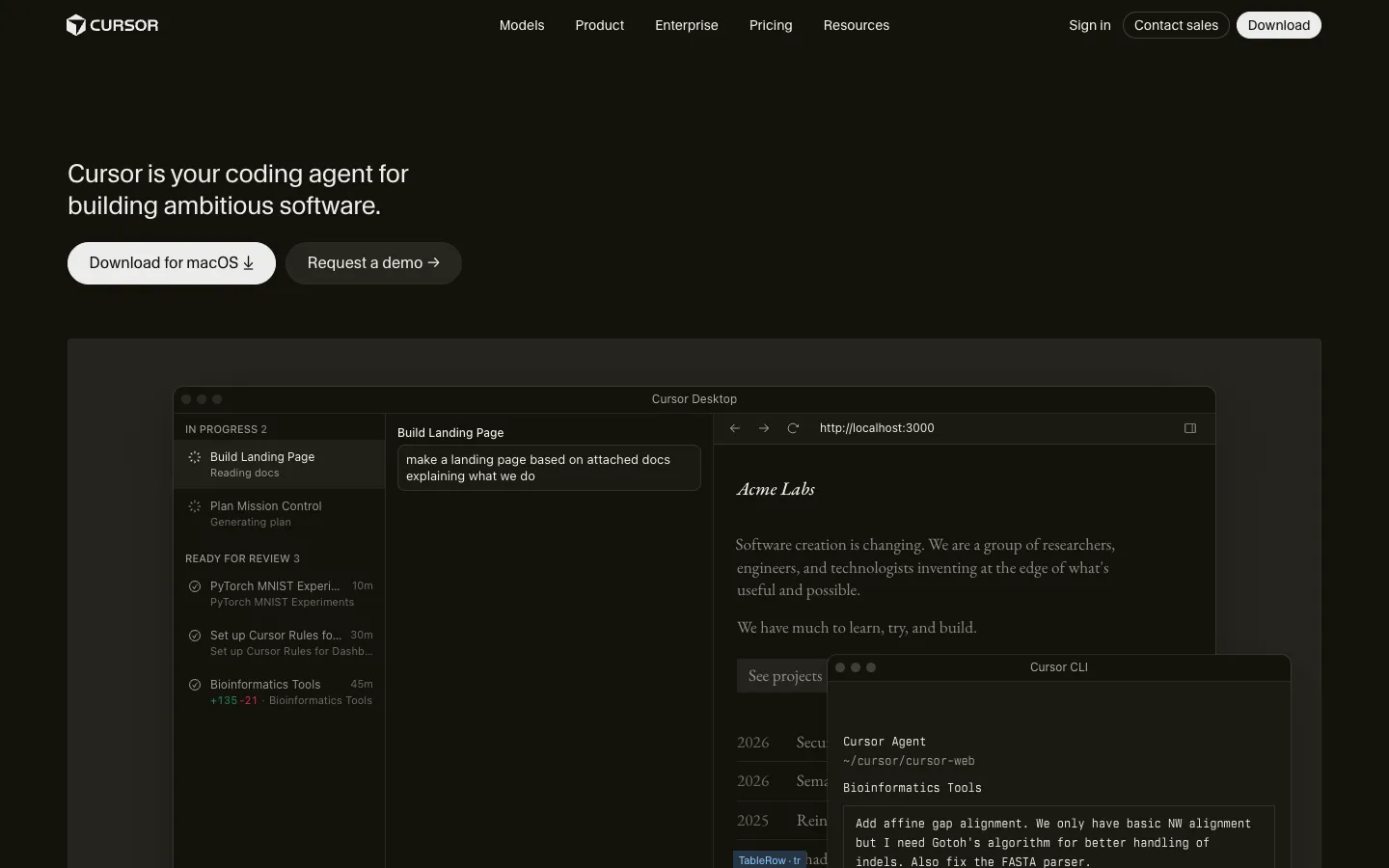
Cursor is an AI-powered coding agent that helps developers build software faster. It offers features like autonomous agents, mission control, and automation to streamline development workflows.
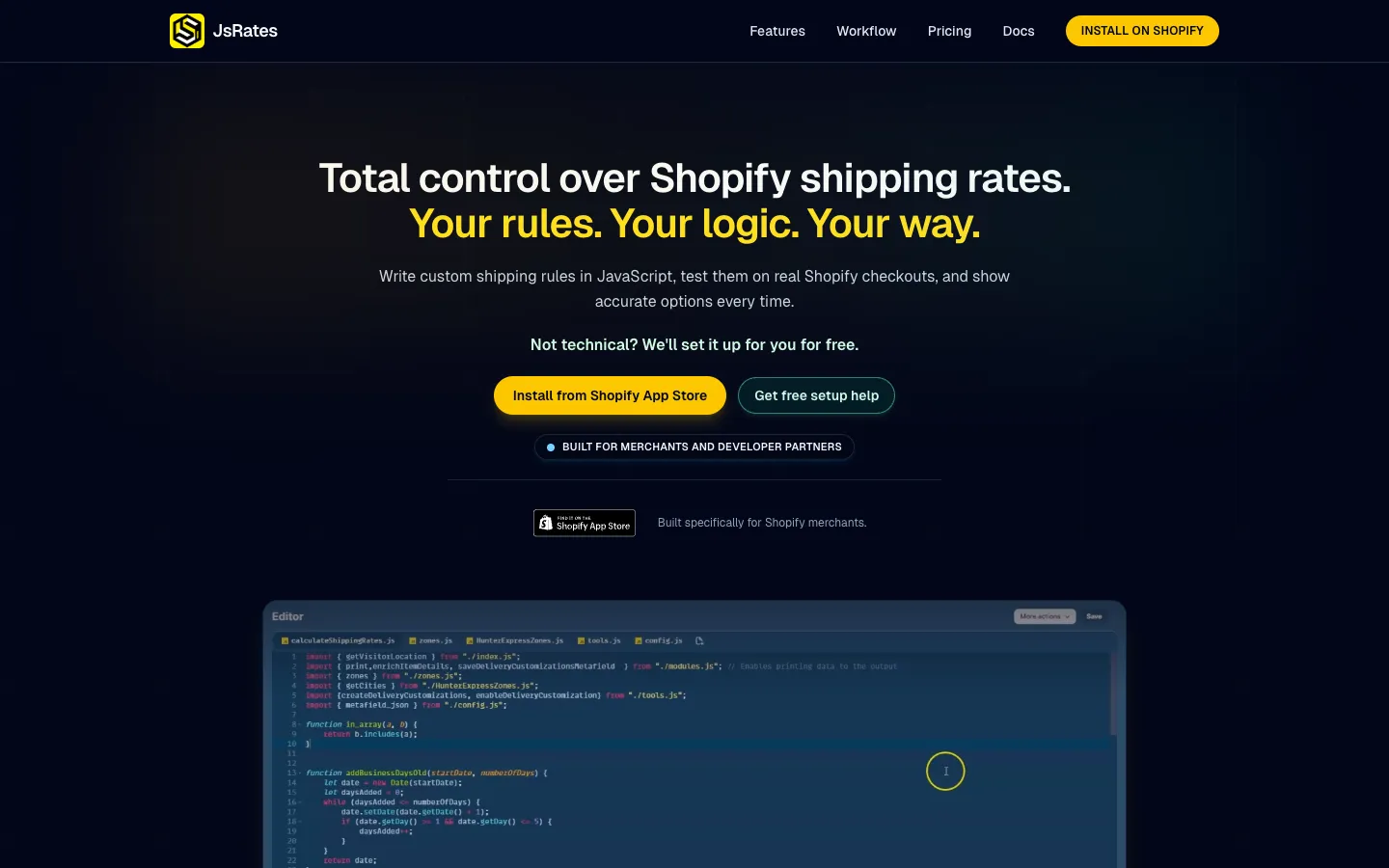
JsRates is a Shopify app that lets merchants write custom shipping rules in JavaScript. It is designed for stores with complex shipping requirements that standard apps cannot handle.


ChatCody is an AI tool that helps with coding tasks. It is designed for developers who want to automate and streamline their coding workflow.


Omnipilot is an AI copilot for macOS that autocompletes text in any application. It can also generate longer text using context from recently used apps.
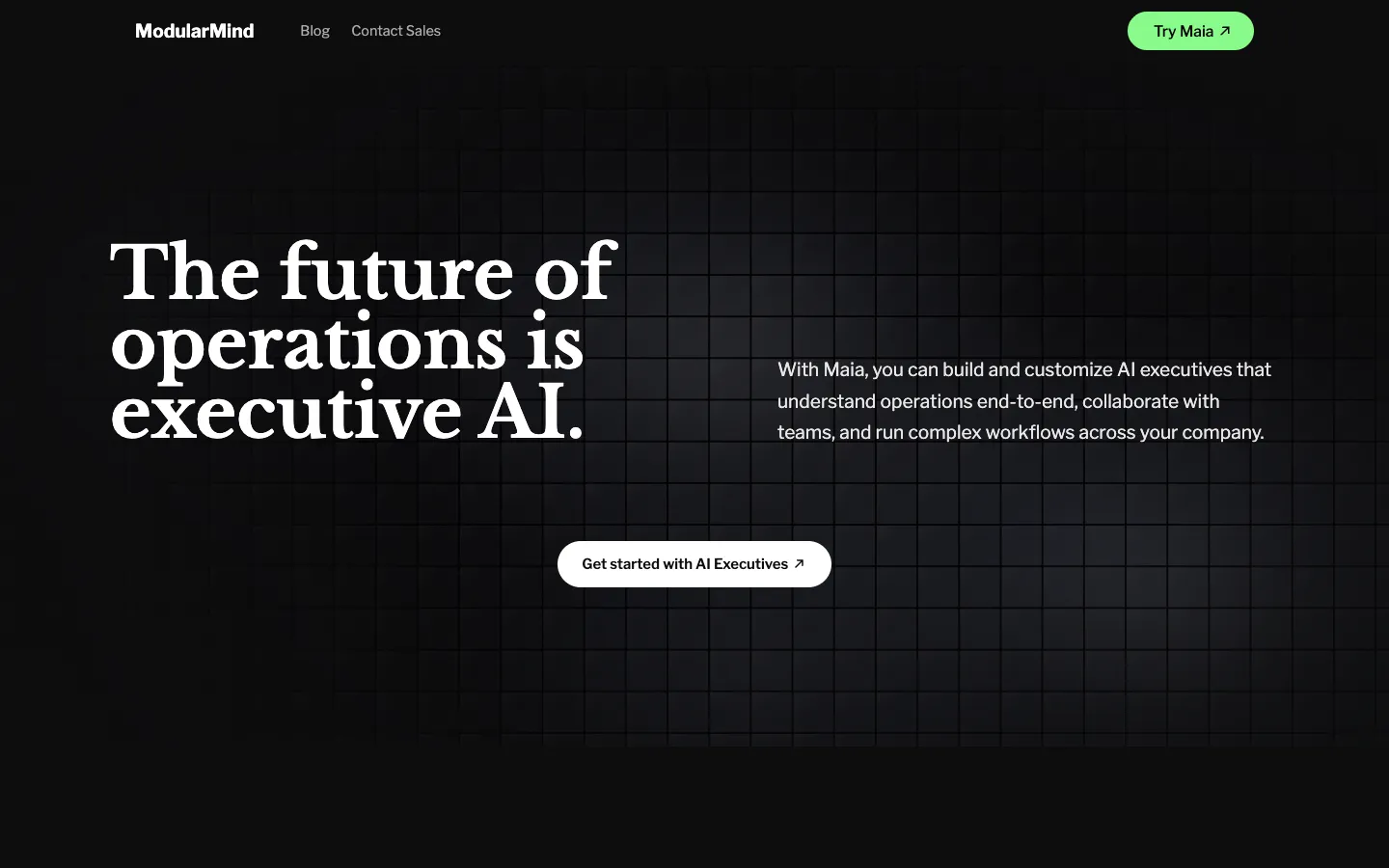
ModularMind is a platform for building and deploying AI executives that understand operations end-to-end. It is designed for businesses that want to automate complex workflows with multi-agent systems.

Floutwork is an AI work operating system that brings AI models, tools, and workflows into a single secure workspace. It is designed for teams and organizations to organize work, onboard employees, and manage AI adoption.