Browser extension

ChatGPT Auto-Continue & Token Tracker
This Chrome extension automates the 'Continue generating' button in ChatGPT and provides a token usage counter. It is designed for ChatGPT users who want to save time and monitor their token consumption.
- Platform
- Browser extension
- Categories
- AI Developer Tools, AI Productivity Tools, AI Chatbot
- Indexed
- 2024-02-19
About ChatGPT Auto-Continue & Token Tracker
What is ChatGPT Auto-Continue & Token Tracker
ChatGPT Auto-Continue & Token Tracker is a Chrome extension that enhances the ChatGPT experience by automating the 'Continue generating' button. It also includes a token counter that displays a visual bar below the prompt area, helping users stay within the context window's limits. The extension is developed by pedrogabrielganzo and has been updated regularly to fix bugs and improve performance.
Key features
The extension offers several features: Auto Full Mode, which automatically flips the history chat when the mouse is near; a token counter with a dynamic progress bar that changes color based on token consumption; a download button for code blocks; and automated clicking of the 'Continue generating' button. It supports both dark and light themes and all languages, with tooltip text in English. The extension does not collect or store personal data.
Use cases
This extension is useful for ChatGPT users who frequently switch tabs while waiting for responses, as it automates the 'Continue generating' button, saving time and effort. The token counter helps users monitor their token usage to avoid exceeding limits. The code block download feature is handy for developers who want to save code snippets in their preferred language.
Pricing
The extension is free to install from the Chrome Web Store. There is no mention of any paid plans or premium features.
Questions
ChatGPT Auto-Continue & Token Tracker FAQ
- What is ChatGPT Auto-Continue & Token Tracker?
- ChatGPT Auto-Continue & Token Tracker is an AI tool available as a browser extension in the AI Developer Tools, AI Productivity Tools, AI Chatbot categories. This Chrome extension automates the 'Continue generating' button in ChatGPT and provides a token usage counter. It is designed for ChatGPT users who want to save time and monitor their token consumption.
- What is ChatGPT Auto-Continue & Token Tracker used for?
- ChatGPT Auto-Continue & Token Tracker is filed under AI Developer Tools, AI Productivity Tools, AI Chatbot in the AITOOLIST index. This Chrome extension automates the 'Continue generating' button in ChatGPT and provides a token usage counter. It is designed for ChatGPT users who want to save time and monitor their token consumption.
- Is ChatGPT Auto-Continue & Token Tracker a web app, an extension or a native app?
- ChatGPT Auto-Continue & Token Tracker is a browser extension.
Listed in the AITOOLIST index since 2024-02-19.
Related
Tools similar to ChatGPT Auto-Continue & Token Tracker
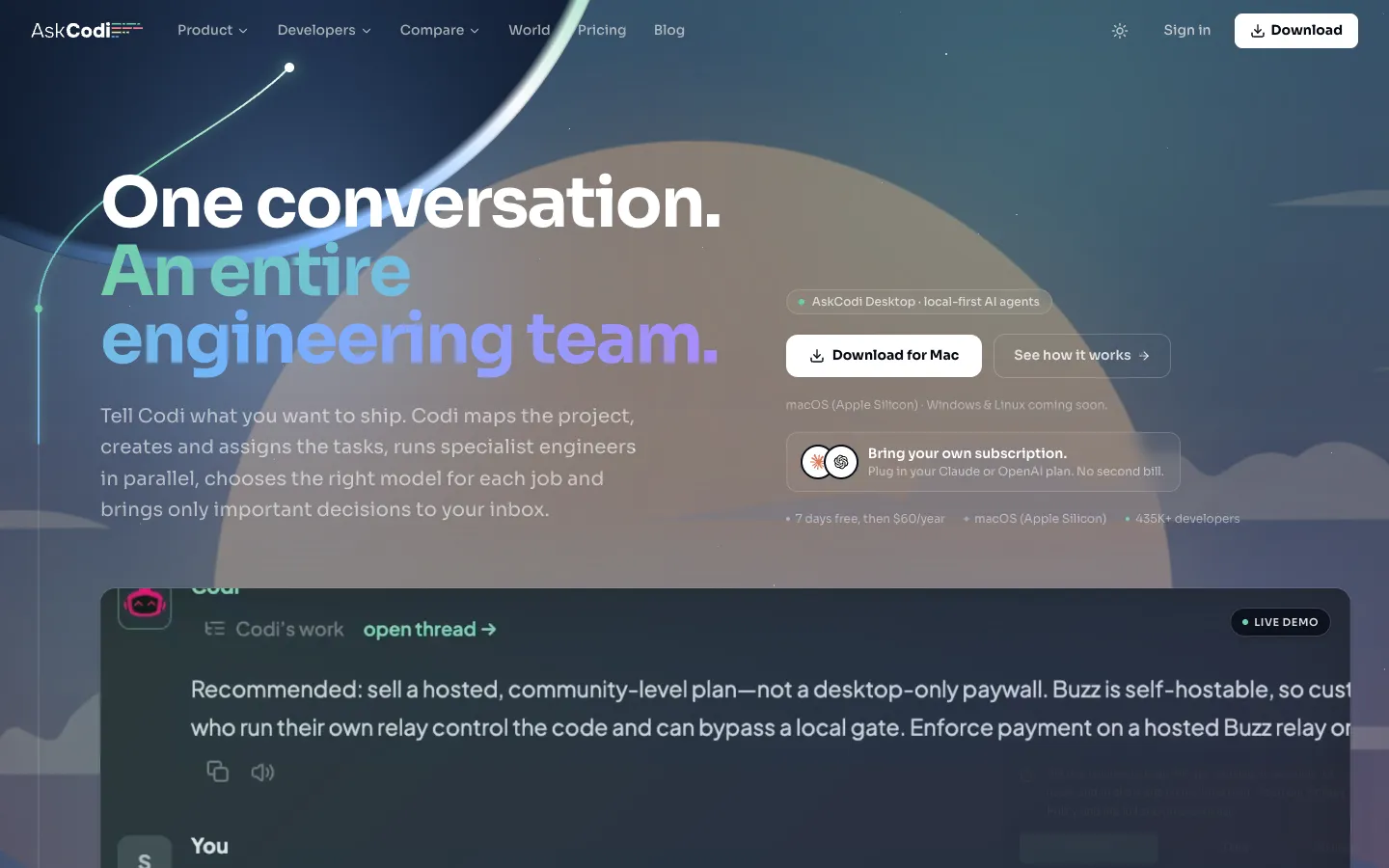
AskCodi is an AI-powered engineering team that plans, assigns, and reviews coding tasks. It is designed for developers who want to delegate project delivery to AI agents.
Genji is a tool that appears to be a web application, but the provided page content does not include any descriptive information about its functionality or target audience. The page only contains a privacy-related statement and logo files.


ChatCody is an AI tool that helps with coding tasks. It is designed for developers who want to automate and streamline their coding workflow.

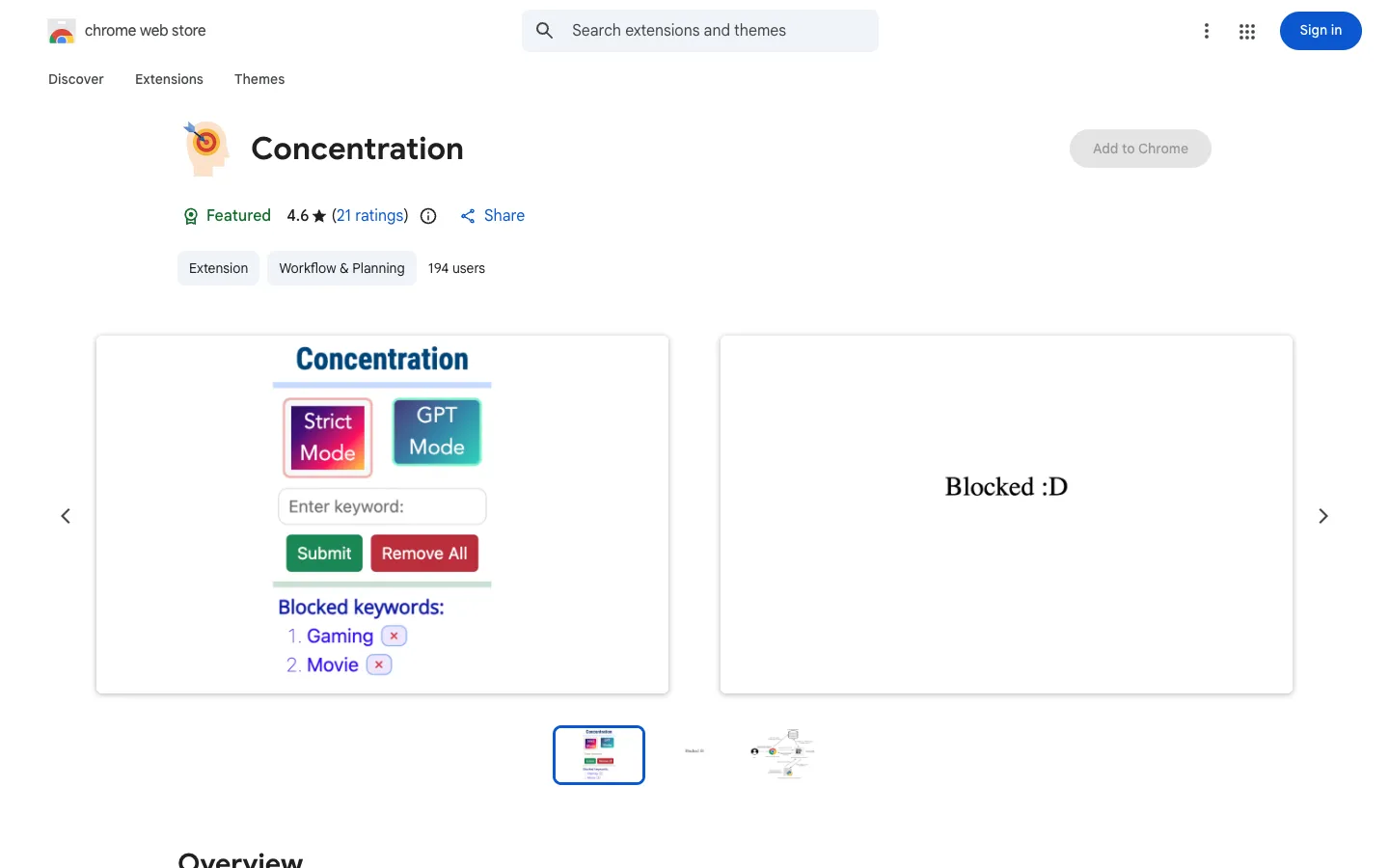
Concentration is a Chrome extension that uses ChatGPT and NLP to block distracting websites. It is designed for users who want to improve their focus during study or work.

BearGPT is a Chrome extension that enhances ChatGPT with a question navigation sidebar, customizable content width, and live Mermaid diagram rendering. It is designed for ChatGPT power users such as developers, product managers, and technical writers.

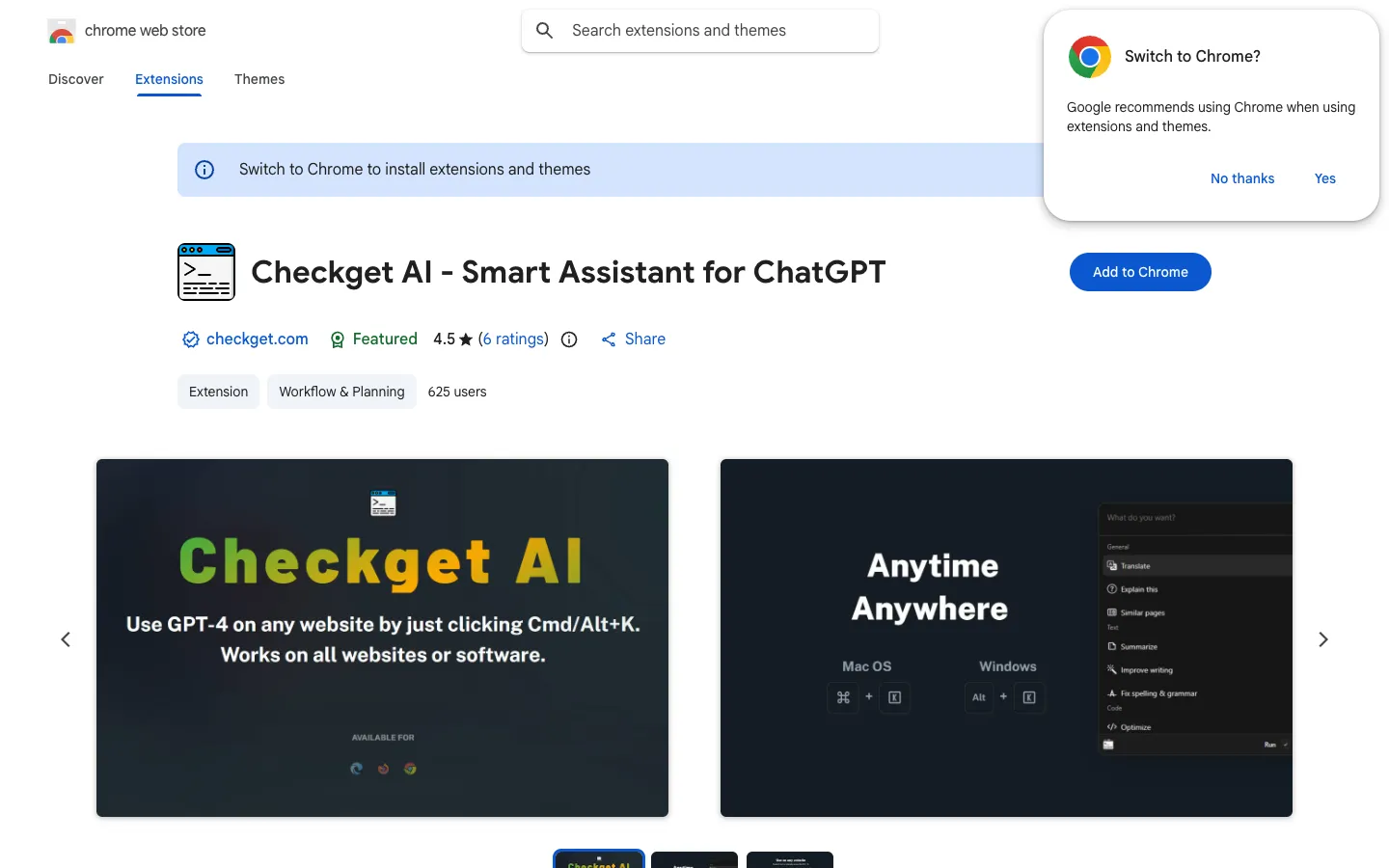
Checkget AI is a browser extension that lets you use ChatGPT on any website by pressing Cmd/Alt+K. It helps with tasks like composing emails, finding answers, creating documents, chatting, and writing code.