Web app

ChatCSV
ChatCSV is a tool that allows users to upload CSV files and ask questions about their data in natural language. It is designed for individuals and businesses who want to analyze spreadsheet data without technical skills.
- Platform
- Web app
- Categories
- AI Spreadsheet
- Indexed
- 2024-02-19
About ChatCSV
What is ChatCSV
ChatCSV is a personal data analyst that lets you chat with your CSV files. You can upload a CSV from your computer, a URL, or your clipboard, and then ask questions in plain English. The tool generates answers and visualizations, such as charts, to help you understand your data. It is an 'Ask Me Anything' for spreadsheets, making data analysis accessible to everyone.
Key features
ChatCSV includes several features to assist with data queries:
- Chat to your CSVs: Start a conversation by uploading your CSV from various sources.
- Quick starting questions: The tool generates common questions about your data to help you get started.
- Visualise the answers: ChatCSV responds with charts to visual questions, such as bar charts or pie charts.
- Chat History: Keep track of conversations, rename them, delete them, or share them with colleagues.
Use cases
ChatCSV is useful in many industries:
- Retail and E-Commerce: Understand trends, customer behavior, and inventory management. For example, ask for a pie chart of sales distribution among product categories.
- Finance and Banking: Visualize trends and transactions by asking questions like 'Show me a bar chart of the number of transactions per day for the last month.'
- Marketing and Advertising: Analyze campaigns, customer demographics, and market research data, such as click-through rates for email campaigns.
Pricing
The FAQ mentions that ChatCSV has a free plan and a paid option, but specific pricing details are not provided on the page. Users can try it with a demo, and there is a free plan to get started. For more information, users are encouraged to reach out via email.
Questions
ChatCSV FAQ
- What is ChatCSV?
- ChatCSV is an AI tool available as a web app in the AI Spreadsheet category. ChatCSV is a tool that allows users to upload CSV files and ask questions about their data in natural language. It is designed for individuals and businesses who want to analyze spreadsheet data without technical skills.
- What is ChatCSV used for?
- ChatCSV is filed under AI Spreadsheet in the AITOOLIST index. ChatCSV is a tool that allows users to upload CSV files and ask questions about their data in natural language. It is designed for individuals and businesses who want to analyze spreadsheet data without technical skills.
- Is ChatCSV a web app, an extension or a native app?
- ChatCSV is a web app.
Listed in the AITOOLIST index since 2024-02-19.
Related
Tools similar to ChatCSV

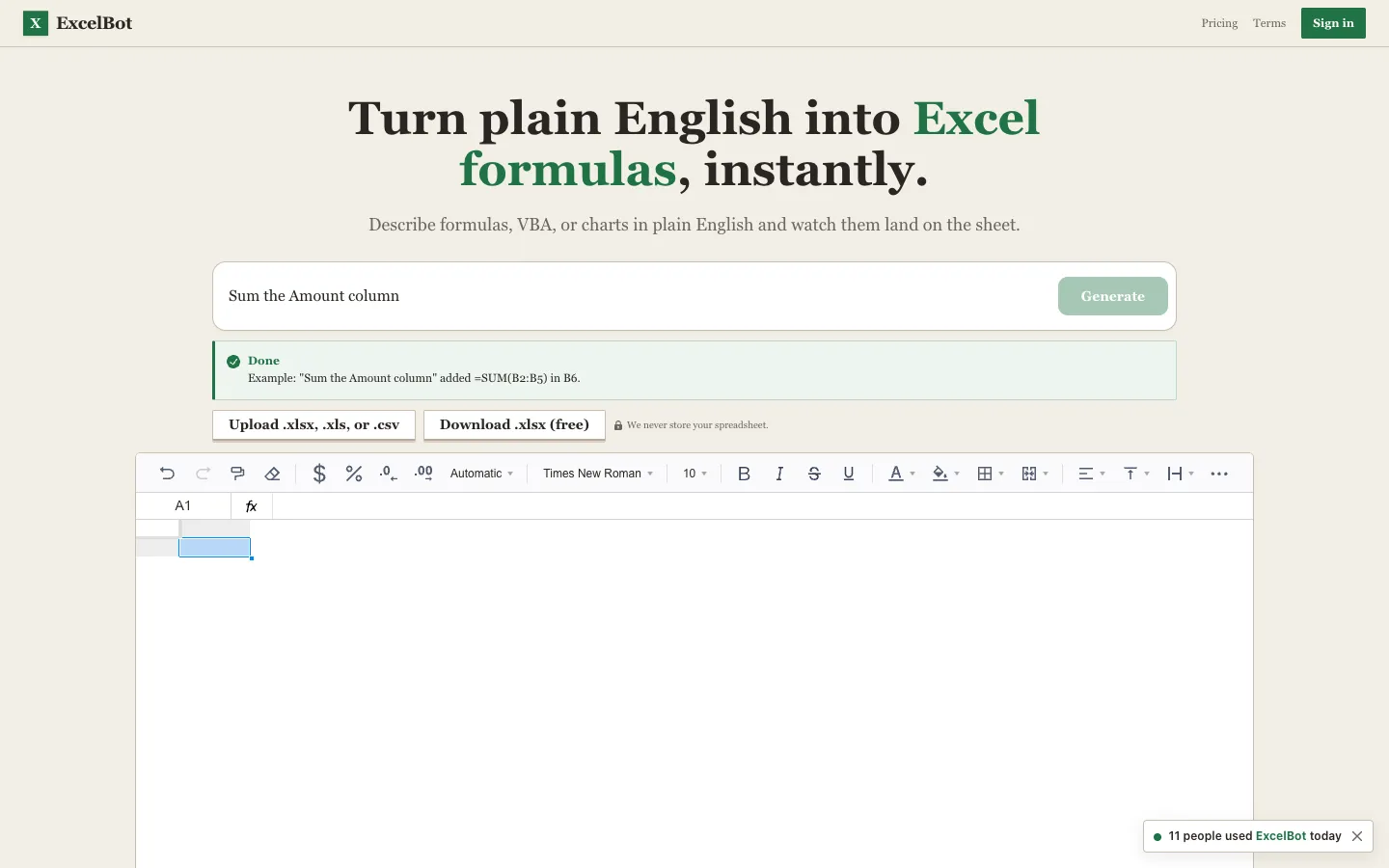
ExcelBot is an AI tool that converts plain English descriptions into Excel formulas, VBA macros, and charts. It works directly in the browser on uploaded spreadsheets or CSVs, and offers 250 free credits.

Empress is a behavioral-measurement substrate that provides an immutable, multi-tenant xAPI ledger for recording actions of agents, users, and systems. It is designed for organizations that need to capture and preserve evidence of behavior for analysis and compliance.

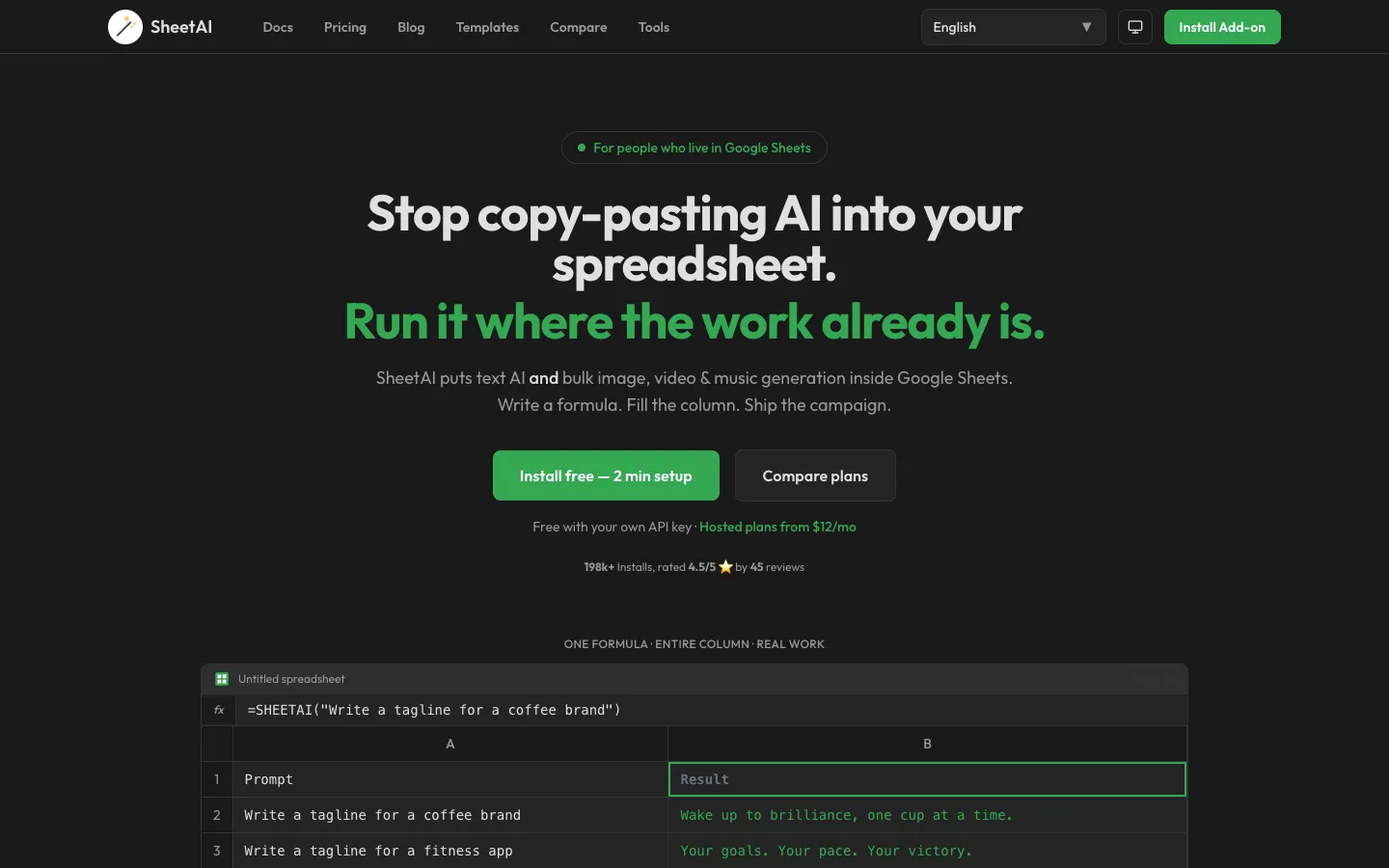
SheetAI is a Google Sheets add-on that brings text AI and media generation (images, video, music) into spreadsheets. It is designed for marketers, data analysts, content creators, and other professionals who work extensively in Google Sheets.

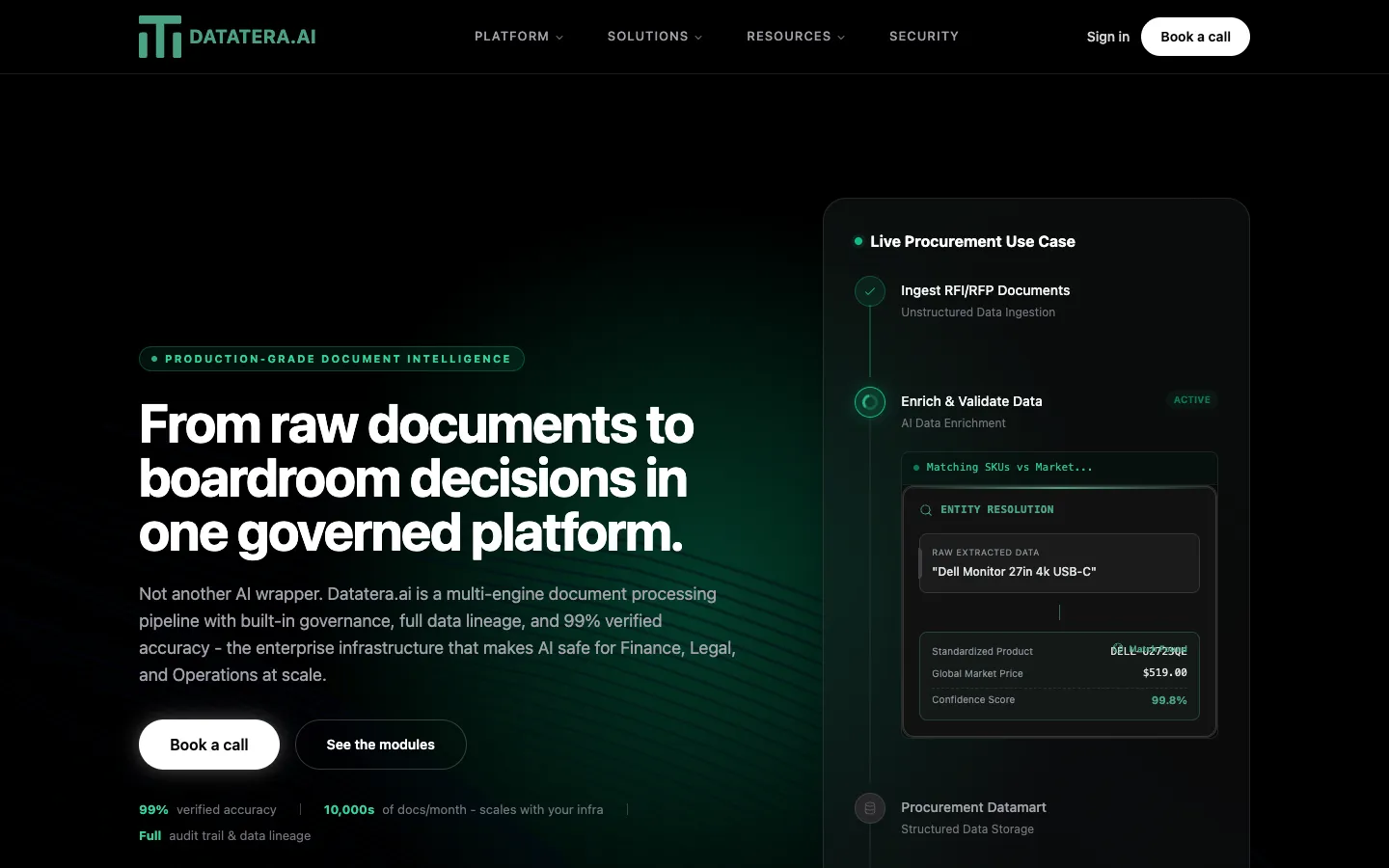
Datatera.ai is an enterprise AI data platform that extracts, enriches, governs, and analyzes data from unstructured sources. It is designed for finance, operations, sales, and strategy teams that need accurate, auditable data at scale.

SheetMagic is a Google Sheets extension that brings AI text generation, image generation, image analysis, video/audio creation, and web scraping into spreadsheet formulas. It is designed for marketers, SEOs, data analysts, and content creators who want to automate tasks without coding.
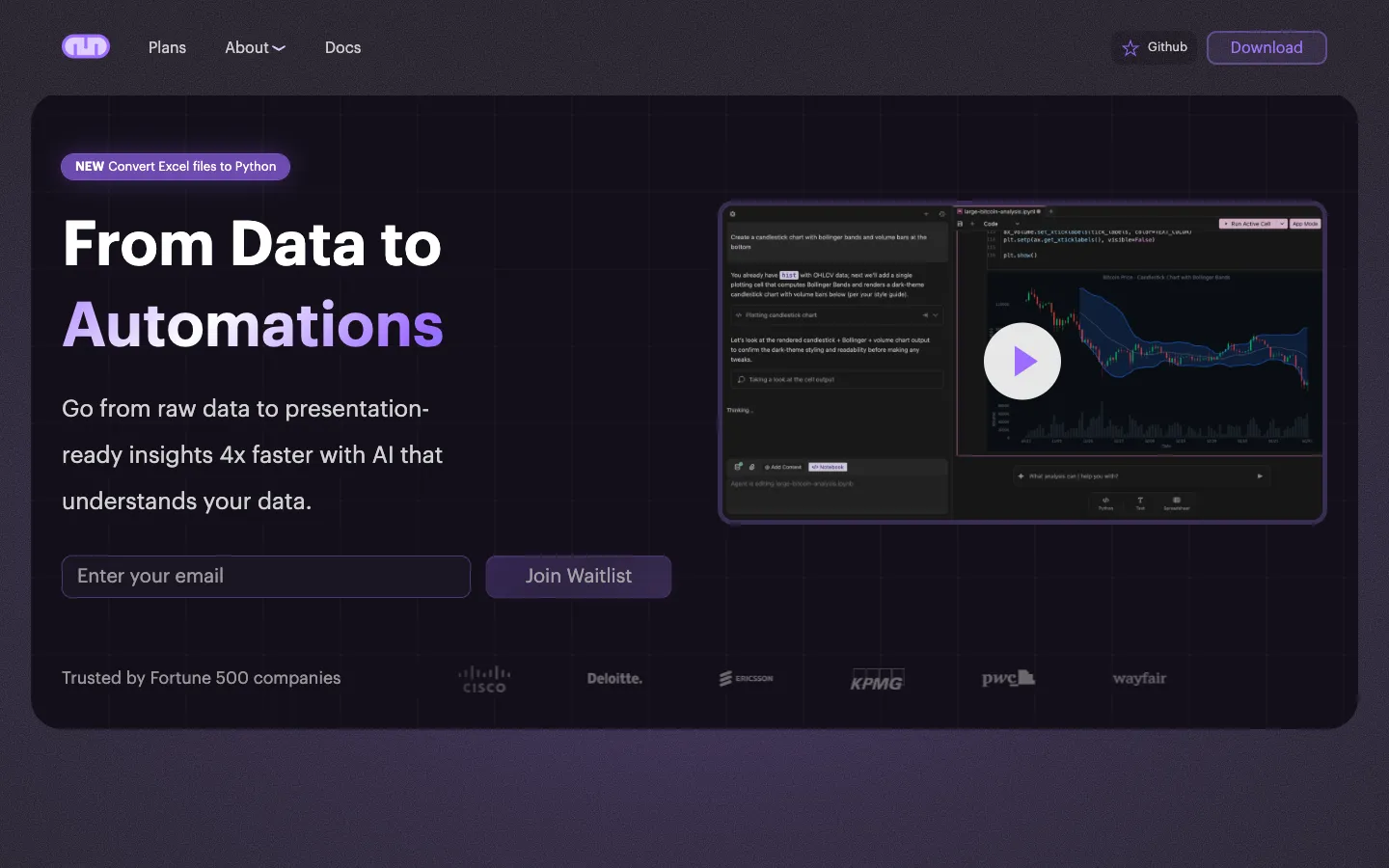
Mito is an AI-powered Jupyter notebook extension that helps users automate data analysis and create dashboards. It is designed for analysts, data scientists, and ML engineers who want to speed up their workflows.