Browser extension

Cata - Question Navigator
Cata is a Chrome extension that adds a sidebar to ChatGPT for quick navigation and organization of questions in chat sessions. It is designed for ChatGPT users who want to manage long conversations more efficiently.
- Platform
- Browser extension
- Categories
- AI Developer Tools, AI Tools Directory, AI Chatbot
- Indexed
- 2024-02-19
About Cata - Question Navigator
What is Cata
Cata - Question Navigator is a Chrome extension that enhances the ChatGPT experience by adding a handy sidebar. This sidebar allows users to quickly navigate and organize questions within their chat sessions. It is particularly useful for users who engage in long conversations and need a way to jump back to specific questions or keep track of the discussion flow.
Key features
The main feature of Cata is its sidebar, which provides a clear overview of the questions asked in a chat session. Users can easily navigate through the conversation by clicking on questions in the sidebar, which helps in managing and reviewing the dialogue. The extension is lightweight, with a size of 29.23KiB, and is available in English. It was last updated on December 26, 2023, and is offered by developer Hanry.
Use cases
Cata is ideal for users who frequently use ChatGPT for complex tasks, such as research, writing, or problem-solving, where multiple questions are asked in a single session. It helps in quickly locating previous questions and answers, making it easier to reference earlier parts of the conversation. This can save time and improve productivity for heavy ChatGPT users.
Pricing
The page does not mention any pricing information for Cata. It is available as a Chrome extension, and the page indicates that it can be added to Chrome. However, no details about whether it is free or paid are provided.
Questions
Cata - Question Navigator FAQ
- What is Cata - Question Navigator?
- Cata - Question Navigator is an AI tool available as a browser extension in the AI Developer Tools, AI Tools Directory, AI Chatbot categories. Cata is a Chrome extension that adds a sidebar to ChatGPT for quick navigation and organization of questions in chat sessions. It is designed for ChatGPT users who want to manage long conversations more efficiently.
- What is Cata - Question Navigator used for?
- Cata - Question Navigator is filed under AI Developer Tools, AI Tools Directory, AI Chatbot in the AITOOLIST index. Cata is a Chrome extension that adds a sidebar to ChatGPT for quick navigation and organization of questions in chat sessions. It is designed for ChatGPT users who want to manage long conversations more efficiently.
- Is Cata - Question Navigator a web app, an extension or a native app?
- Cata - Question Navigator is a browser extension.
Listed in the AITOOLIST index since 2024-02-19.
Related
Tools similar to Cata - Question Navigator
Genji is a tool that appears to be a web application, but the provided page content does not include any descriptive information about its functionality or target audience. The page only contains a privacy-related statement and logo files.
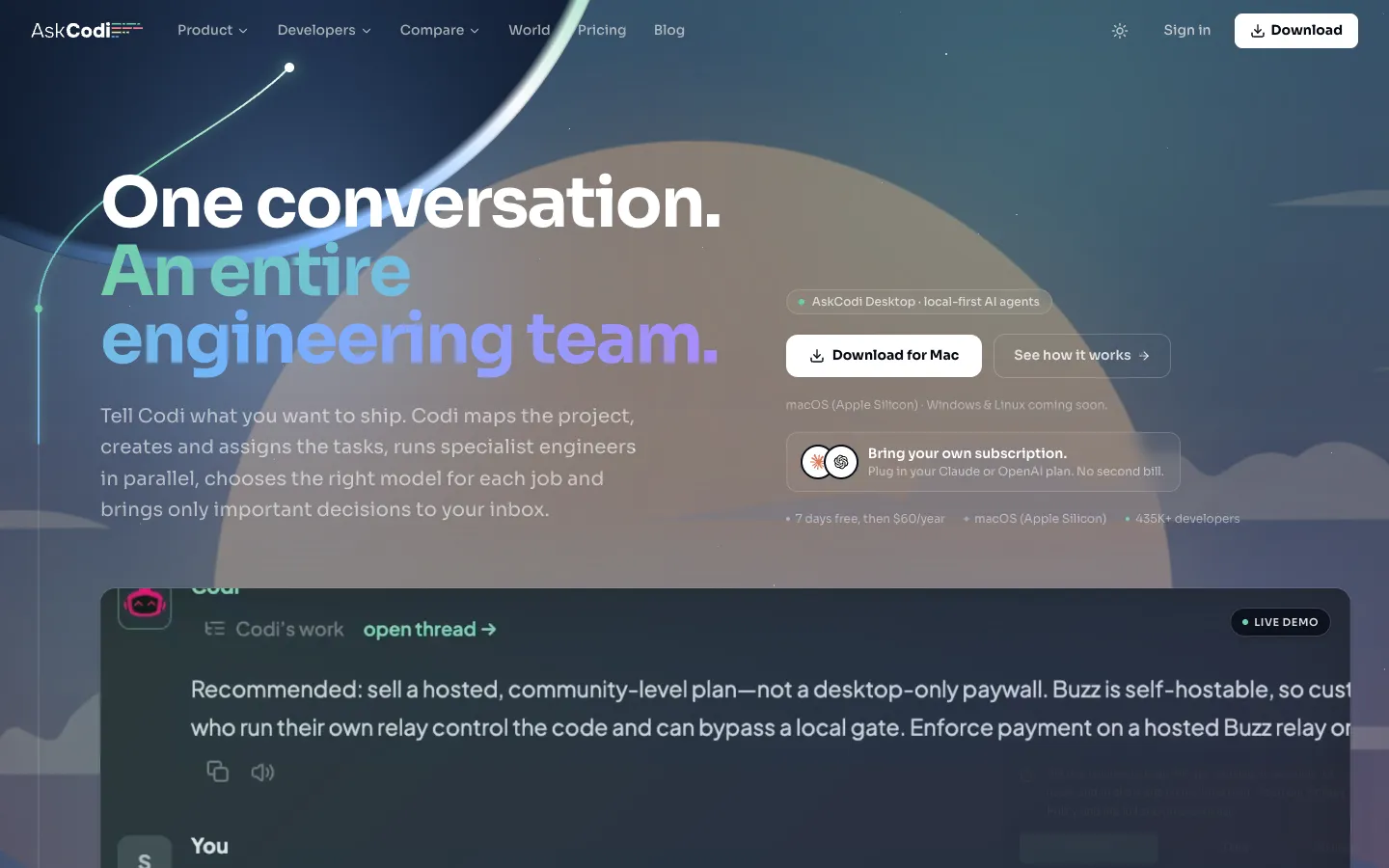
AskCodi is an AI-powered engineering team that plans, assigns, and reviews coding tasks. It is designed for developers who want to delegate project delivery to AI agents.
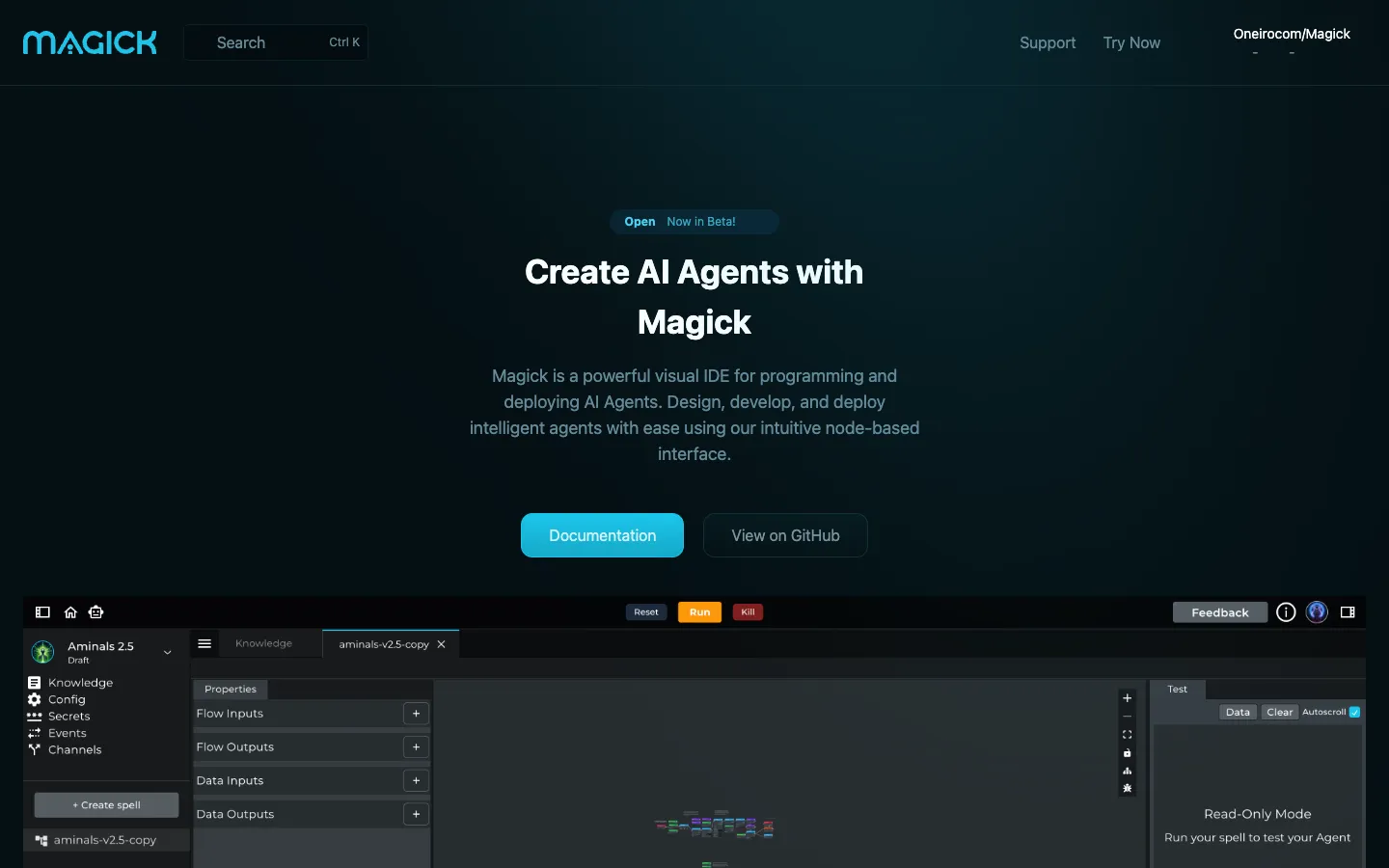
Magick is a visual IDE for building and deploying AI agents. It offers a node-based interface for designing workflows without code, with support for multiple LLMs and integrations.

Jina AI provides a suite of AI tools for search, including embeddings, rerankers, a web reader, and deep search capabilities. It is designed for developers and businesses looking to enhance search functionality with multilingual and multimodal data.

Pickaxe is a no-code platform for building, deploying, and managing AI agents. It allows users to package agents into products and sell them through branded portals with billing, access control, and usage tracking.

chatGPT notification is a Chrome extension that plays a sound when ChatGPT finishes generating a response. It is designed for users who want to multitask while waiting for ChatGPT output.