Web app

Bard PDF
Bard PDF is a free AI-powered tool that lets users chat with their PDF documents. It provides summaries, answers questions, and extracts information from PDFs through a web interface.
- Platform
- Web app
- Categories
- AI PDF, Summarizer
- Indexed
- 2024-02-28
About Bard PDF
What is Bard PDF
Bard PDF is an innovative tool that harnesses the power of artificial intelligence to help you interact with and understand PDF documents in a whole new way. It's like having a conversation with your documents! Here's what makes Bard PDF unique: AI-powered summarization: Get quick and accurate summaries of lengthy PDFs, extracting the key points and essential information. Natural language interaction: Ask questions about your PDFs in plain English and receive insightful answers from the AI. Information extraction: Easily pull out specific details like tables, images, and text snippets from your documents. Collaboration potential: Share PDFs and discuss them with others, with future plans for direct annotation and highlighting within the platform. Productivity booster: Save time and effort by automating tasks like reading long documents, finding specific information, and creating summaries. Research companion: Integrate with Google Scholar to discover relevant research papers and explore topics further. Learning aid: Assists students with understanding complex texts, generating study materials, and collaborating on projects. Bard PDF is a free tool accessible through a web interface, making it convenient to use on various devices. It's constantly evolving with the goal of becoming the ultimate AI-powered platform for working with PDFs.
Key features
Bard PDF offers a range of features designed to enhance your interaction with and understanding of PDF documents. Here's a breakdown of its capabilities: Benefits of Using Bard PDF: Increased Efficiency: Quickly grasp the key points of documents without reading them in their entirety. Improved Comprehension: Gain a deeper understanding of complex topics through interactive Q&A and summarization. Enhanced Productivity: Save time and effort on tasks related to PDF documents. Streamlined Collaboration: Discuss and share insights from PDFs with others more effectively. Summarize PDF: While we've covered the basic steps of summarizing PDFs using Bard PDF, let's explore some additional aspects and advanced techniques: Controlling Summary Length and Focus: Specify Length: You can ask Bard for summaries of different lengths to suit your needs. For example: "Give me a brief overview of the main points." (for a short summary) "Provide a comprehensive summary including supporting details." (for a longer summary) Target Specific Sections: Focus the summary on particular sections or aspects of the document. For example: "Summarize the methodology used in this research paper." "Focus on the results and conclusions in the summary." Fine-tuning Your Requests: Use Keywords: Include relevant keywords in your request to guide Bard towards the information you're most interested in. Ask Specific Questions: Instead of a general summary, ask targeted questions about the content. For example: "What are the main challenges identified in this report?" "What are the key findings of this study?" Combining with Other Features: Extract Key Information: After getting a summary, ask Bard to extract specific data points, tables, or images for further analysis. Ask Follow-up Questions: Use the summary as a starting point to delve deeper into specific aspects of the document through interactive Q&A with Bard. Advanced Techniques: Summarize Multiple PDFs: While Bard currently works with one PDF at a time, you can summarize several PDFs individually and then ask Bard to compare or combine the summaries for a broader overview. Analyze Summarization Styles: Experiment with different phrasing and keywords in your requests to observe how the style and focus of the summaries change. By exploring these techniques and features, you can unlock the full potential of Bard PDF for summarizing PDFs and g
Use cases
Bard PDF is designed for a wide range of users, including educators, professionals, students, and everyone else. For Educators: It can assist in creating study materials, summarizing research papers, and facilitating discussions. For Professionals: It helps in quickly extracting key information from reports, contracts, and other documents, saving time and improving productivity. For Students: It aids in understanding complex texts, generating summaries for study, and collaborating on projects. For Everyone: It offers a convenient way to interact with PDF documents, making information more accessible and easier to digest.
Pricing
Bard PDF is a free tool accessible through a web interface. There is no mention of any paid plans or pricing tiers on the page.
Questions
Bard PDF FAQ
- What is Bard PDF?
- Bard PDF is an AI tool available as a web app in the AI PDF, Summarizer categories. Bard PDF is a free AI-powered tool that lets users chat with their PDF documents. It provides summaries, answers questions, and extracts information from PDFs through a web interface.
- What is Bard PDF used for?
- Bard PDF is filed under AI PDF, Summarizer in the AITOOLIST index. Bard PDF is a free AI-powered tool that lets users chat with their PDF documents. It provides summaries, answers questions, and extracts information from PDFs through a web interface.
- Is Bard PDF a web app, an extension or a native app?
- Bard PDF is a web app.
Listed in the AITOOLIST index since 2024-02-28.
Related
Tools similar to Bard PDF
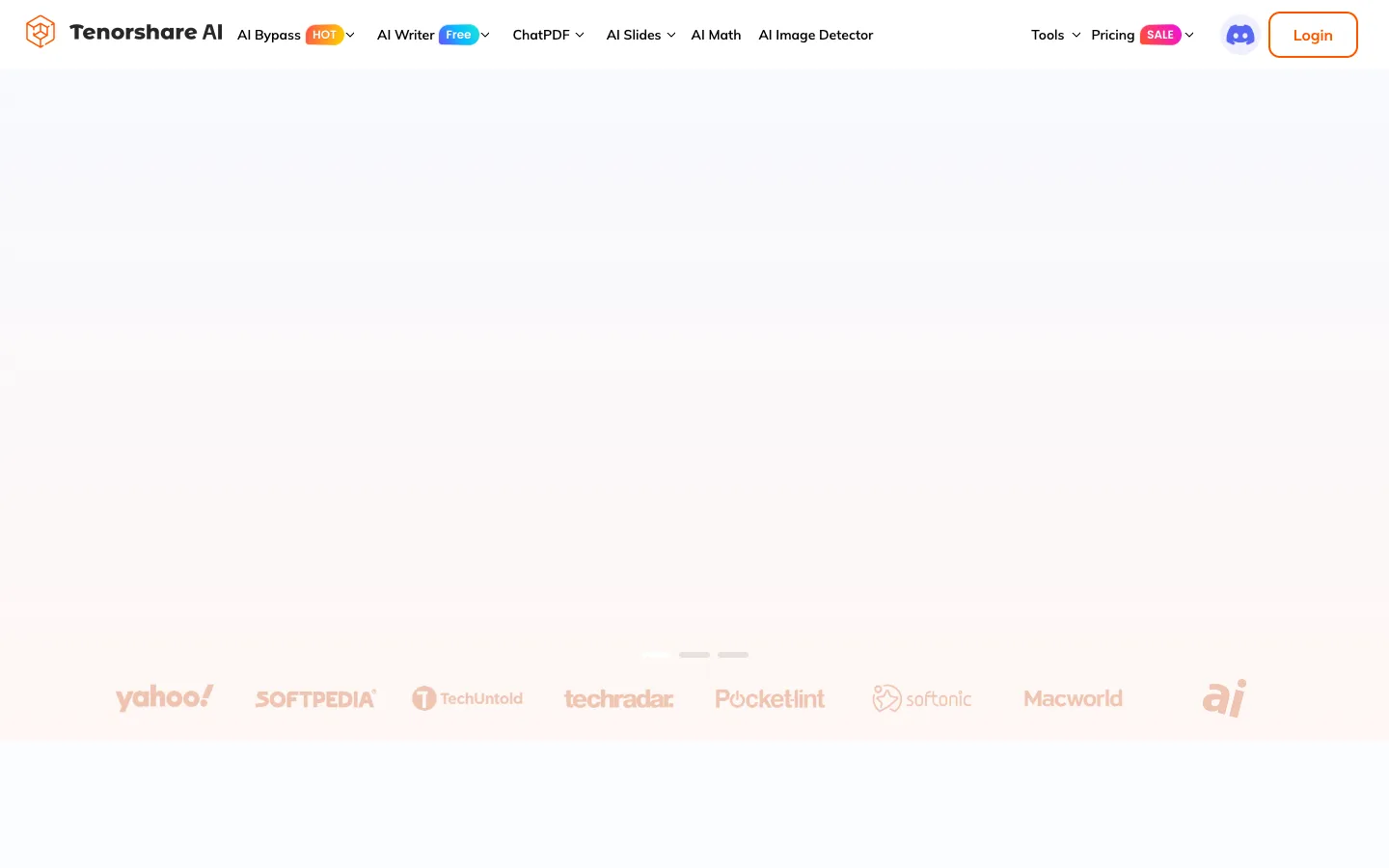
Tenorshare AI is a suite of AI-powered tools for writing, math, PDFs, and presentations. It is designed for students, writers, and professionals to simplify their work.

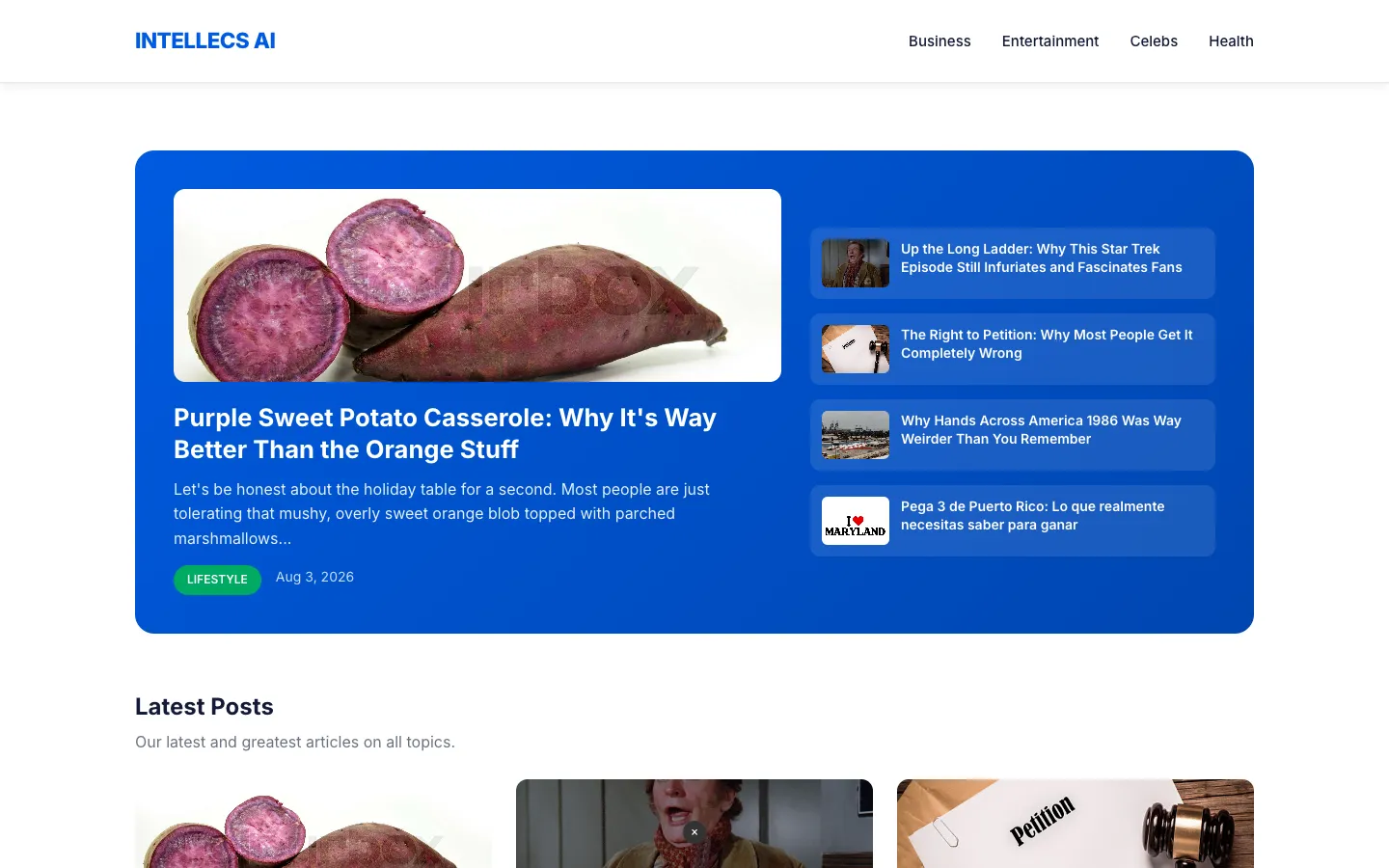
Intellecs.AI is a content platform offering expert guides, how-to tutorials, and practical tips across various categories. It serves readers seeking insights on lifestyle, business, entertainment, and more.

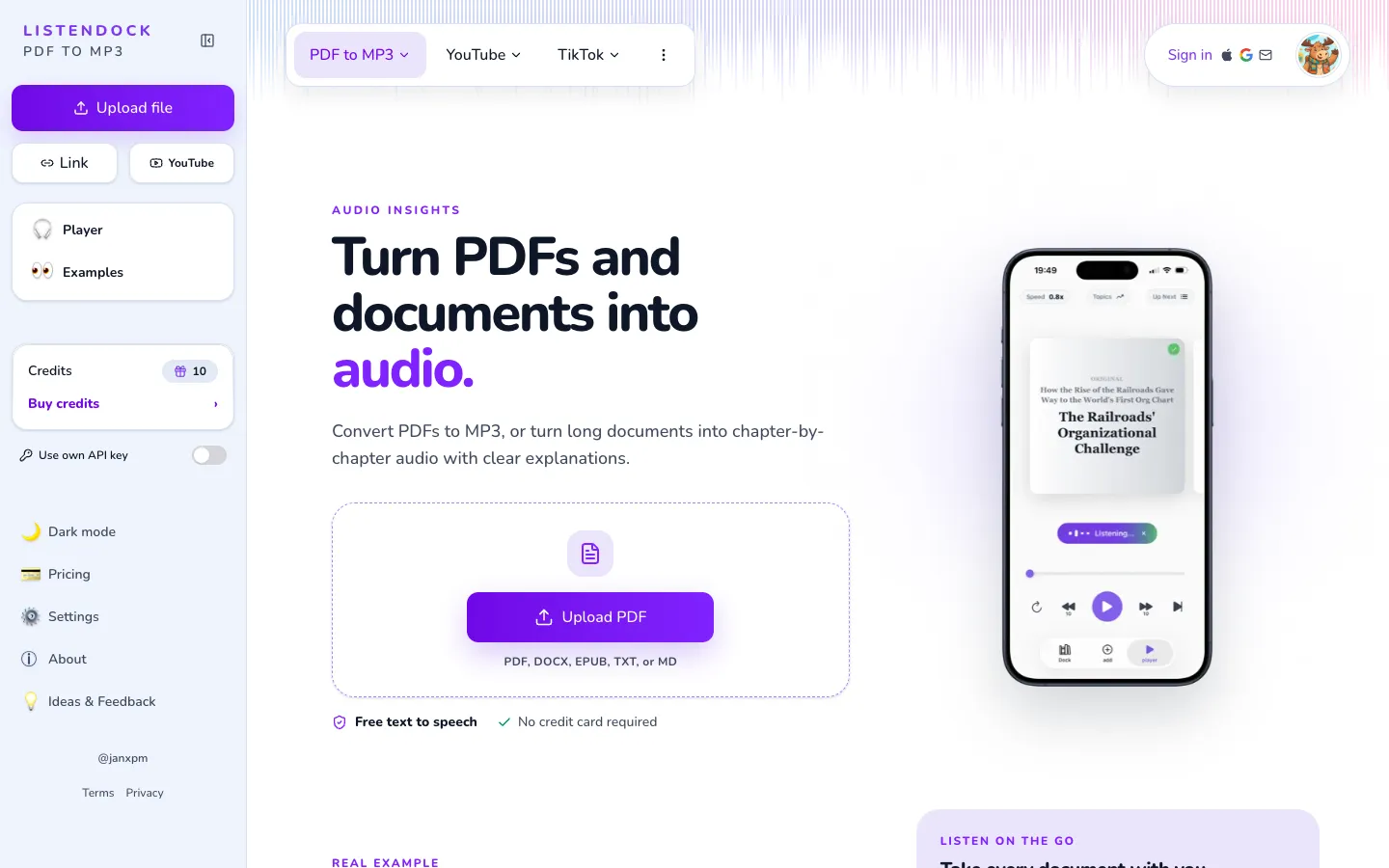
ListenDock converts PDFs, DOCX, EPUB, TXT, and Markdown files into audio episodes or videos. It is designed for users who want to listen to documents on the go, with features like chapter-by-chapter organization and language support.

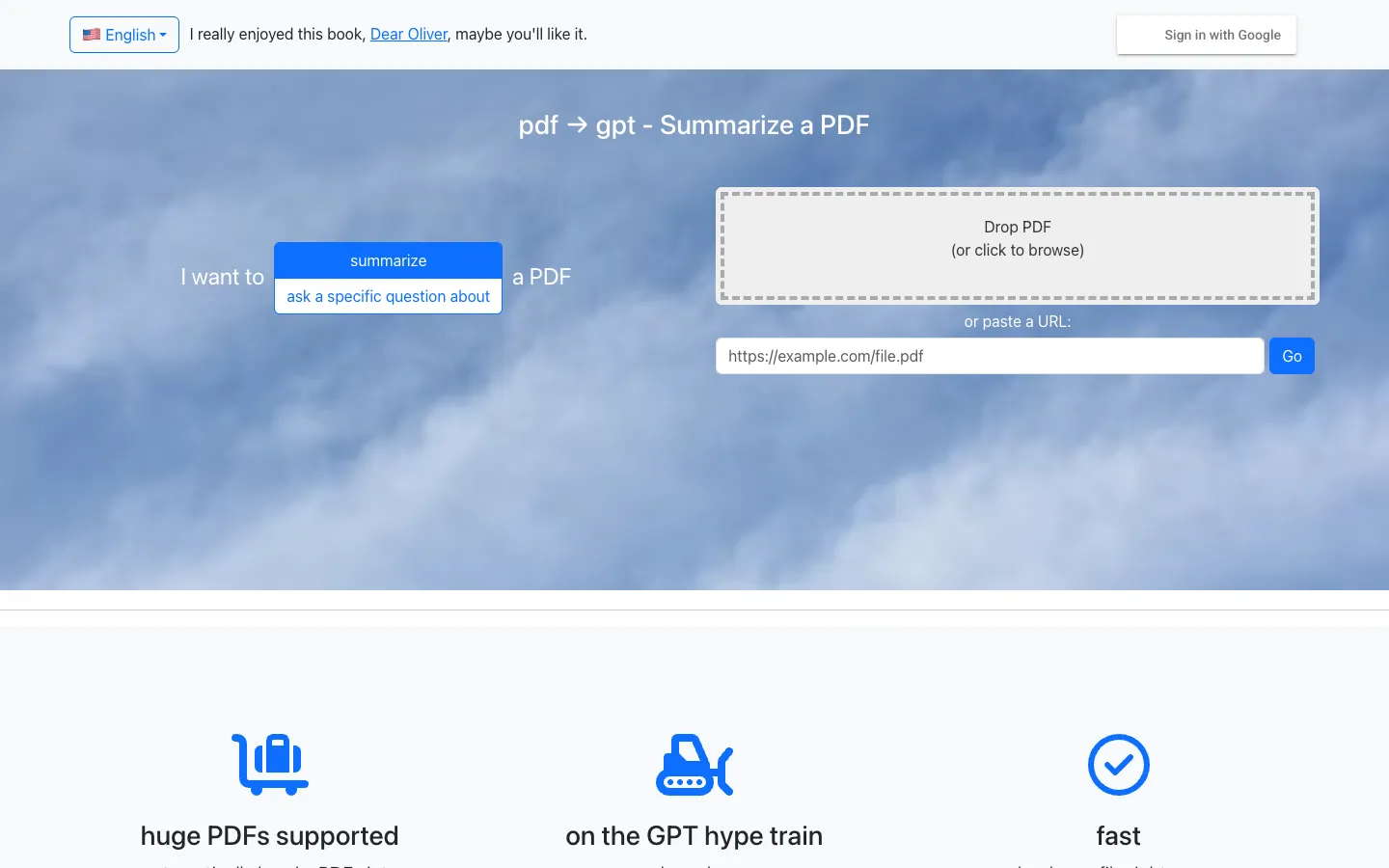
pdf2gpt is a tool that summarizes large PDFs using GPT. It automatically chunks PDFs to fit the context limit and provides a summary, table of contents, and section summaries.

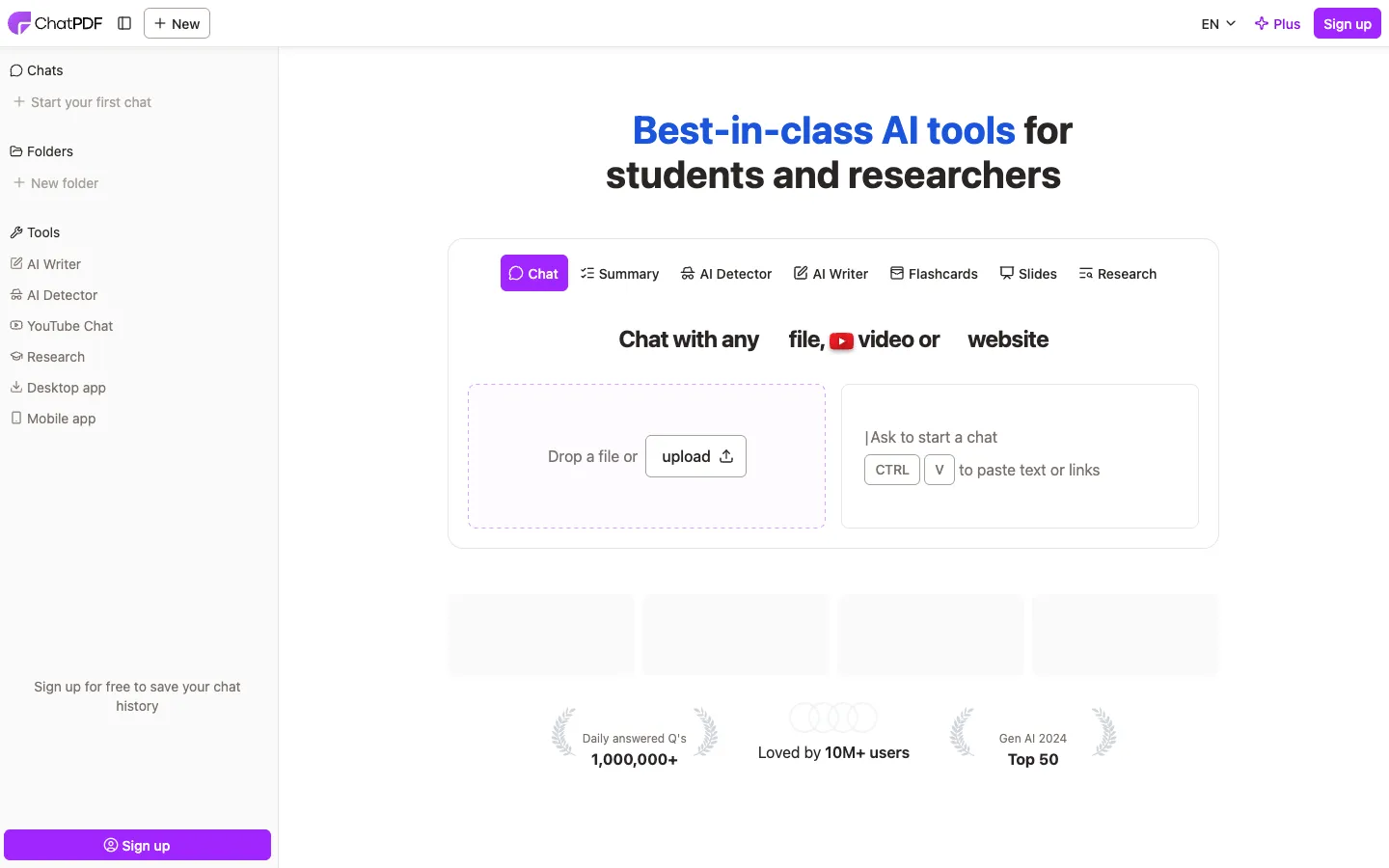
ChatPDF is an AI-powered tool that lets users chat with PDFs, summarize documents, and extract information. It is designed for students, researchers, and professionals who need to quickly understand and analyze documents.
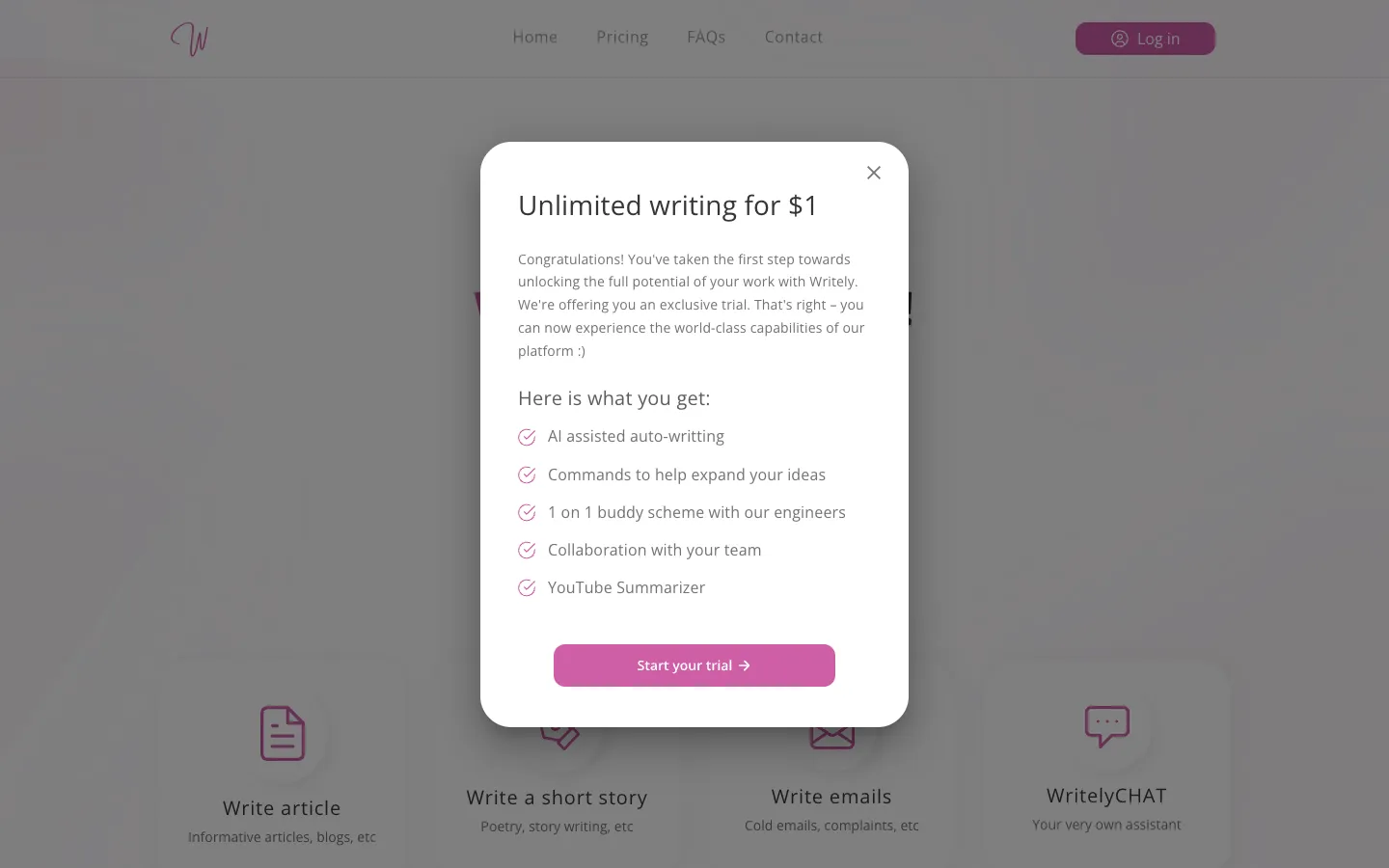
Writely is an AI writing tool that helps users generate content and bypass AI detection. It is designed for writers, bloggers, and professionals who want to overcome writer's block and collaborate with teams.