Web app

ArtCraft
ArtCraft is a browser-based creative studio for composing images, staging 3D scenes, editing video and organizing references. It is aimed at artists and creators who want to arrange a composition before sending it to an AI model.
- Platform
- Web app
- Categories
- AI Photo & Image Generator, AI Video Generator, AI 3D Model Generator
- Indexed
- 2026-10-30
About ArtCraft
What is ArtCraft
ArtCraft is a web creative studio that brings image editing, scene composition, a video timeline and reference boards into one browser workspace. Rather than starting from a prompt alone, you arrange layers, objects and a camera yourself, then optionally hand the composition to a supported AI model.
The studio is built on authorized upstream creative tools, with ArtCraft providing its own accounts, private storage and generation integrations. Local editing and project saving use no generation credits; AI generation and AI editing do. Three-dimensional worlds use World Labs Marble, while available audio and object generation use Fal.
Key features
2D image compositing — place photographs, cutouts and painted marks on separate layers, then move, resize and compare arrangements without flattening the composition early.
Background removal — separate subjects from their surroundings to create reusable foreground elements, image layers or props.
Canvas image editing — draw, mask and refine selected regions, keeping local edits separate from paid generation.
Text to image and prompted editing — generate from a written description with an available model, or bring a reference in and describe the change you want.
Image to video — turn a prepared image into the opening direction for a clip, with model-specific duration, framing and sound controls.
3D tools — image to location with World Labs Marble, 3D image compositing with image planes and a controlled camera, image to 3D mesh, and character posing.
How to use it
-
Prepare your references. Sign in and choose an image, video, scene or moodboard workspace. Import material or start from a blank project, and decide on a subject, visual direction and output type.
-
Compose the shot. Arrange layers for a two-dimensional layout, or place objects and a camera in a three-dimensional scene. Use references to guide framing, scale and color while keeping elements editable.
-
Refine the direction. Adjust a pose, move the camera, paint a mask or rearrange a clip — the details a short prompt cannot communicate.
-
Save or generate. Save the project without submitting an AI job and return to it from the library. To get AI output, select an available model, review the credit quote and submit.
Pricing
ArtCraft uses a credit system. AI generation and AI editing consume credits, and the studio displays a credit estimate before you submit a job. Manual arranging, local editing and project saving do not submit an AI job and use no generation credits.
The page also notes that annual plans cost about 50% less than twelve monthly payments. Specific plan tiers and credit amounts are not listed in the provided content.
Questions
ArtCraft FAQ
- What is ArtCraft?
- ArtCraft is an AI tool available as a web app in the AI Photo & Image Generator, AI Video Generator, AI 3D Model Generator categories. ArtCraft is a browser-based creative studio for composing images, staging 3D scenes, editing video and organizing references. It is aimed at artists and creators who want to arrange a composition before sending it to an AI model.
- What is ArtCraft used for?
- ArtCraft is filed under AI Photo & Image Generator, AI Video Generator, AI 3D Model Generator in the AITOOLIST index. ArtCraft is a browser-based creative studio for composing images, staging 3D scenes, editing video and organizing references. It is aimed at artists and creators who want to arrange a composition before sending it to an AI model.
- Is ArtCraft a web app, an extension or a native app?
- ArtCraft is a web app.
Listed in the AITOOLIST index since 2026-10-30.
Related
Tools similar to ArtCraft

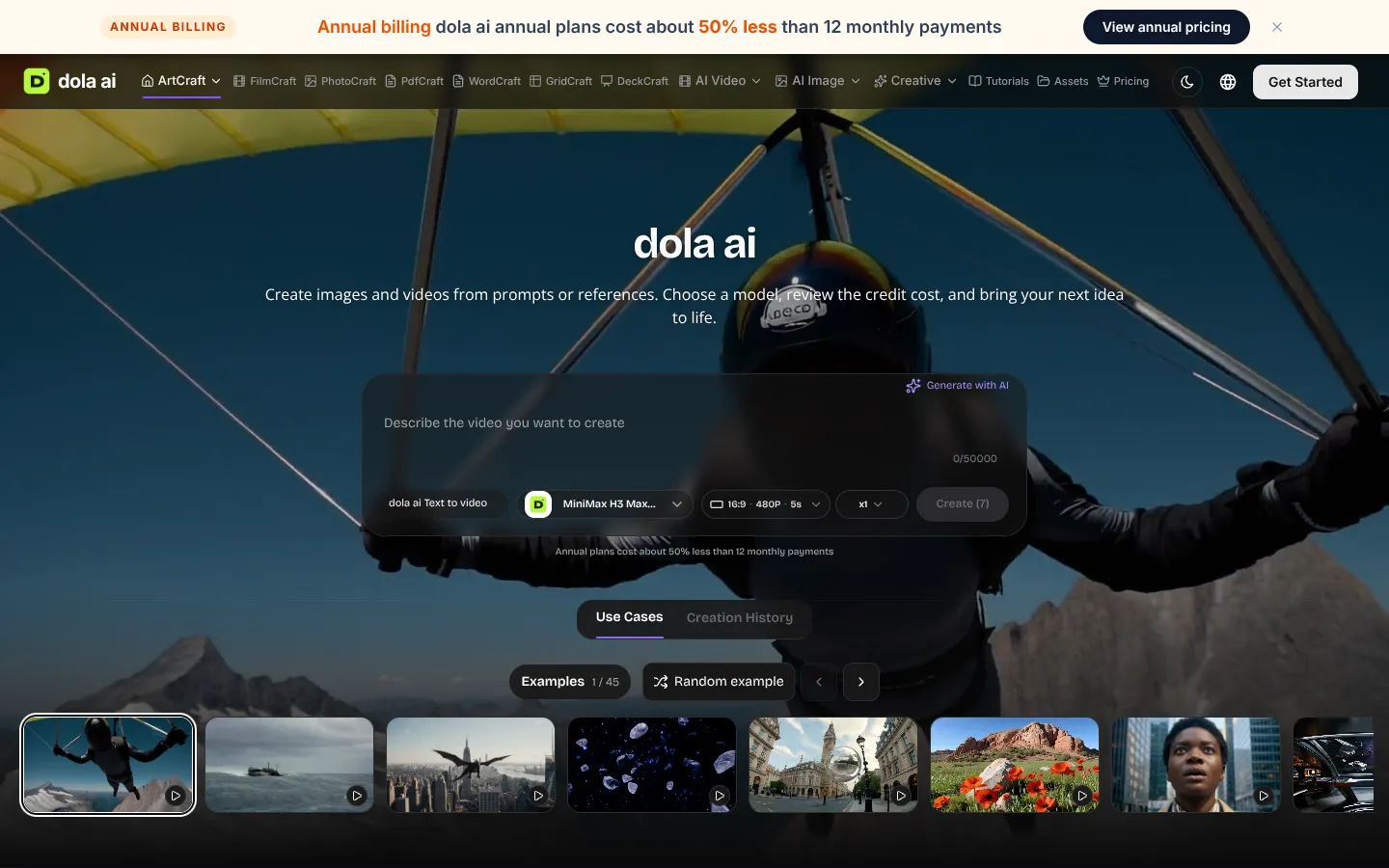
Dola AI is a browser-based creative studio for generating and editing images, video and 3D scenes from prompts or references. It is aimed at artists and creators who want to compose a shot visually before handing it to an AI model.
The SORA Museum is a website that showcases videos generated by OpenAI's Sora model. It is intended for people interested in AI-generated video content.

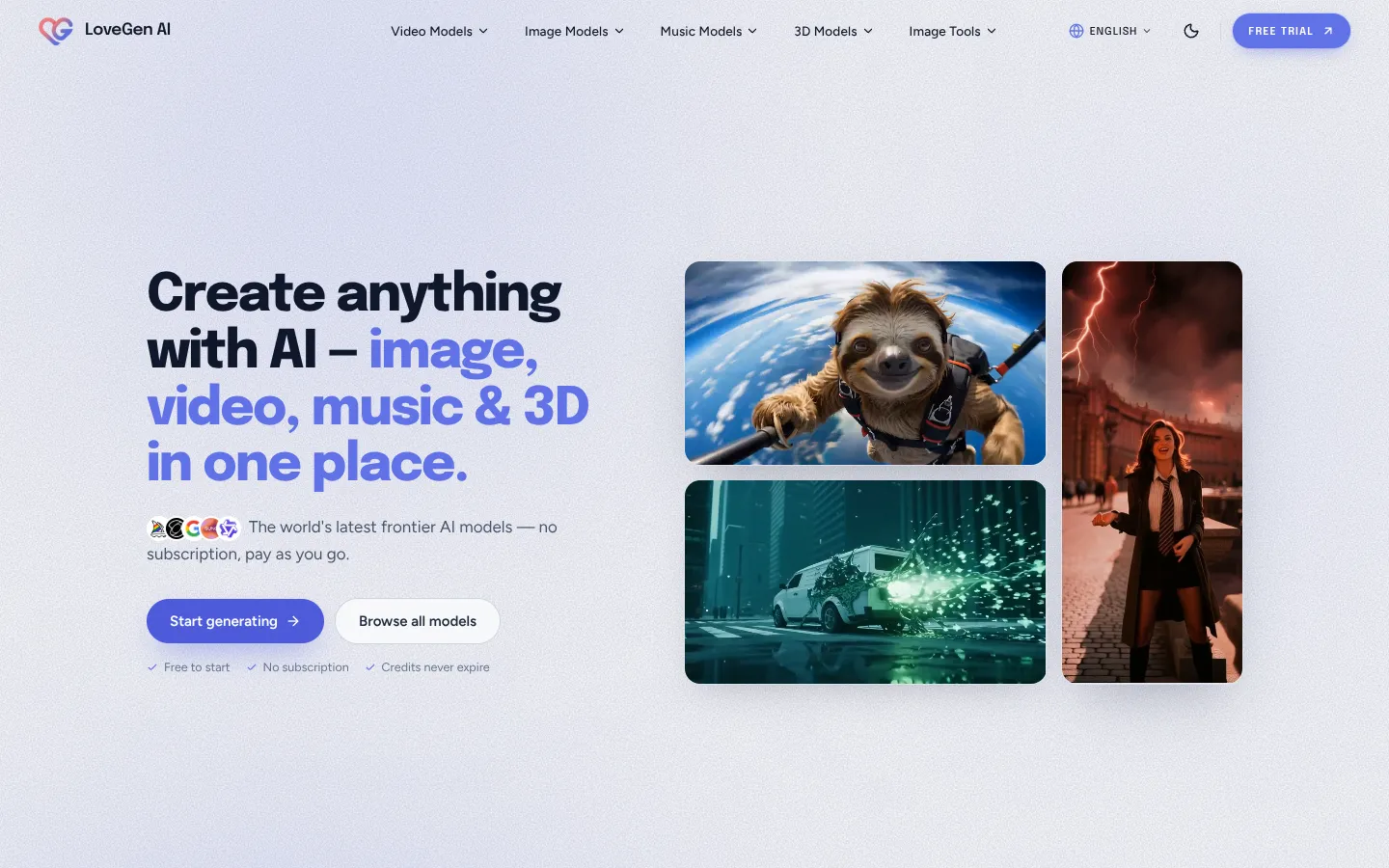
LoveGen AI is a pay-as-you-go platform that provides access to over 50 frontier AI models for image, video, music, and 3D generation. It is designed for creators, marketers, and designers who want to use multiple AI tools without separate subscriptions.
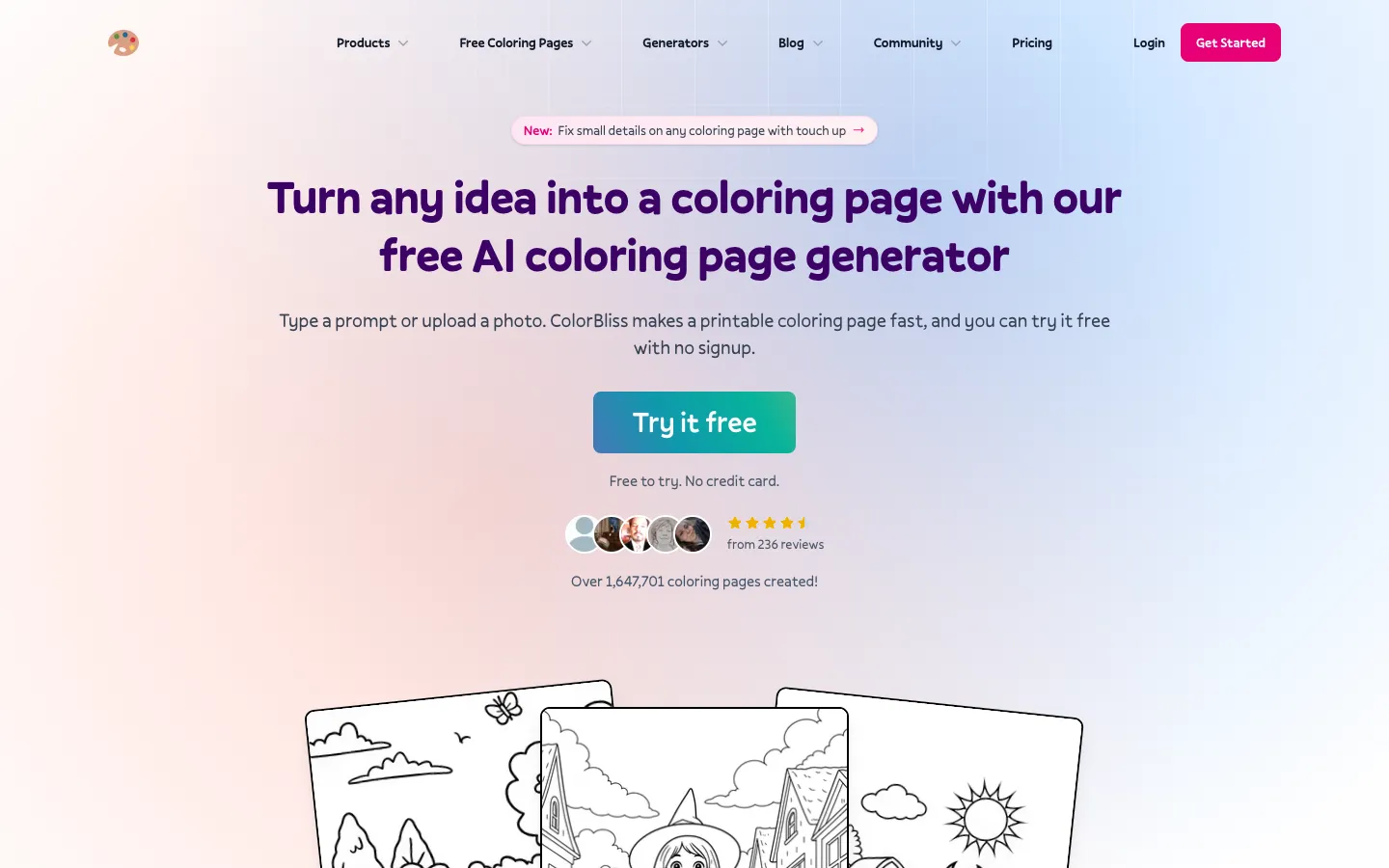
ColorBliss.art is a free AI coloring page generator that turns prompts, photos, or sketches into printable line art in seconds. It is designed for parents, teachers, and creators who need custom coloring pages.
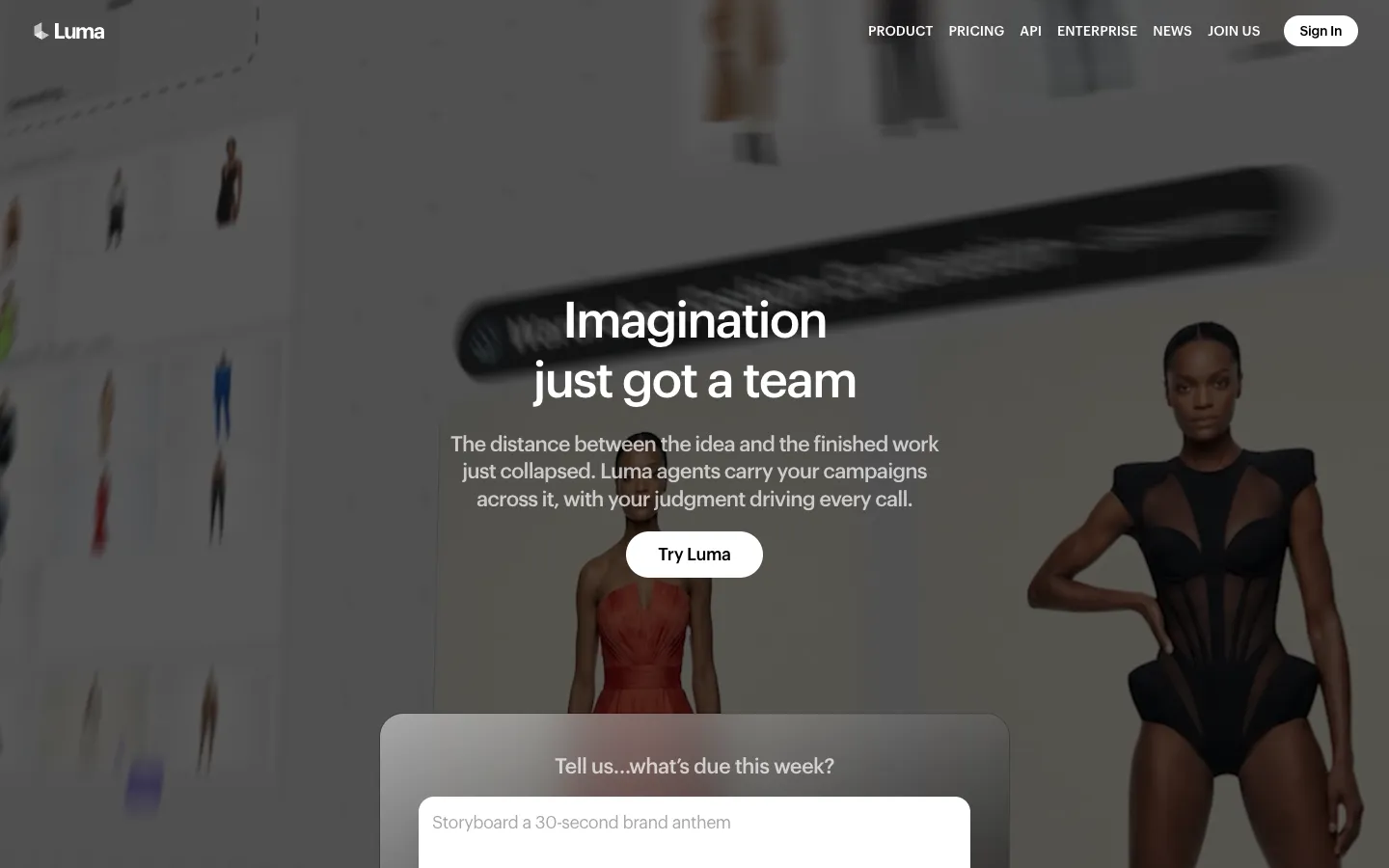
Luma AI is a creative AI platform for video and image generation. It offers models like Ray and Uni, and agents that handle end-to-end creative workflows, trusted by agencies and brands.

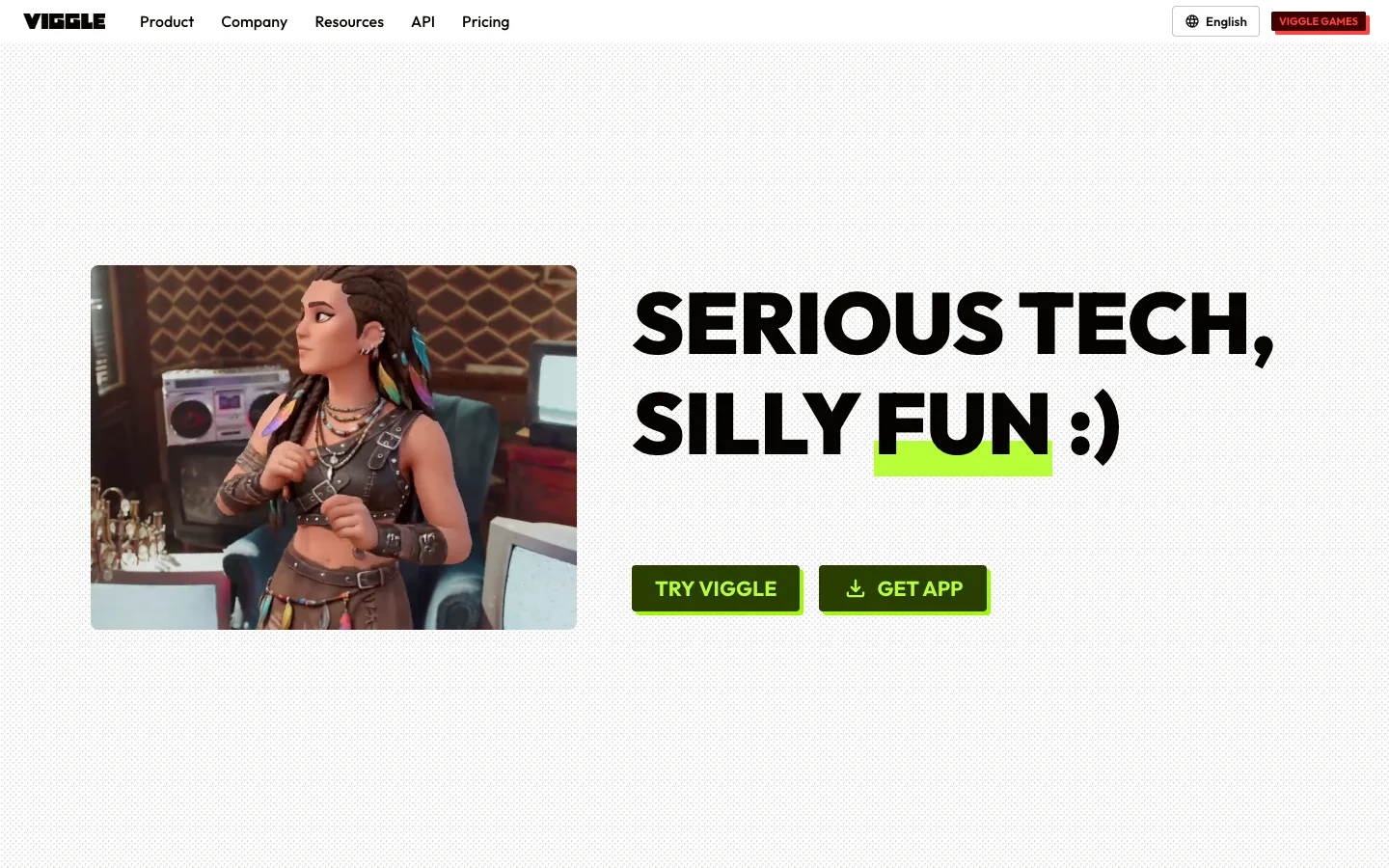
Viggle AI is a platform that turns photos into controllable AI-generated videos, including dancing and lip-syncing memes. It offers tools like PINOC for extracting skeletal animation from videos and a variety of games powered by its technology.