Web app
AI Code Mentor
AI Code Mentor is a tool that explains code using artificial intelligence. It is designed for programmers who want to understand code better through various explanation styles.
- Platform
- Web app
- Categories
- AI Code Refactoring, AI Tutorial, AI Code Assistant, AI Code Explanation
- Indexed
- 2024-02-19
About AI Code Mentor
What is AI Code Mentor
AI Code Mentor is an online tool that uses artificial intelligence to explain code. It helps users understand code snippets by providing detailed explanations in a step-by-step manner. The tool is designed for programmers of all levels, from beginners to experienced developers, who want to learn or review code. It supports multiple explanation styles, making it versatile for different learning preferences.
Key features
The main feature of AI Code Mentor is its ability to explain code in various styles. Users can choose from options like Robot, 5 Years Old, Beginner Programmer, Teacher, NASA Programmer, and more. Some styles are available for free, while others require a PRO subscription. The tool also includes examples of code explanations, such as sorting algorithms like Bubble Sort, Quick Sort, Heap Sort, and Radix Sort, to demonstrate its capabilities.
Use cases
AI Code Mentor can be used for learning new programming concepts, reviewing code for better understanding, and preparing for interviews. It is also helpful for educators who want to explain code to students in different ways. The tool can be used by anyone who wants to gain deeper insights into how a piece of code works, regardless of their current skill level.
Pricing
AI Code Mentor offers a free tier that includes basic explanation styles. For access to additional styles such as Pizza Delivery Guy, Bus Driver, Magician, Barista, and Doctor, users need to subscribe to the PRO plan. The exact pricing details are not specified on the page, but users can see the pricing by clicking on the 'See our pricing' link.
Questions
AI Code Mentor FAQ
- What is AI Code Mentor?
- AI Code Mentor is an AI tool available as a web app in the AI Code Refactoring, AI Tutorial, AI Code Assistant categories. AI Code Mentor is a tool that explains code using artificial intelligence. It is designed for programmers who want to understand code better through various explanation styles.
- What is AI Code Mentor used for?
- AI Code Mentor is filed under AI Code Refactoring, AI Tutorial, AI Code Assistant, AI Code Explanation in the AITOOLIST index. AI Code Mentor is a tool that explains code using artificial intelligence. It is designed for programmers who want to understand code better through various explanation styles.
- Is AI Code Mentor a web app, an extension or a native app?
- AI Code Mentor is a web app.
Listed in the AITOOLIST index since 2024-02-19.
Related
Tools similar to AI Code Mentor

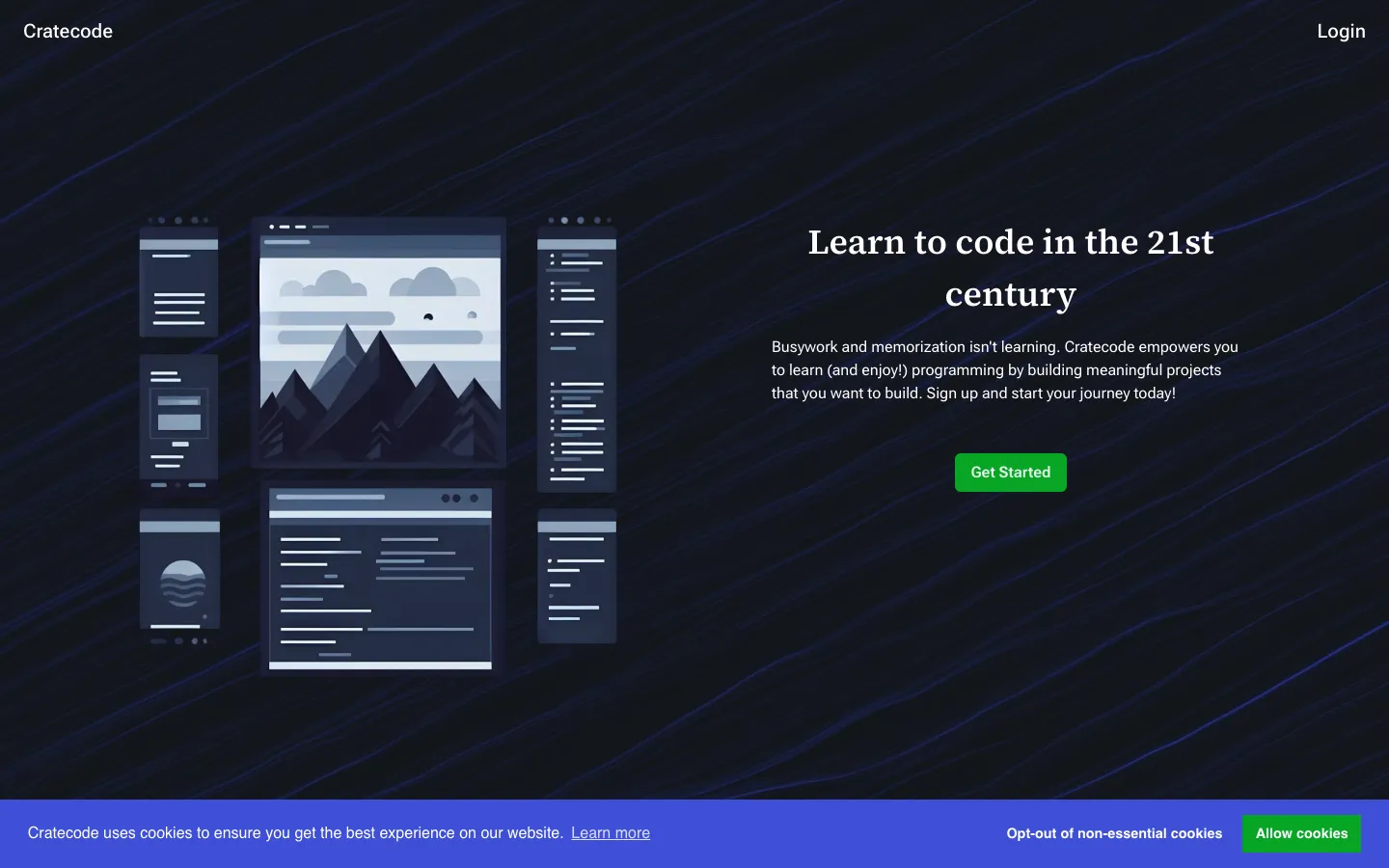
Cratecode is a free online platform that teaches programming through project-based, non-linear courses. It uses an AI assistant to help learners by answering questions, reviewing code, and providing step-by-step guidance.


Pegasus AI is a workspace RAG chatbot platform that lets teams build AI assistants from uploaded documents. It offers web chat, secure widgets, scoped API clients, and team workspaces with usage tracking.
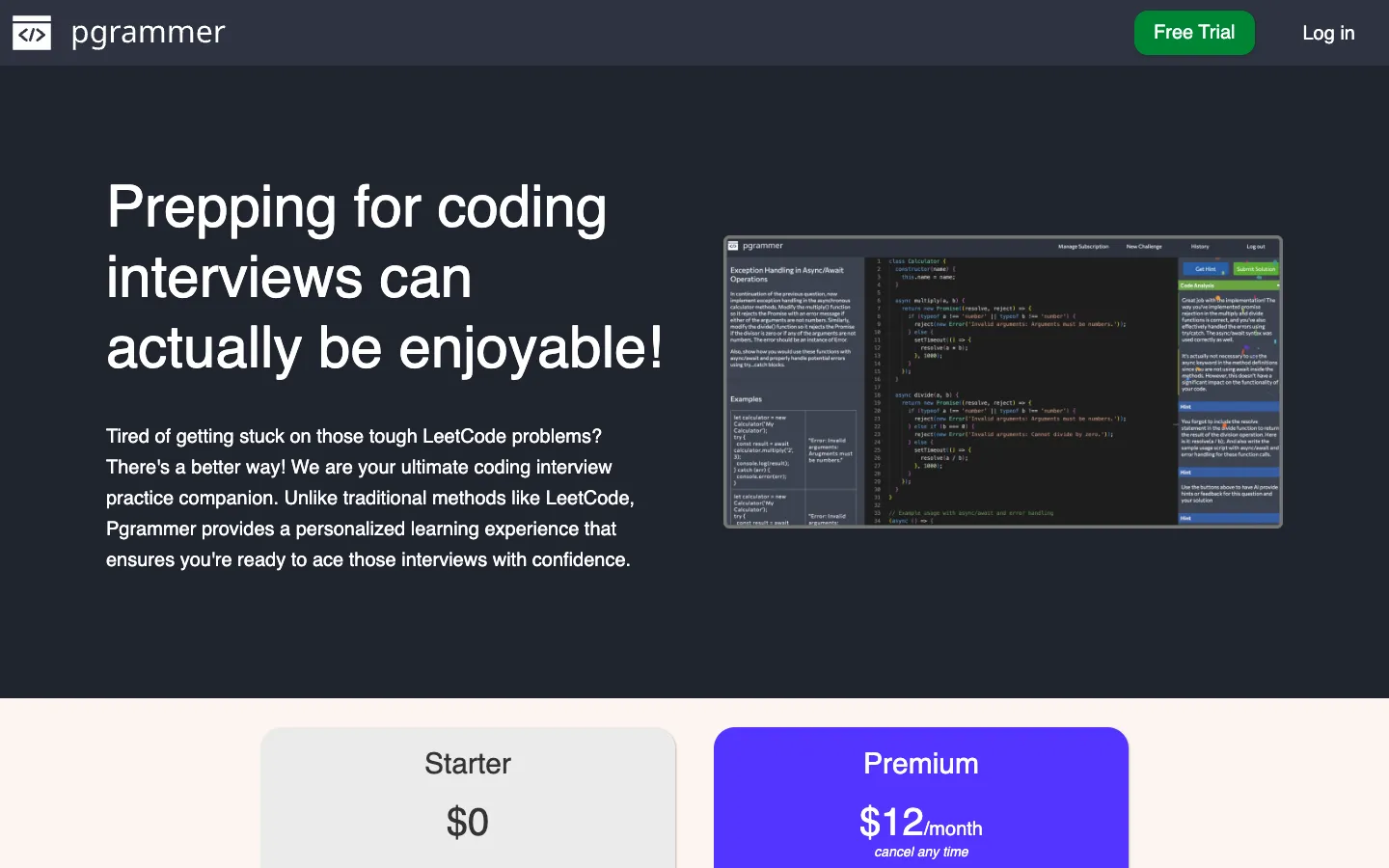
Pgrammer is an AI-powered platform for practicing coding interview questions. It provides personalized questions, real-time hints, and solution analysis to help users prepare for technical interviews.

ProMind AI provides a collection of personalised AI agents for professional tasks. It helps users generate content like tweets, blog posts, and code, and fix errors in code.

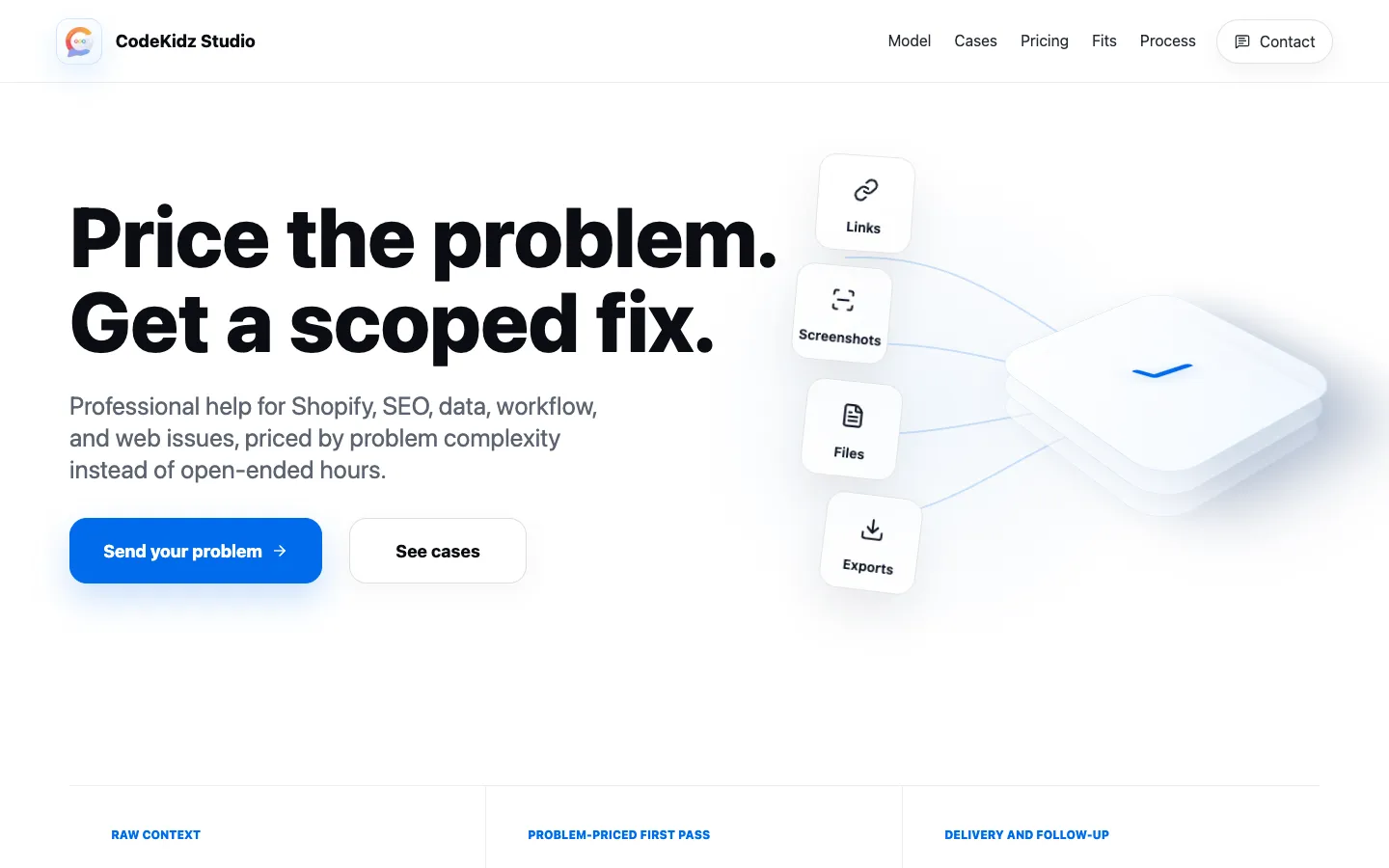
CodeKidz Studio offers problem-priced professional help for Shopify, SEO, data, workflow, and web issues. It provides fixed-scope first passes, affordable pricing, and long-term support for small businesses and individuals.
Pine Script Wizard AI is a ChatGPT-powered code generator for TradingView Pine Script strategies and indicators. It helps traders create custom scripts by describing their needs in text, then copying the generated code into TradingView's Pine Editor.